Dialing
43
2
A
AA
A
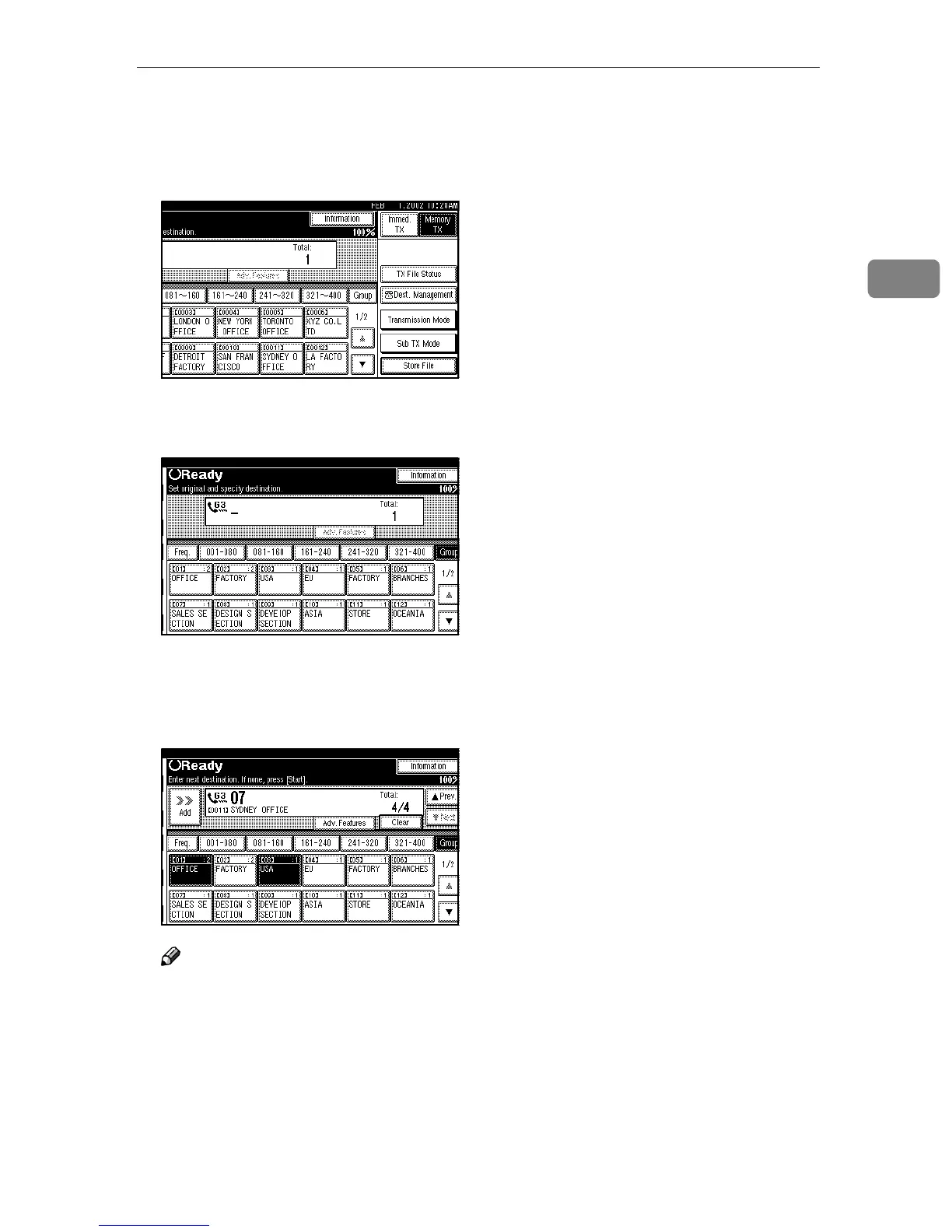
Place your original and select any
scan settings you require.
B
BB
B
Press [Group].
C
CC
C
Press the Group key for the de-
sired group.
A programmed destination and
the total number of destinations is
displayed. Press [U
UU
U] and [T
TT
T] to see
the other destinations.
Note
❒ If the destination is not dis-
played, press [U
UU
U Prev.] or [T
TT
T
Next] to find it.
❒ To cancel a setting, press once
more the selected Quick Dial
key. You can also change the
settings by pressing [Clear] or
the {
{{
{Clear / Stop}
}}
} key.
❒ To set more groups, repeat from
step
C
.
D
DD
D
Press the {
{{
{Start}
}}
} key.



 To Next Page