Operating InstructionsFacsimile Reference (option) <Advanced Features>
99
D
DD
D
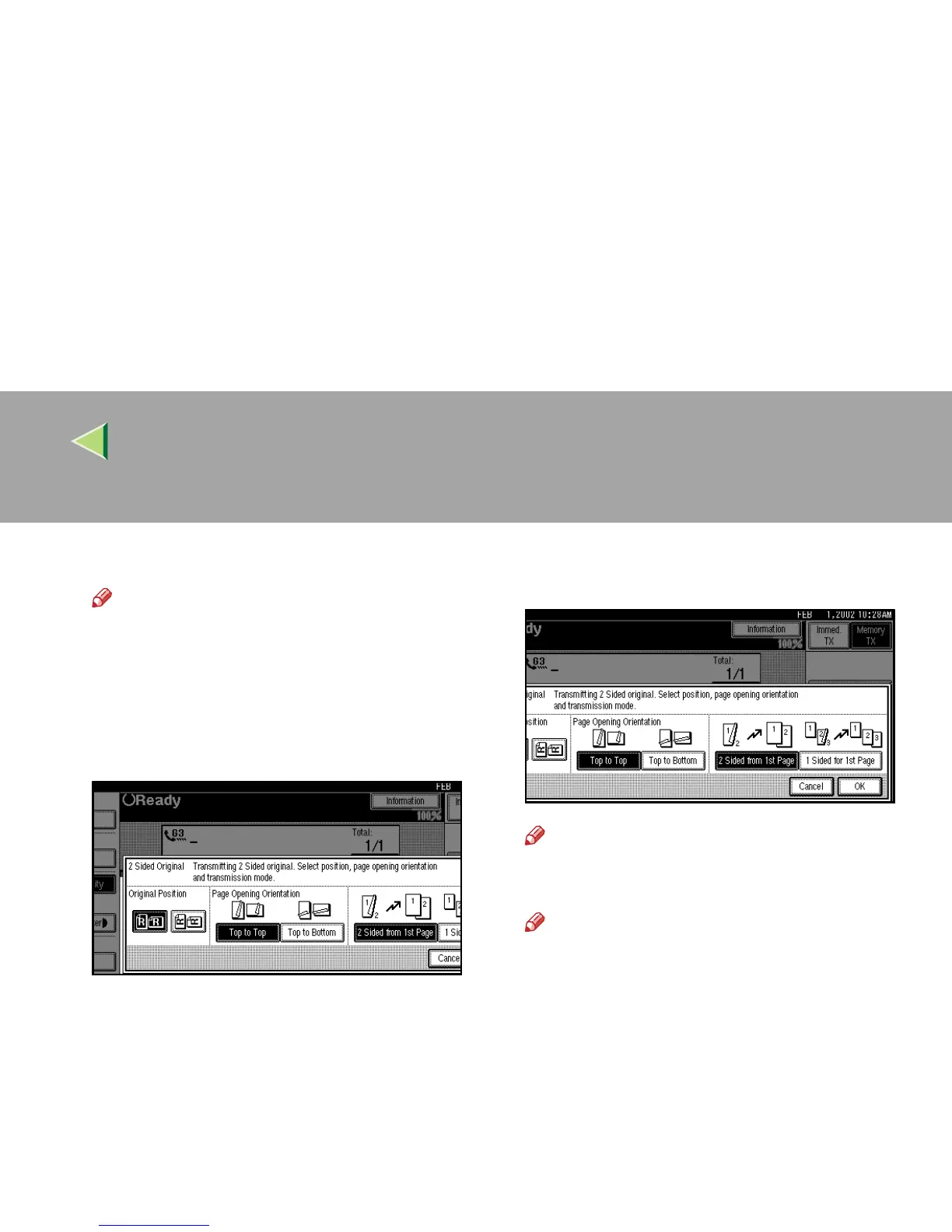
Specify “Original Position”.
Note
❒ Make sure that the specified “Original Po-
sition” matches the orientation of originals
loaded in the optional Document Feeder
(ADF).
E
EE
E
Specify Page Opening Orientation from
[Top to Top] or [Top to Bottom].
F
FF
F
Specify the Transmission Mode from [2
Sided from 1st Page] or [1 Sided for 1st Page].
Note
❒ To cancel this mode, press [
Cancel
]. The
display will return to step
C
.
Note
❒ Select “2 Sided from 1st Page” to send a 2
Sided Original from the first page.
❒ Select “1 Sided for 1st Page” if you want to
send a cover letter as the first page.
G
GG
G
Press [OK].
The [2 Sided Original] key is highlighted, and
the “Original Position” and “Page Opening
Orientation” are shown above.
H
HH
H
Press [OK].
I
II
I
Dial, and then press the {
{{
{Start}
}}
} key.



 To Next Page