Operating Instructions Copy Reference <Advanced Features>
45
Note
❒ You can specify whether to make a copy on
the cover sheet. If you select [Copy], the first
page will be copied on the cover sheet. If you
select [Blank], a cover sheet will just be insert-
ed before the first copy.
❒ When choosing [Copy], select whether the
front and back covers are copied single-sided
(“1 Sided Only”) or double-sided (“Duplex
Copy”). ⇒ “Cover Sheet Tray (for Copy/Doc-
ument Server function only)”, Administrator
Reference 2 Copier System Edition
❒ When the Duplex mode is selected, the ma-
chine refers to the setting used in the selected
mode in “Tray Display” of the User Tools
(System Settings).
•“Mode Selected”: the machine refers to the
settings in “Cover”.
•“Display Always”: the machine refers to
the settings in “Special Paper Indication”.
⇒ “Paper Type (Tray 1 - 4)” and “Cover
Sheet Tray (for Copy/Document Server
function only)”, Administrator Reference 2
Copier System Edition
❒ When you use this function with Combine
mode, you can specify whether to combine
the front cover or not. ⇒ p.118 “Front Cover
Copy in Combine”
A
AA
A
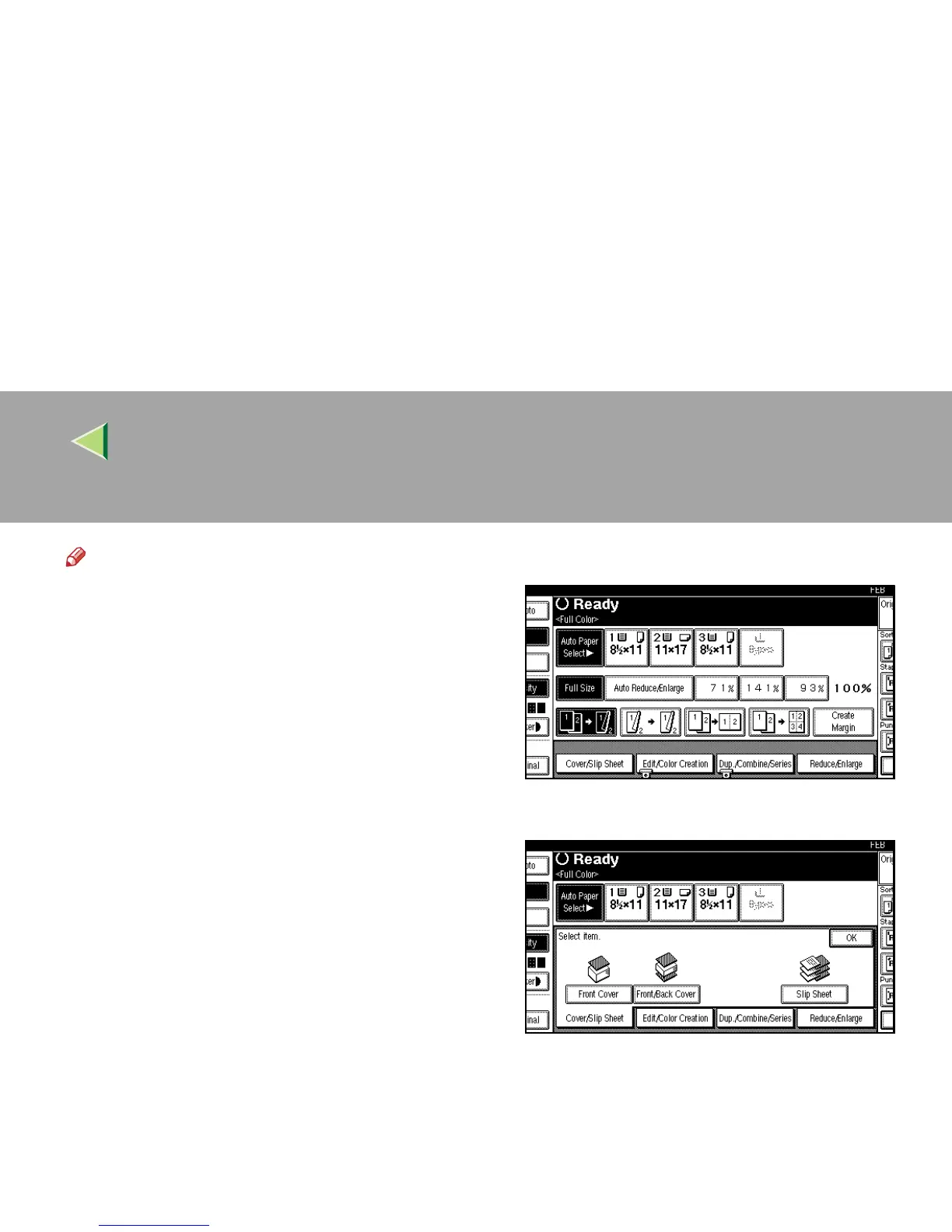
Press [
Cover/Slip Sheet
].
B
BB
B
Press [Front Cover].



 To Next Page