Registering
58
3
B
BB
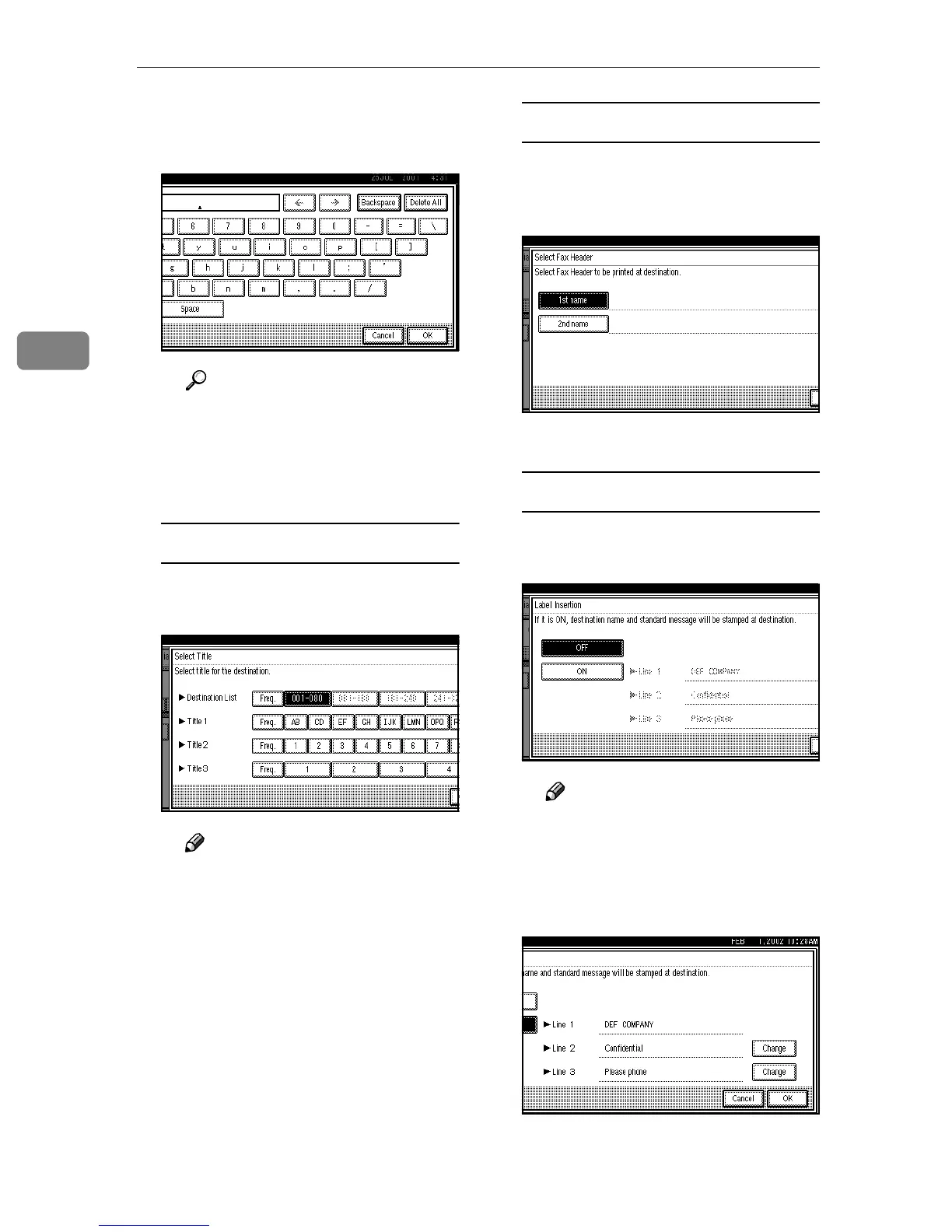
B Press [Backspace] or [Delete All],
and then reenter the Key Dis-
play.
Reference
⇒ p.71 “Entering Text”
C
CC
C Press [OK].
The new Key Display entered is
shown.
Editing a Title
A
AA
A Press [Select Title].
B
BB
B Select the title you want to edit.
Note
❒ You can program the same
destinations in [Title 1], [Title
2], and [Title 3].
❒ The address stored in [Freq.]
will be normally displayed
even if it's switched to [Desti-
nation List] [Title 1] [Title 2] or
[Title 3].⇒ Chapter 7, “Pro-
gramming Title of the Quick
Dial Table” in the Advanced
Features Manual
C
CC
C Press [OK].
Editing a Fax Header
A
AA
A Press [Select Fax Header].
B
BB
B Select [1st Name] or [2nd Name]
and edit them.
C
CC
C Press [OK].
Editing Label Insertion
A
AA
A Press [Label Insertion].
B
BB
B Select [ON] or [OFF].
Note
❒ If you select [ON] or if you
want to stamp only the re-
ceiver name, go to step F.
C
CC
C Press [Change] at the right side
of the second or third line.



 To Next Page