Operating Instructions Copy Reference <Advanced Features>
71
C
CC
C
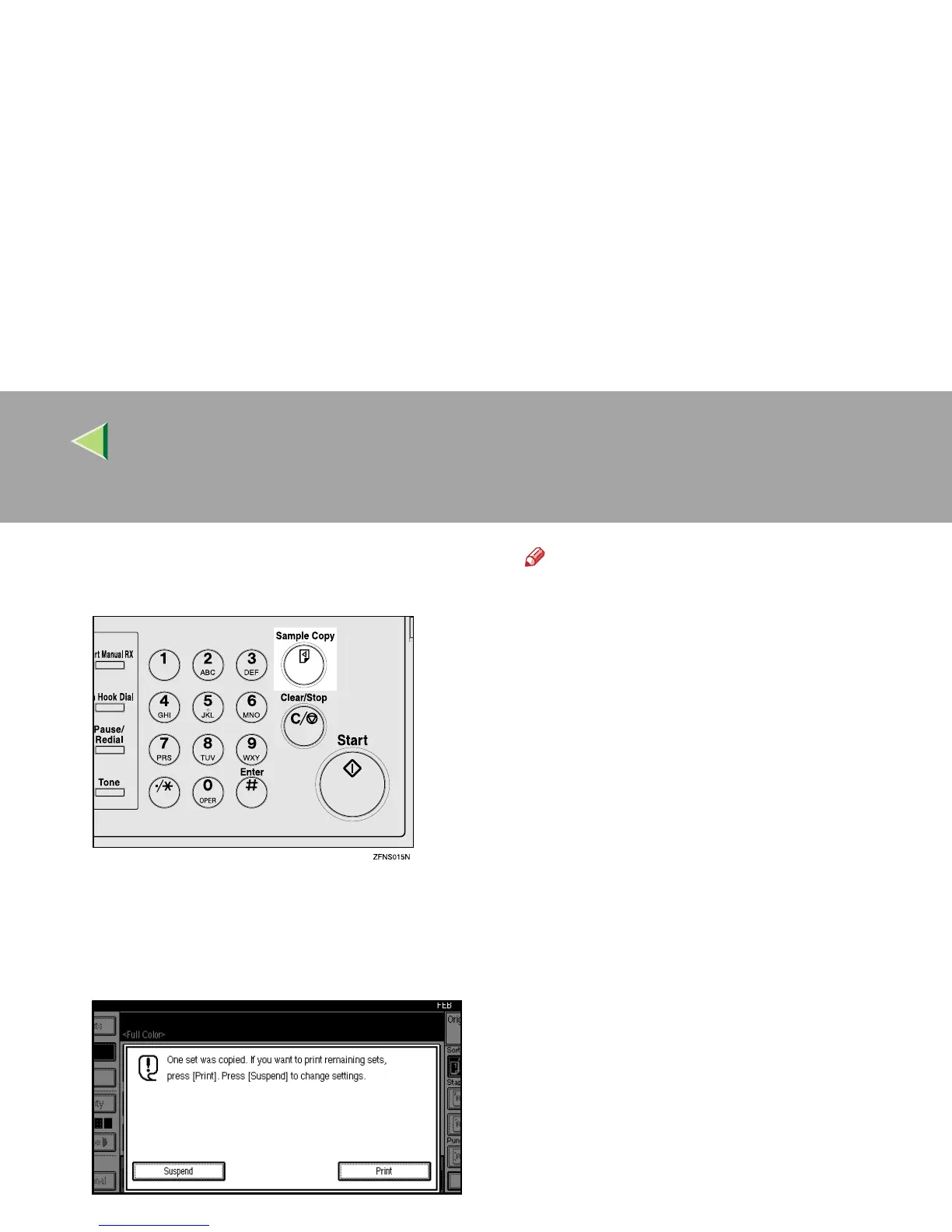
Press the {
{{
{Sample Copy}
}}
} key.
One copy set is delivered for sample copying.
D
DD
D
After checking the results, press [Print] if
the sample is acceptable.
The number of copies made is the number you
specified minus one for the sample copy.
Note
❒ If you press [Suspend] after checking the
results, return to step
A
to adjust the copy
settings as necessary. You can change
the settings for Staple, Punch, Duplex (2
Sided → 1 Sided, 1 Sided → 2 Sided),
Copy Orientation, Margin Adjust, and Cov-
er/Slip Sheet. However, depending on the
combination of functions, you may not be
able to change some settings.
❒ When pressing the {
{{
{Start}
}}
} key or the {
{{
{Sam-
ple Copy}
}}
} key, a sample copy will be taken
without reducing the number of the set.



 To Next Page