Operating InstructionsFacsimile Reference (option) <Advanced Features>
102
Note
❒ You can store up to 6 Auto Documents (up to
18 with optional Expansion Memory in-
stalled).⇒ p.179 “Storing and Changing an
Auto Document”
❒ Files with Auto Documents are sent by Mem-
ory Transmission.
❒ When sending an Auto Document with anoth-
er files, the Auto Document is sent first.
❒ Storing Auto Documents reduces the amount
of free memory slightly. Unless you delete the
document, free memory will not return to
100%.
❒ You can print an Auto Document currently
stored in memory.⇒ p.103 “Printing Docu-
ments Stored as Auto Documents”
A
AA
A
Place your original, and then select any
scan settings you require.
When you fax an Auto Document by itself, go
to step
B
without placing original.
B
BB
B
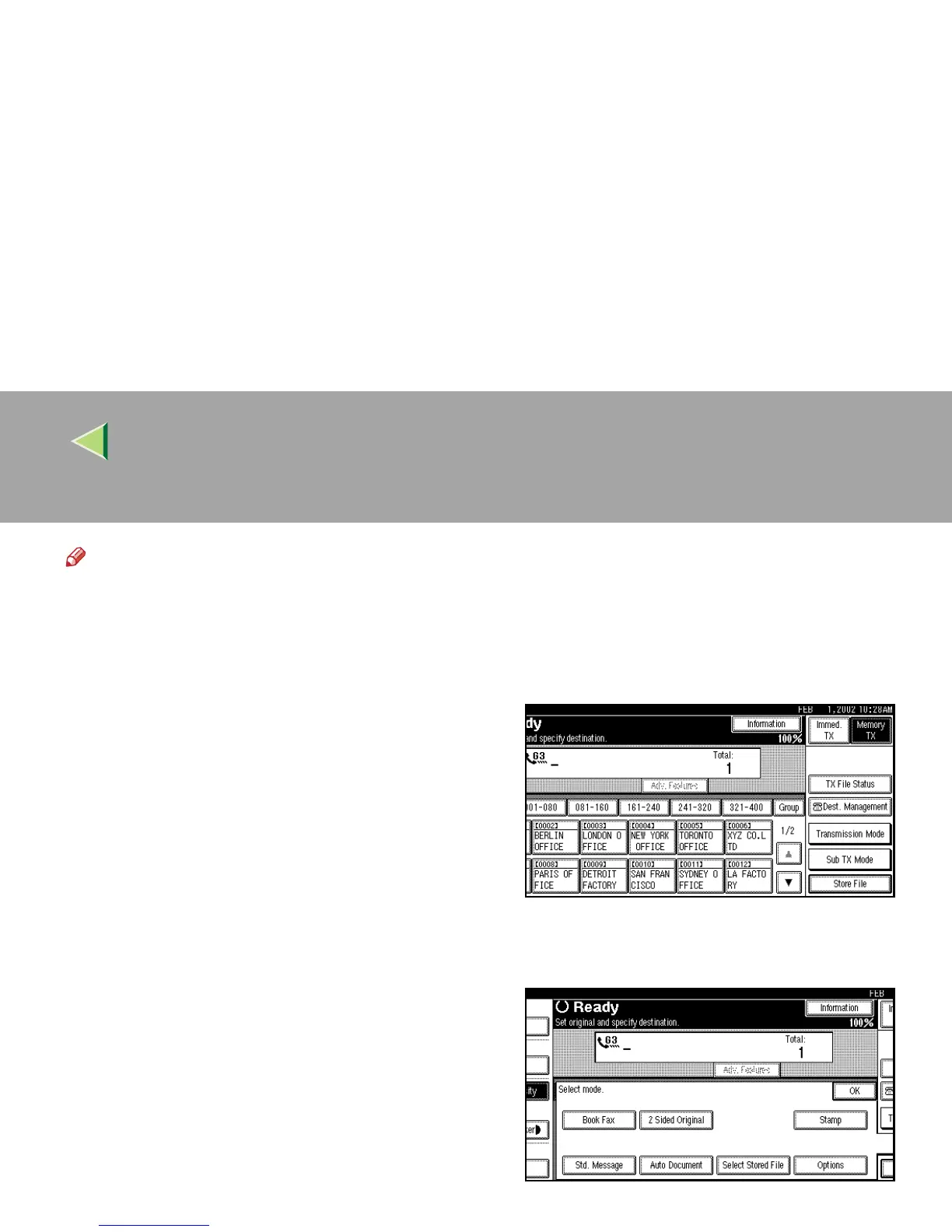
Press [Sub TX Mode].
The Sub Transmission Mode menu is shown.
C
CC
C
Select [Auto Document].



 To Next Page