Operating InstructionsFacsimile Reference (option) <Advanced Features>
175
On this machine, you can create a Quick Dial Ta-
ble according to your needs. In creating a Quick
Dial Table, you should program titles to facilitate
your search process.You can change the type of
classification.
Create and use your own titles according to your
needs, for example, “Business” and “Private”.
Note
❒ The machine can make four types of Quick
Dial Tables. To display a Quick Dial Table dif-
ferent from the one being shown, press the
[
Change Title
] key. ⇒ p.176 “Switching Titles”
❒ You can program up to four characters for the
“Title 1” and “Title 2” keys.
❒ You can program up to eight characters for
the “Title 3” key.
❒ Use the same procedure program and
change the titles.
A
AA
A
Press the {
{{
{User Tools/Counter}
}}
} key.
B
BB
B
Press [Facsimile Features].
The Facsimile Features menu is shown.
C
CC
C
Check that the “Prog./Change/Delete” tab
is selected.
D
DD
D
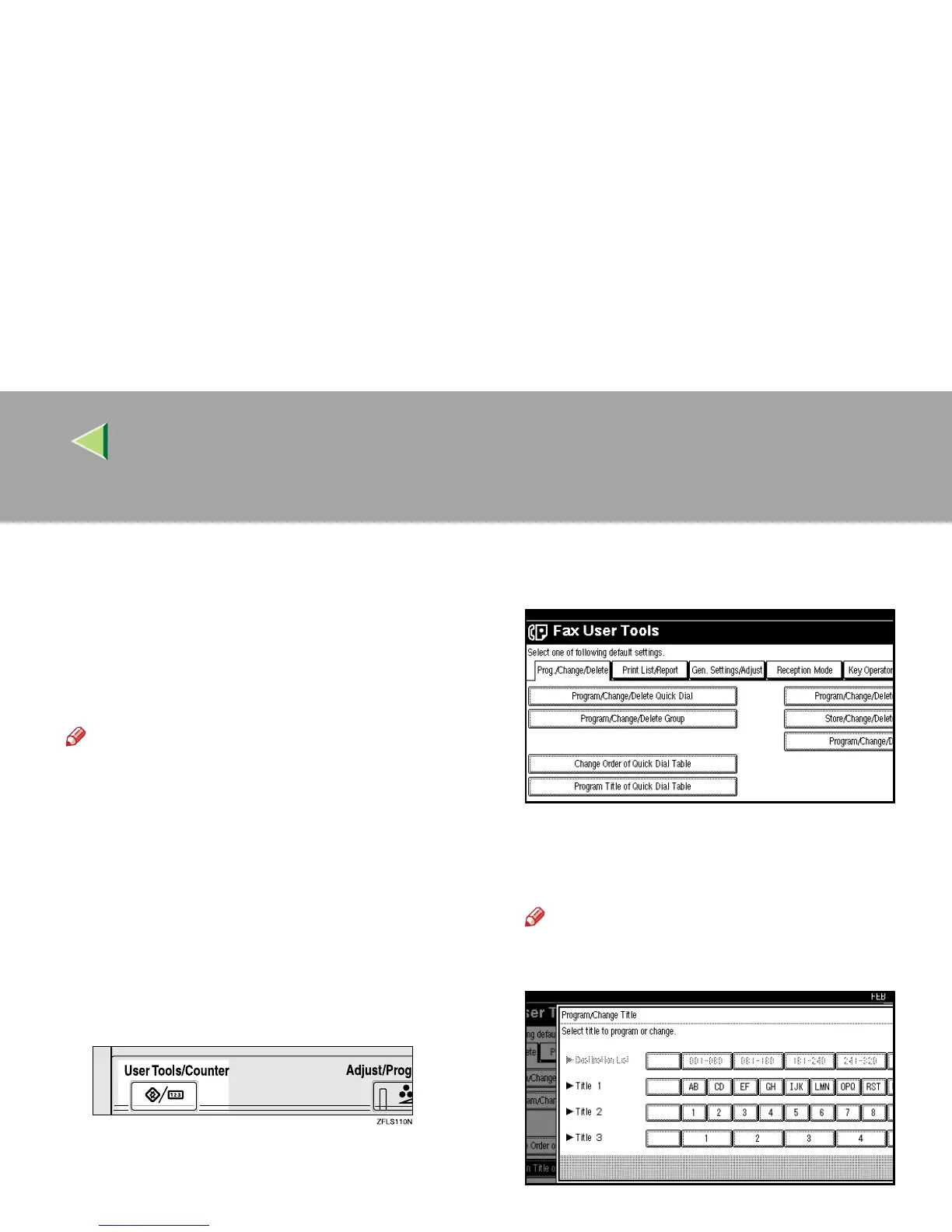
Select [Program Title of Quick Dial Table].
E
EE
E
Press the title key to program.
Note
❒ You cannot make any changes to “Desti-
nation List” or “Freq.”.



 To Next Page