Operating Instructions Maintenance Guide 2 Copier System Edition
40
C
CC
C
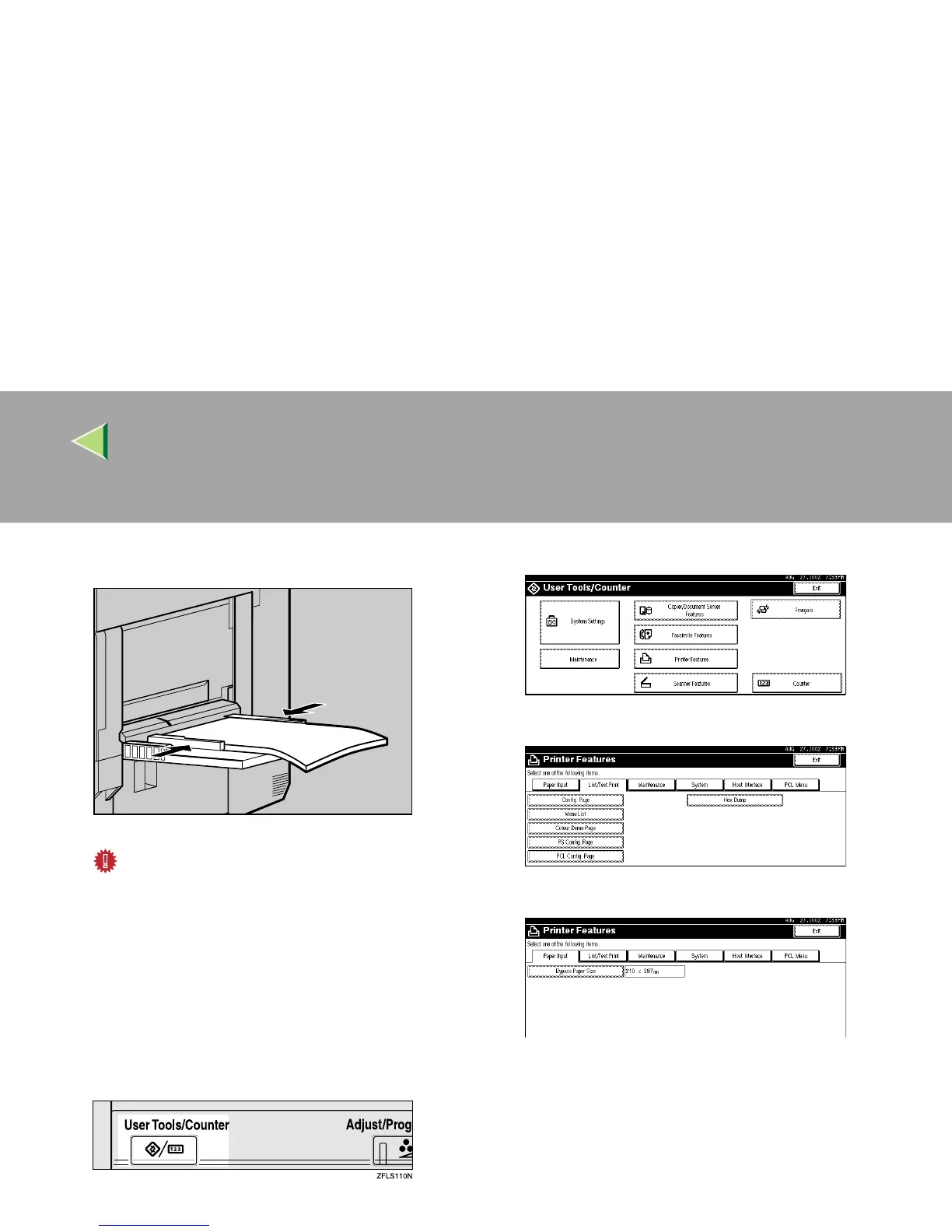
Adjust the side guides to the paper width.
Important
❒ Confirm that the top of the stack is not
higher than the limit mark inside the tray.
❒ Shuffle the paper before loading the stack
onto the tray so multiple sheets are not fed
in at one time.
D
DD
D
Set the paper size using the control panel as
follows:
A Press the {
{{
{User Tools/Counter}
}}
} key.
B Press [Printer Features].
C Press [Paper Input].
D Press [Bypass Paper Size].
ZDJH205J



 To Next Page