Operating InstructionsFacsimile Reference (option) <Advanced Features>
194
B
BB
B Press [OK].
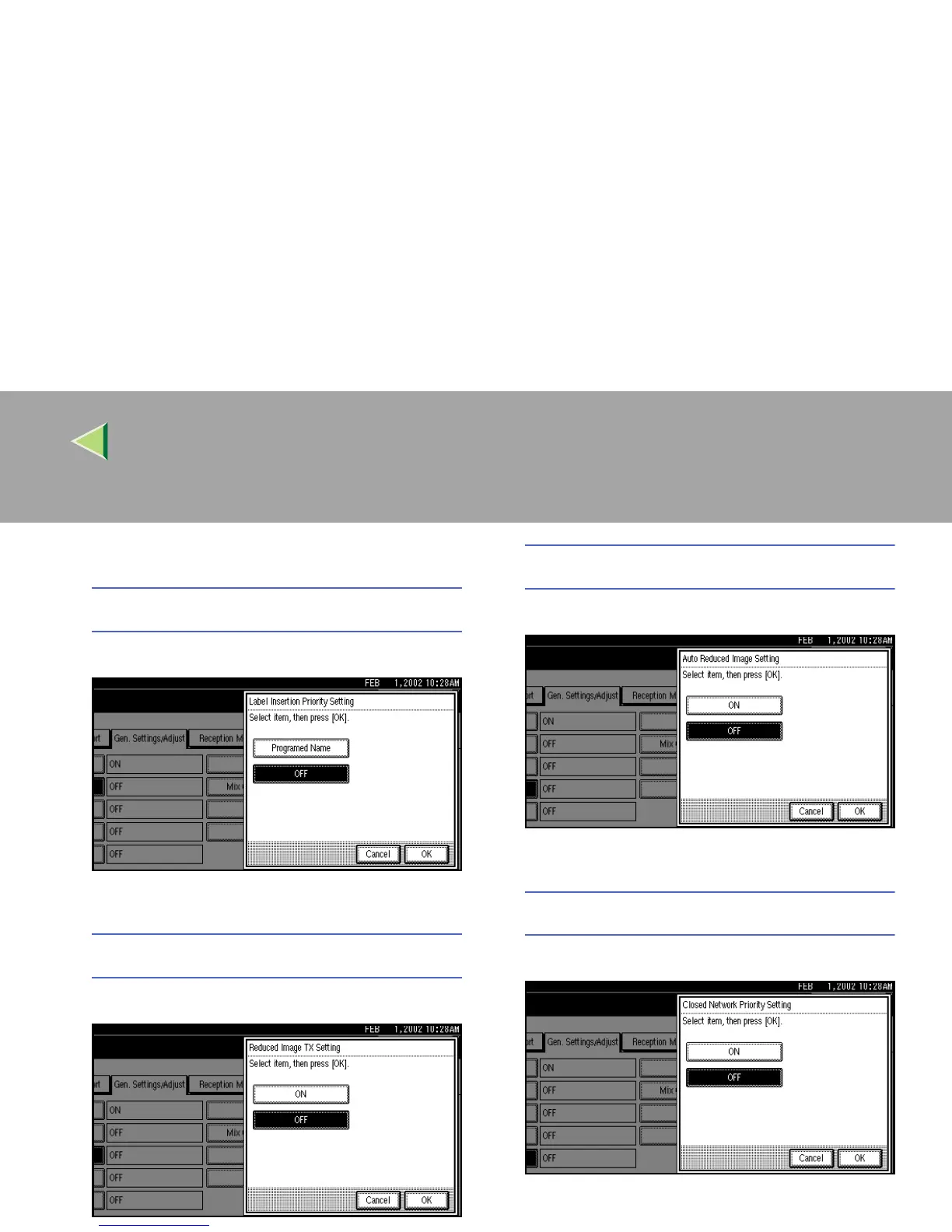
Label Insertion Priority Setting
A
AA
A Select [Programed Name] or [OFF].
B
BB
B Press [OK].
Reduced Image Transmission Setting
A
AA
A Select [ON] or [OFF].
B
BB
B Press [OK].
Auto Reduced Image Setting
A
AA
A Select [ON] or [OFF].
B
BB
B Press [OK].
Closed Network Priority Setting
A
AA
A Select [ON] or [OFF].
B
BB
B Press [OK].



 To Next Page