Operating InstructionsFacsimile Reference (option) <Advanced Features>
197
Quick Operation Key
A
AA
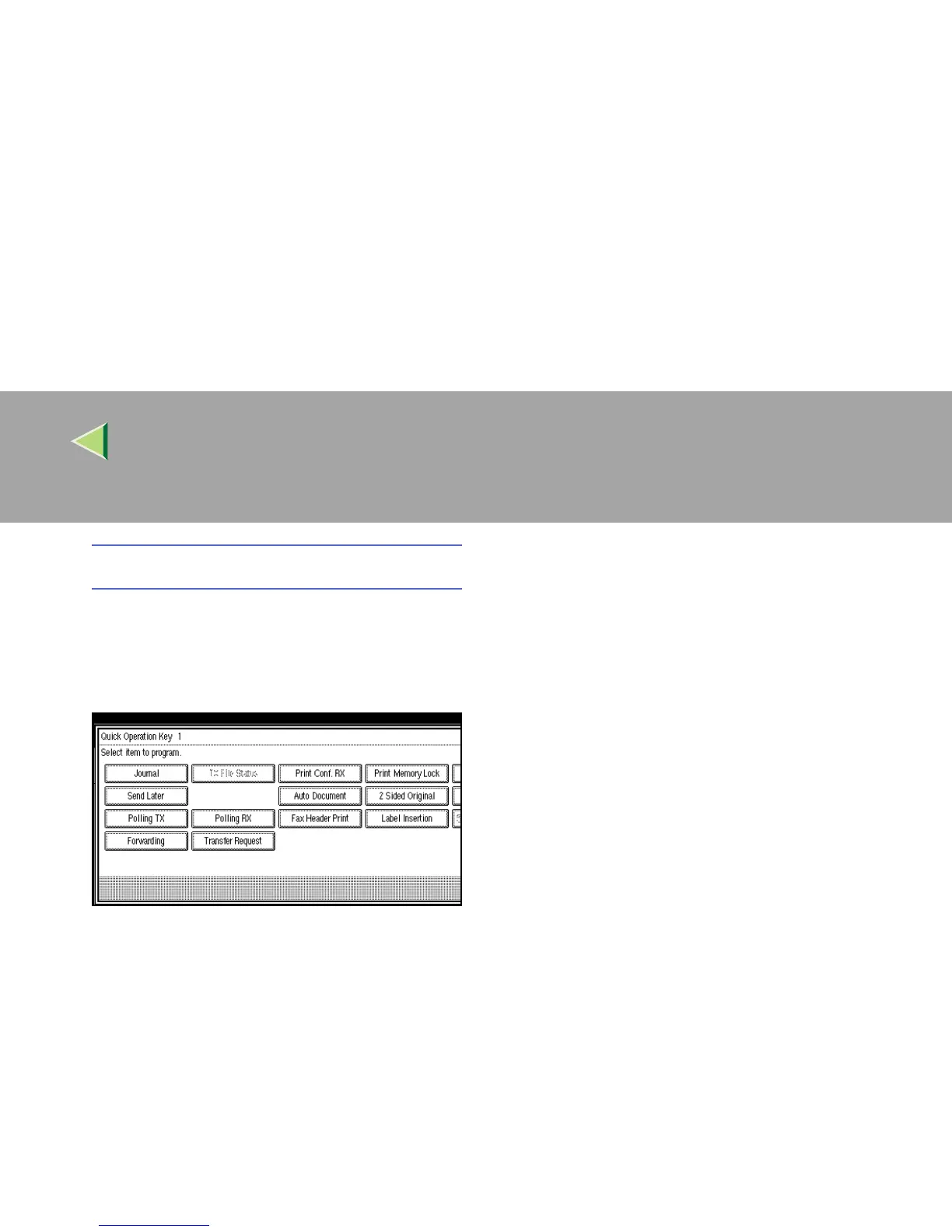
A Select the Quick Operation Key you
want to program.
B
BB
B Select the function you want to program
in the Quick Operation Key.
The functions that are half bright have al-
ready been set.
C
CC
C Press [OK].
F
FF
F
Press the {
{{
{User Tools/Counter}
}}
} key.
The initial display is shown.



 To Next Page