Operating Instructions Maintenance Guide 2 Copier System Edition
43
Specifying a paper type for the Bypass Tray
By selecting the paper type you want to load, the
printer can perform printing better. You can se-
lect from the following paper types.
• Plain Paper, Recycled Paper, Special Paper,
Color Paper, Letterhead, Preprinted, Pre-
punched, Labels, Bond Paper, Card Stock,
OHP Transparencies, Thick Paper, Plain Pa-
per (Duplex), Thick Paper (Duplex)
Important
❒ Be sure to select the paper type when you
load labels, thick paper, or OHP transparen-
cies in the Bypass Tray.
Limitation
❒ You cannot use the following functions when
printing on paper loaded in the Bypass Tray.
• Duplex Print
• Collate, Job Separation
• Staple, Punch
• Auto Tray Select
A
AA
A
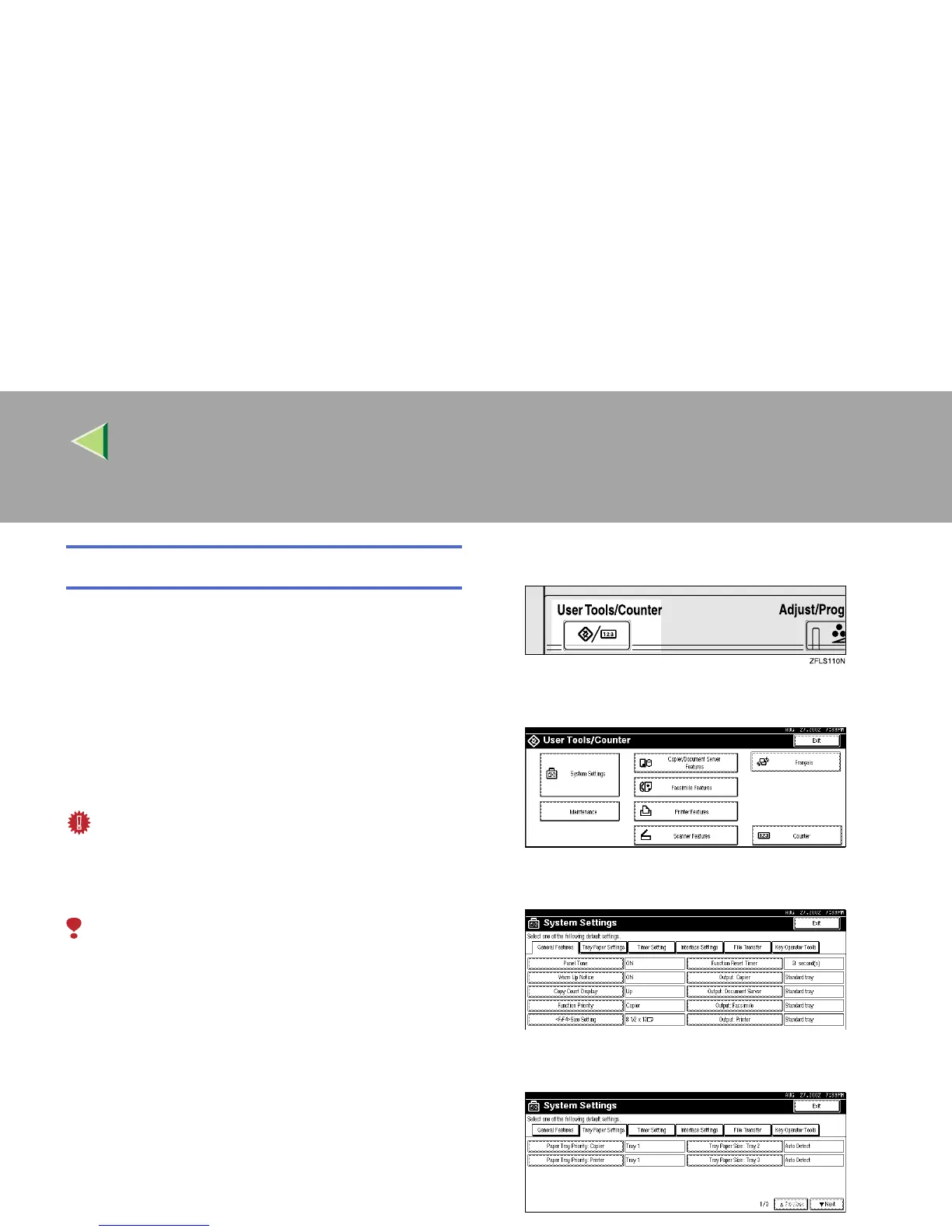
Press the {
{{
{User Tools/Counter}
}}
} key.
B
BB
B
Press [System Settings].
C
CC
C
Press [Tray Paper Settings].
D
DD
D
Press [T
TT
TNext].



 To Next Page