Operating InstructionsFacsimile Reference (option) <Advanced Features>
214
ECM
If a part of a transmission fails because of a line
problem, the lost data is automatically resent. For
this feature to work, the other machine must have
ECM. You can turn this function on or off with
the following procedure.
Limitation
❒ If you turn ECM off, you cannot use the follow-
ing features:
❒ JBIG Transmission
❒ Super G3 Communication
A
AA
A
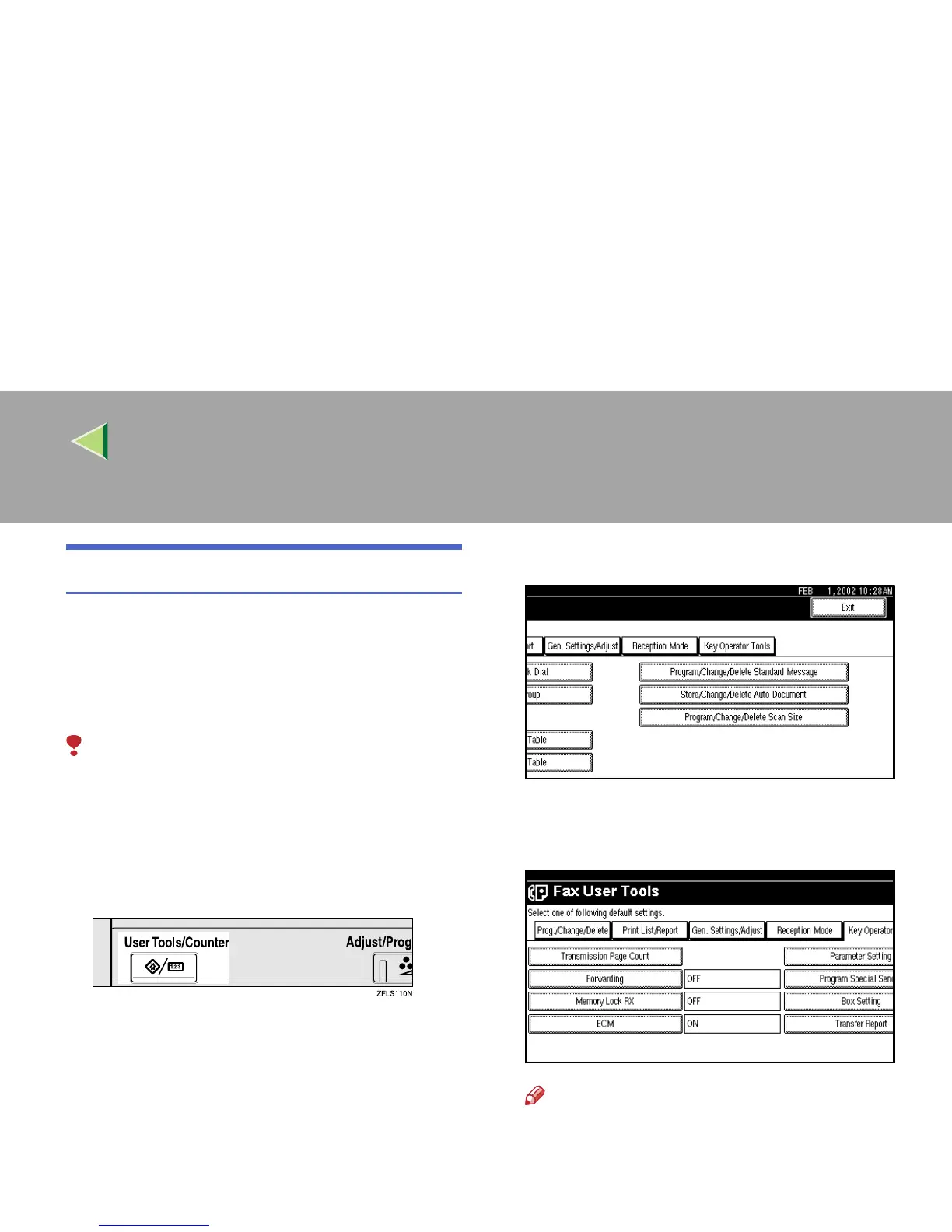
Press the {
{{
{User Tools/Counter}
}}
} key.
B
BB
B
Press [Facsimile Features].
The Facsimile Features menu is shown.
C
CC
C
Select [Key Operator Tools].
The Key Operator Tools menu is shown.
D
DD
D
Select [ECM].
Note
❒ If “ECM” is not shown, press [U
UU
U Prev.] or [T
TT
T
Next].



 To Next Page