Operating InstructionsFacsimile Reference (option) <Advanced Features>
239
Programming/Editing Personal Boxes
This section describes how to program Personal
Boxes.
You can store the following items:
• SUB Code (required)
Up to 20 characters long and can be composed
of digits 0-9, “#”, “*” and spaces (the first
character cannot be a space).
• Box Name (required)
Up to 20 characters long
• Password (optional)
Up to 20 characters long and can be composed
of digits 0-9, “#”, “*” and spaces (the first
character cannot be a space).
When registering a password, a mark is dis-
played before the Box Name.
• Receiver (optional)
You can program one delivery destination for
each Personal Box. Specify the Quick Dial the
delivery destination is stored in.
Note
❒ The Fax Header is not printed on delivered
messages.
❒ If a message cannot be delivered, a Commu-
nication Failure Report is printed and the
message is saved as a Confidential Recep-
tion document.
❒ You can edit boxes in the same way you pro-
gram them. However, to change the SUB
Code itself, you must delete the box, and then
program a new SUB Code.
Reference
❒ ⇒ p.60 “Personal Boxes”
A
AA
A
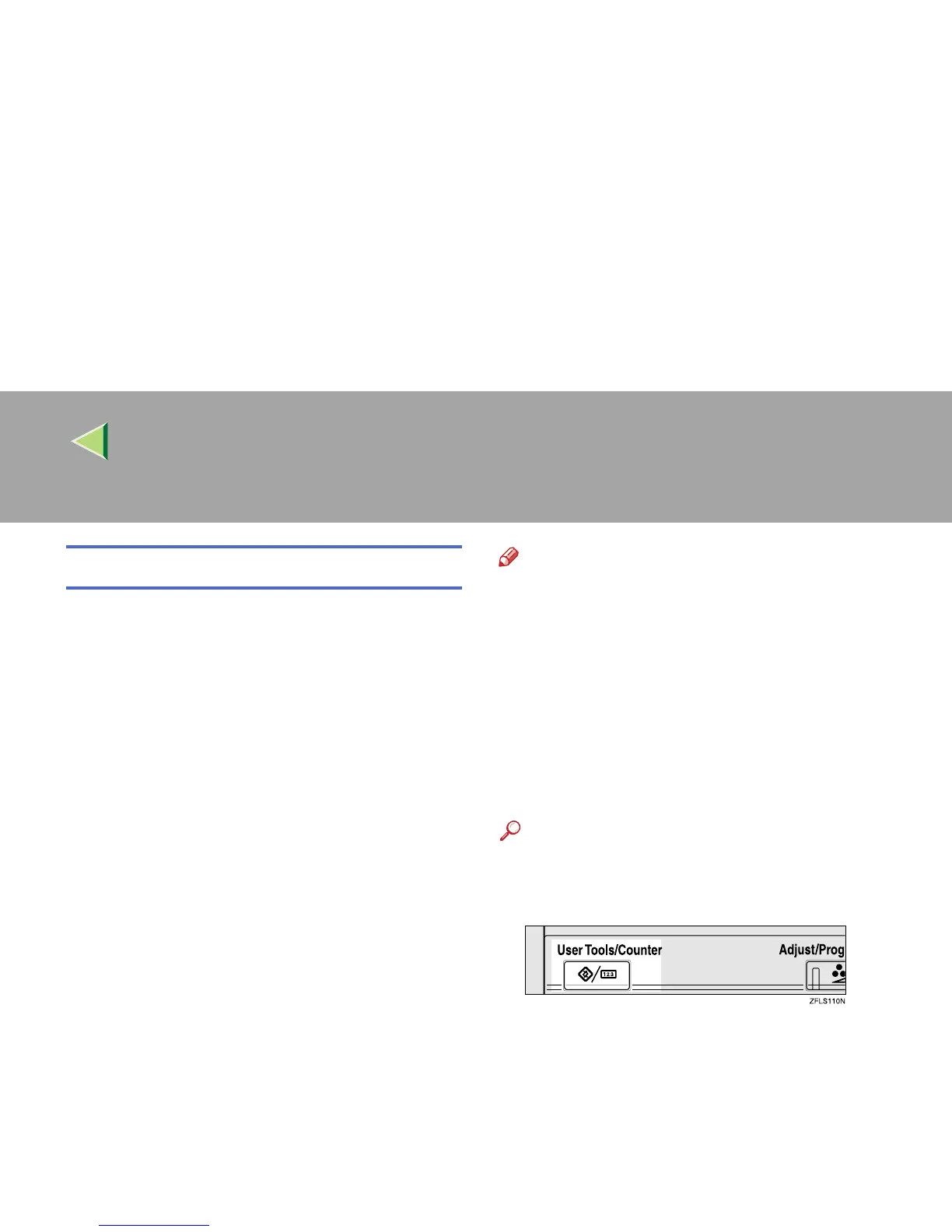
Press the {
{{
{User Tools/Counter}
}}
} key.
B
BB
B
Press [Facsimile Features].
The Facsimile Features menu is shown.



 To Next Page