Operating InstructionsFacsimile Reference (option) <Advanced Features>
251
G
GG
G
Enter a Box Name.
Reference
❒ ⇒ Chapter 3, “Entering Text” in the Basic
Features manual
H
HH
H
Press [OK].
I
II
I
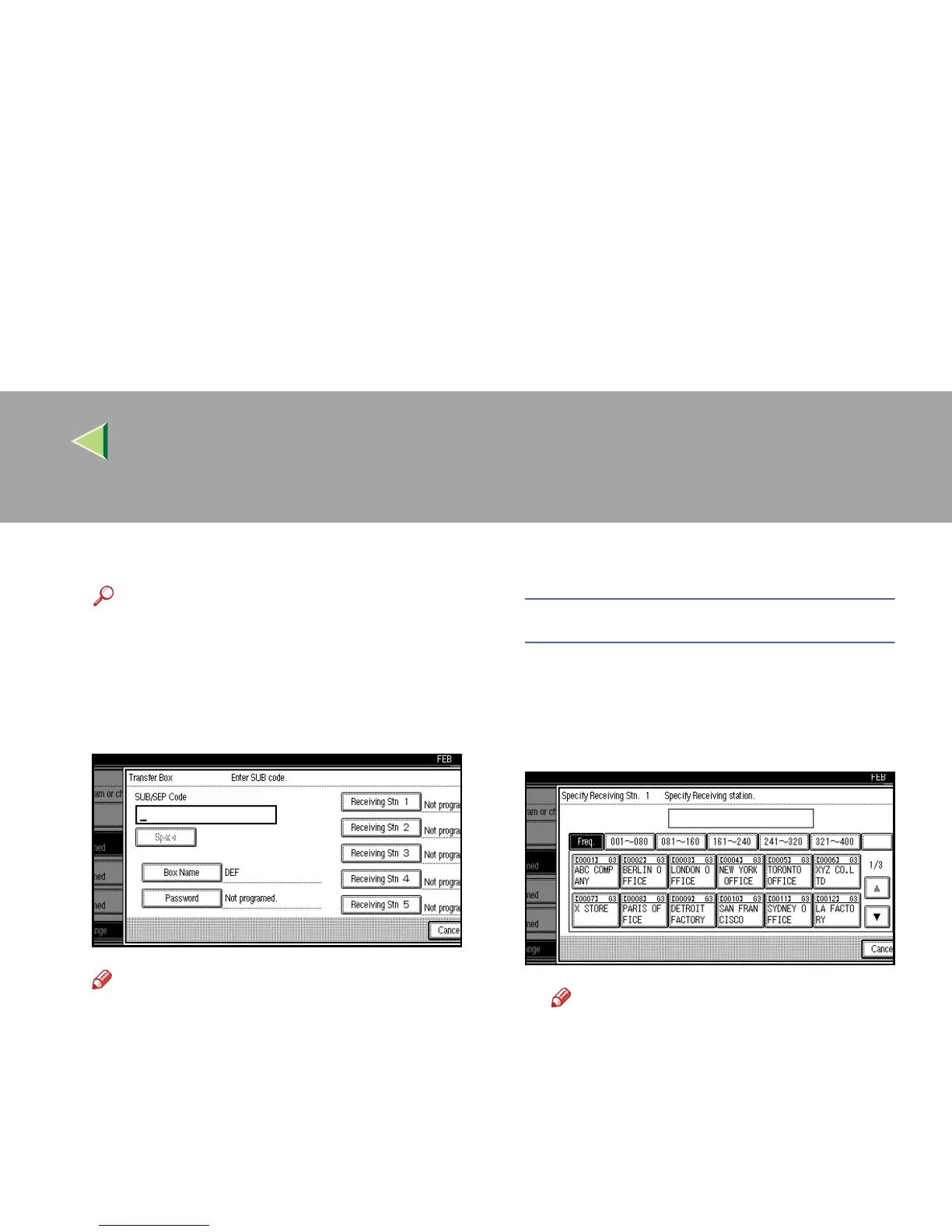
Enter a SUB Code.
Note
❒ To change SUB Code, press [Clear] or the
{
{{
{Clear/Stop}
}}
} key and try again. To change
Box Name, press [Box Name], and then re-
peat from step
G
.
❒ If you make a mistake, press [
Clear
] or the
{
{{
{Clear/Stop}
}}
} key and try again.
J
JJ
J
Specify the condition of registration.
Programming Receiving Stations
A
AA
A Select Receiving Station.
You can store 5 Receiving Stations.
B
BB
B Specify Receiving Stations with Quick
Dials.
Note
❒ You can also specify Receiving Sta-
tions with Group Dials.
❒ If the desired box is not shown, press
[U
UU
U] or [T
TT
T].
C
CC
C Press [OK].
Repeat from step A to specify another Re-
ceiving Station.



 To Next Page