Operating InstructionsFacsimile Reference (option) <Advanced Features>
254
H
HH
H
Press [Exit].
I
II
I
Press the {
{{
{User Tools/Counter}
}}
} key.
The initial display is shown.
Printing the Box List
Follow the procedure below to print a list show-
ing the currently programmed Personal Boxes,
Information Boxes and Transfer Boxes.
A
AA
A
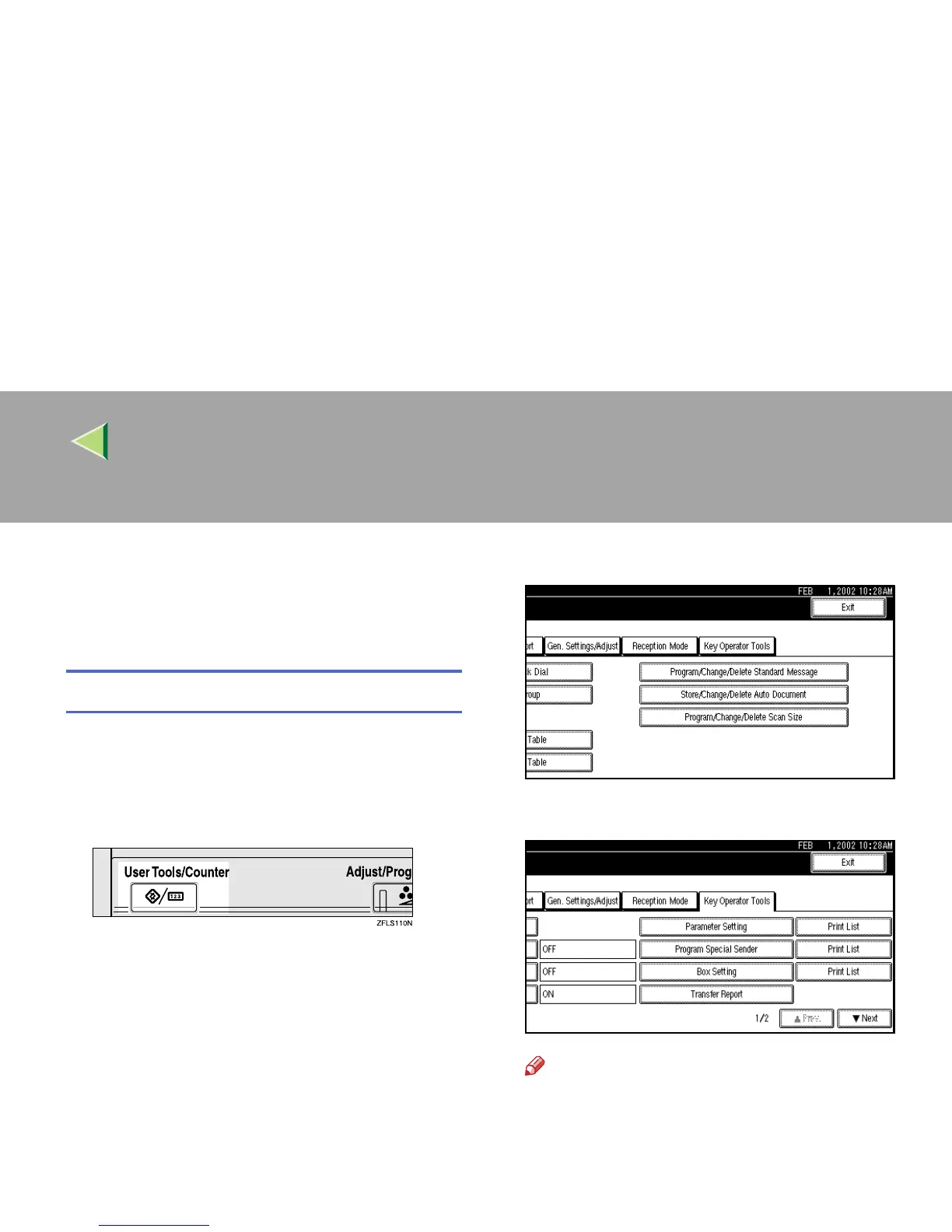
Press the {
{{
{User Tools/Counter}
}}
} key.
B
BB
B
Press [Facsimile Features].
The Facsimile Features menu is shown.
C
CC
C
Select [Key Operator Tools].
D
DD
D
Press [Print List] next to “Box Setting”.
Note
❒ If the desired box is not shown, press [U
UU
U
Prev.] or [T
TT
T Next].



 To Next Page