Operating InstructionsFacsimile Reference (option) <Advanced Features>
256
D
DD
D
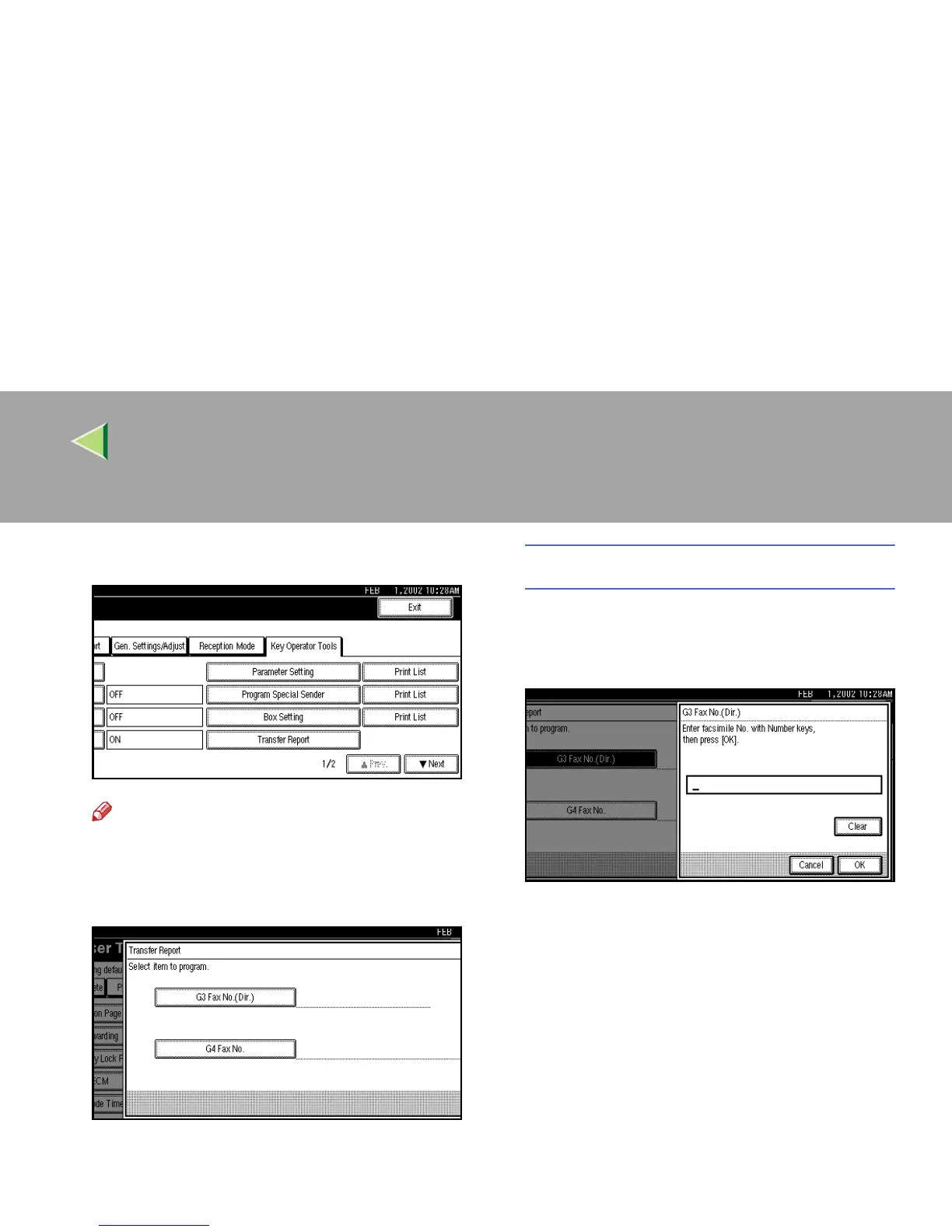
Select [Transfer Report].
Note
❒ If “Transfer Report” is not shown, press [U
UU
U
Prev.
] or [T
TT
T Next
].
E
EE
E
Specify the fax number for each line.
Programming a G3 Fax number
A
AA
A Press [G3 Fax No.(Dir.)].
B
BB
B Enter your Own Fax Number with the
number keys.
C
CC
C Press [OK].



 To Next Page