268
Operating InstructionsFacsimile Reference (option) <Advanced Features>
9. PC FAX Features
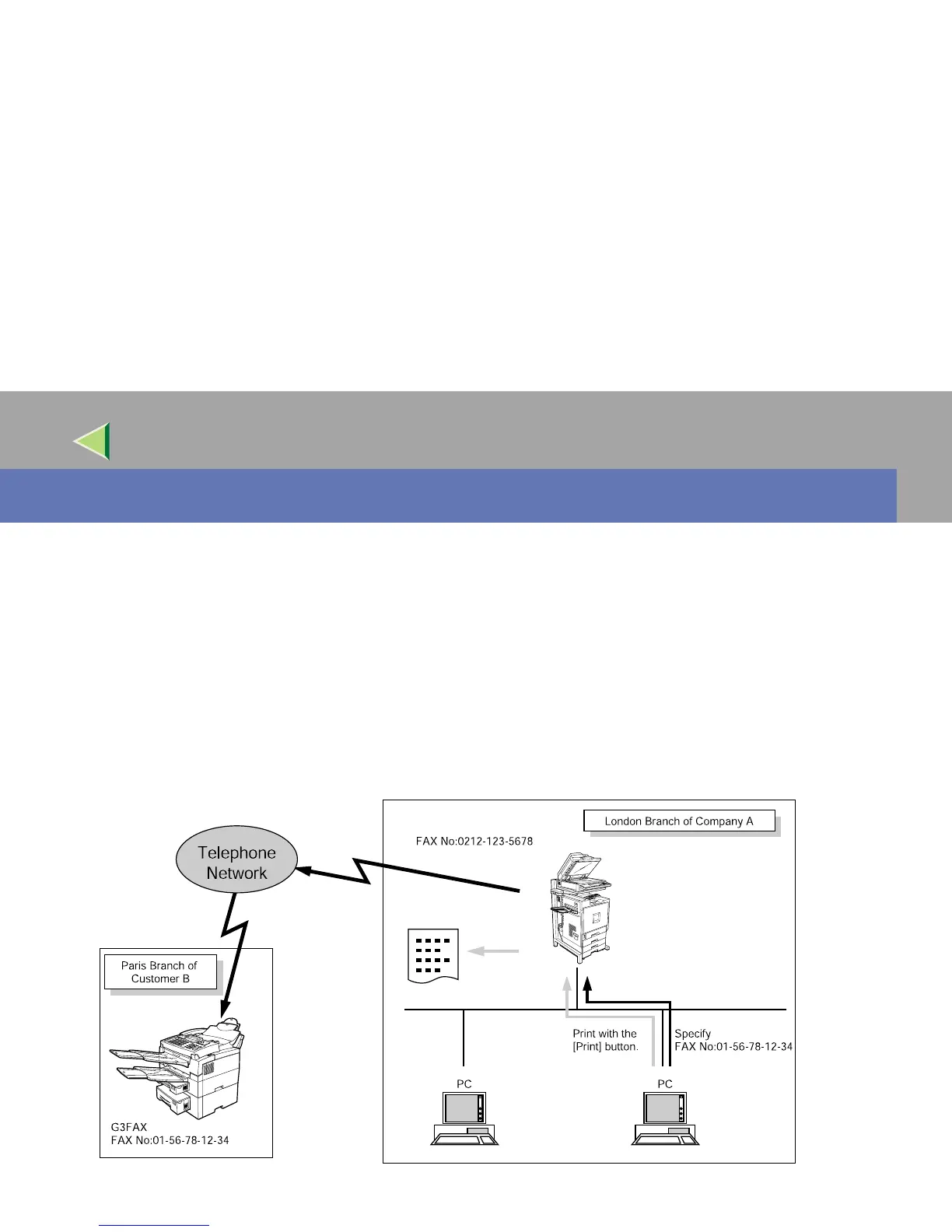
• With a PC FAX connected to a LAN or Parallel Port, you can use a telephone line to send a fax cre-
ated using a Windows application to another fax machine.
• To send a fax, simply select [Print] from the Windows application, then select LAN FAX as the
printer and specify a destination.
• In addition to sending faxes, the LAN FAX driver allows this machine to be used for printing out
documents prepared on a PC for proof checking.
• To use the LAN FAX driver, connect this machine to a LAN and make the necessary network set-
tings, and then install the LAN FAX driver and related utilities on your PC.



 To Next Page