Addendum for Printer Client Reference
8
C
CC
C
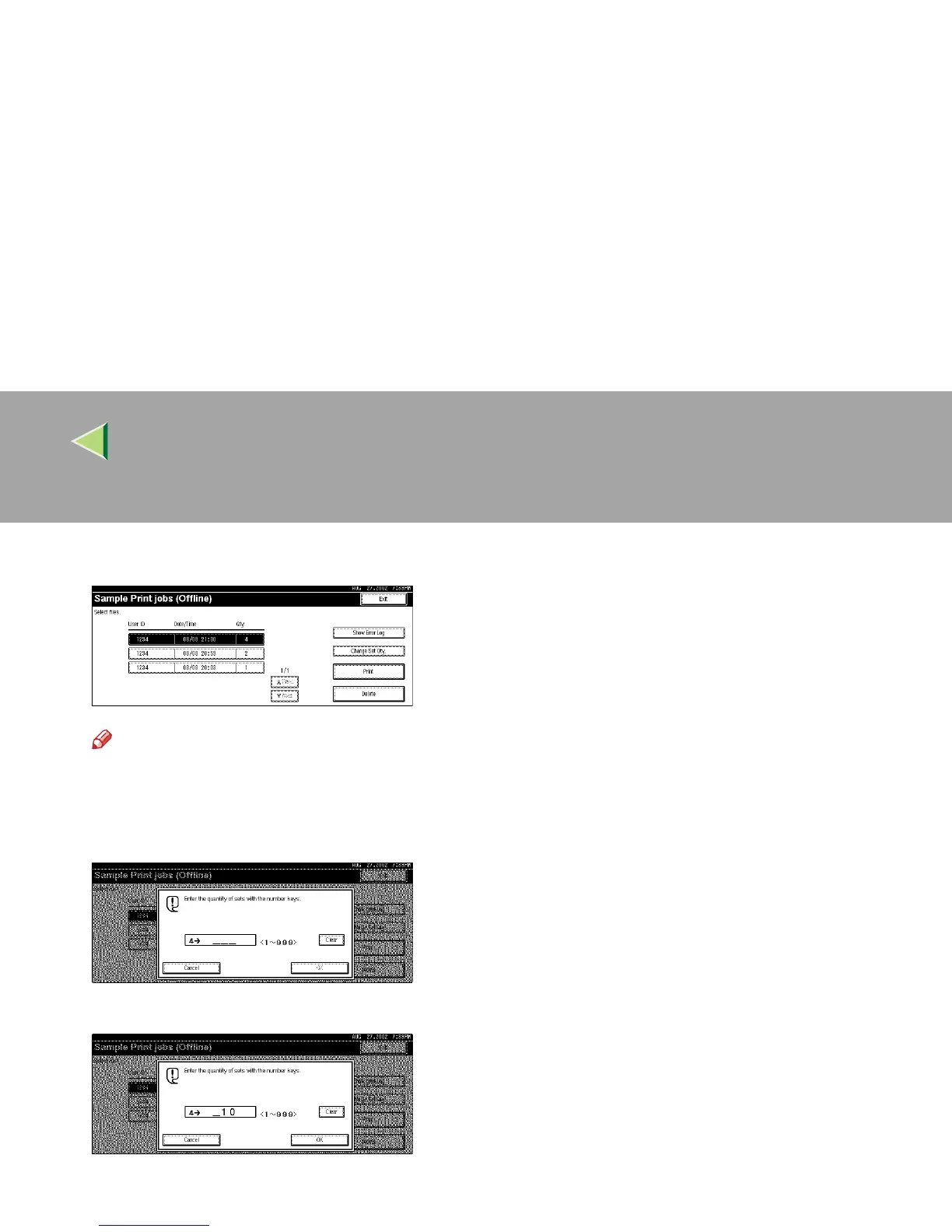
Select the file you want to print.
Note
❒ Press [U
UU
UPrev.
] or [T
TT
TNext
] to display any documents not appearing on the display panel.
D
DD
D
To change the print quantity, follow the procedure below.
A Press [Change Set Qty].
B Enter the quantity with the number keys, and then press [OK].



 To Next Page