Operating Instructions Maintenance Guide 2 Copier System Edition
72
B
BB
B
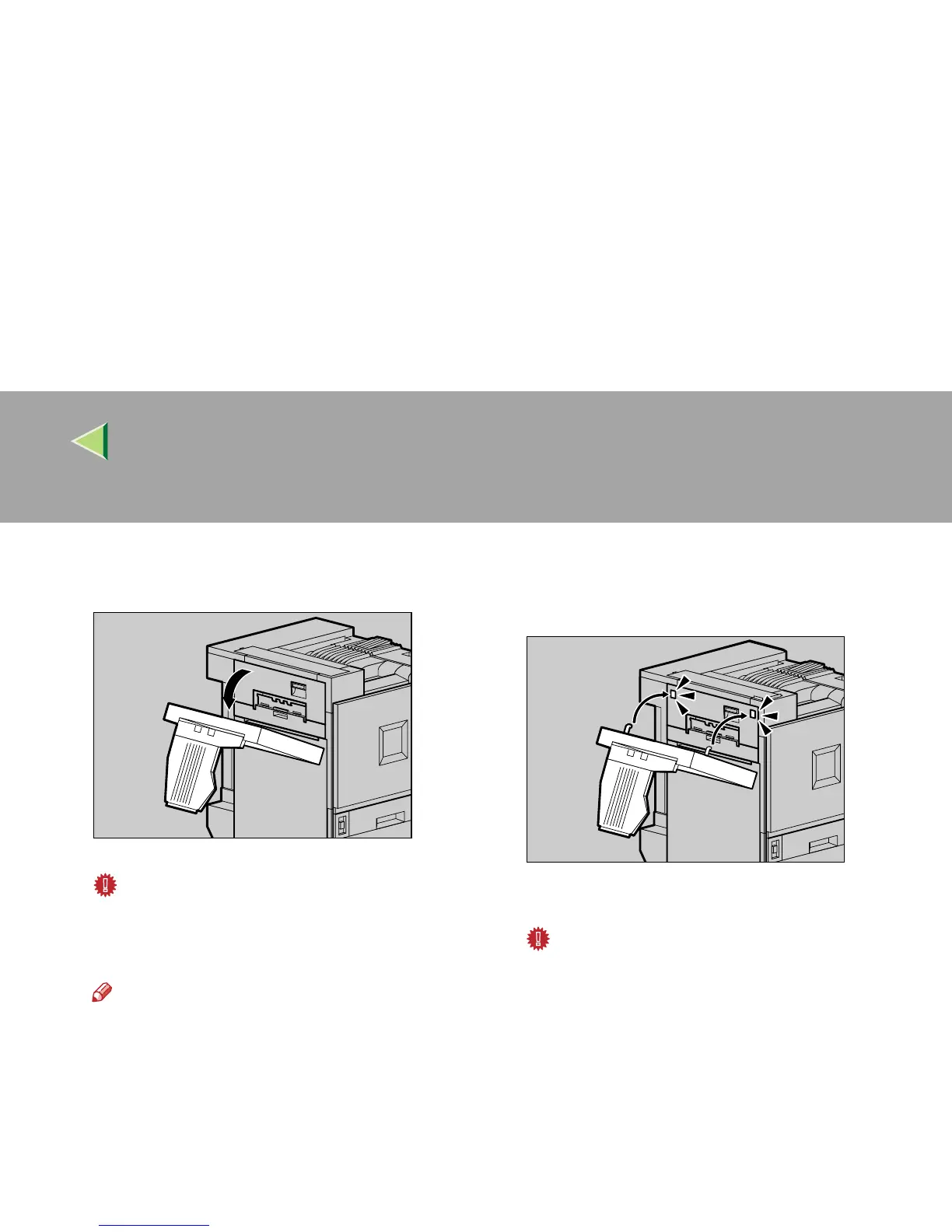
Lower the Duplex Reversal Unit slowly un-
til it stops.
Important
❒ Open the Duplex Reversal Unit after de-
taching the 2 Tray Finisher from the print-
er.
Note
❒ You do not have to remove the output tray
even if the 2 Tray Finisher is attached.
The Duplex Reversal Unit is opened.
C
CC
C
Raise the Duplex Reversal Unit slowly with
both hands, and push it in until it clicks
into place.
The Duplex Reversal Unit is closed.
Important
❒ Attach the Duplex Reversal Unit after clos-
ing the upper left cover for the printer.
ZDJP204J
ZDJP205J



 To Next Page