Guide to the Machine
2
1
8. Control Panel
Contains keys and buttons for machine
operation and a panel display that shows
the machine status.
⇒ p.6 “Control Panel”
9. Operation Switch
Press this switch to turn the power on
(the On indicator lights up). To turn the
power off, press this switch again (the On
indicator goes off).
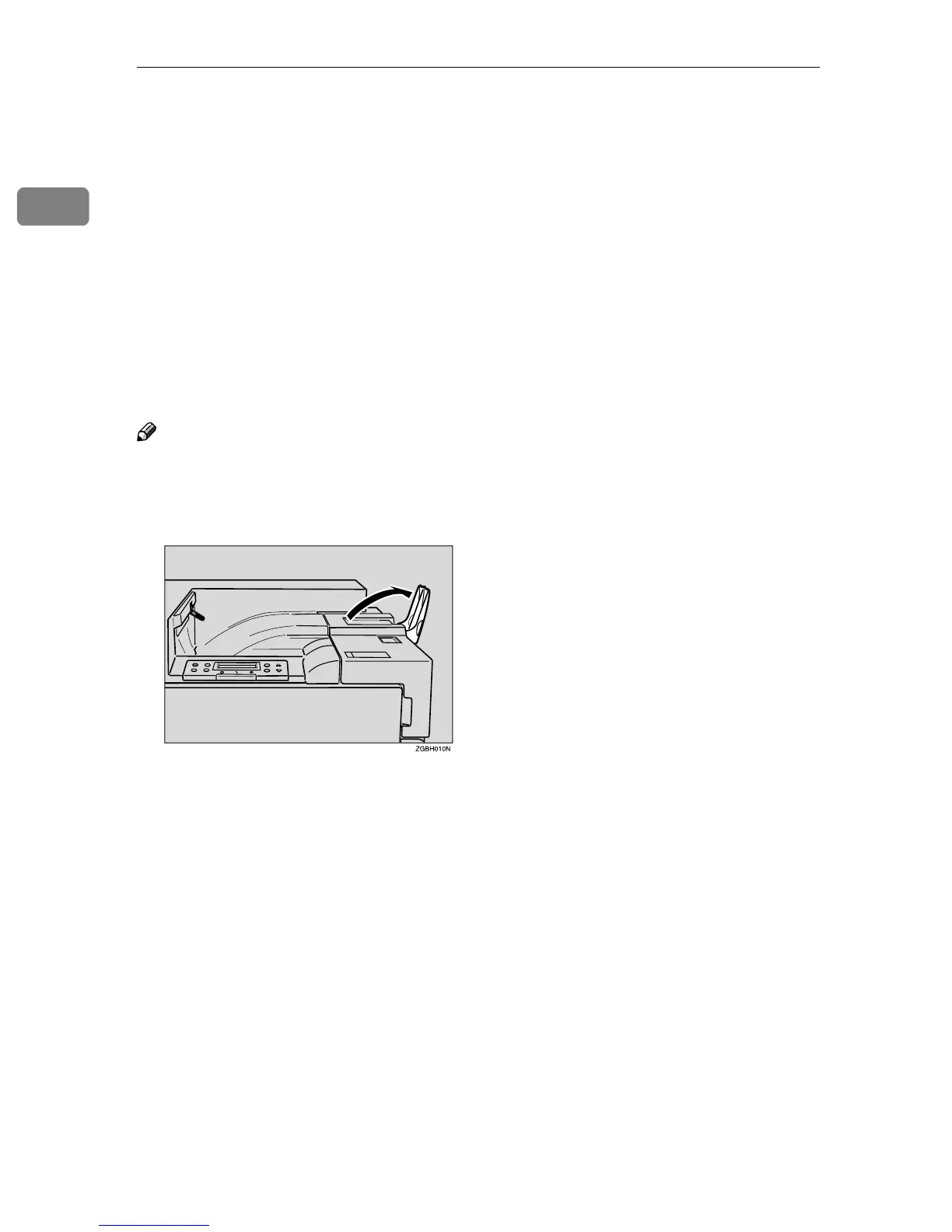
10. Standard Tray
Output is stacked here with the print side
down.
Note
❒ If printed A3 short-edge feed or 11x17
short-edge feed papers fall off the
standard tray, raise the fence to pre-
vent them from falling.
11. Front Cover
Open this cover when replacing the
Waste Toner Bottle, Development Unit or
Photoconductor Unit. A screwdriver is
attached to the front cover.
12. Tray 1
Loads up to 500 sheets of plain paper in
this tray for printing. Exclusive for 11 × 8
1
/
2
K paper.
13. Tray 2
Loads up to 500 sheets of plain paper in
this tray for printing.



 To Next Page