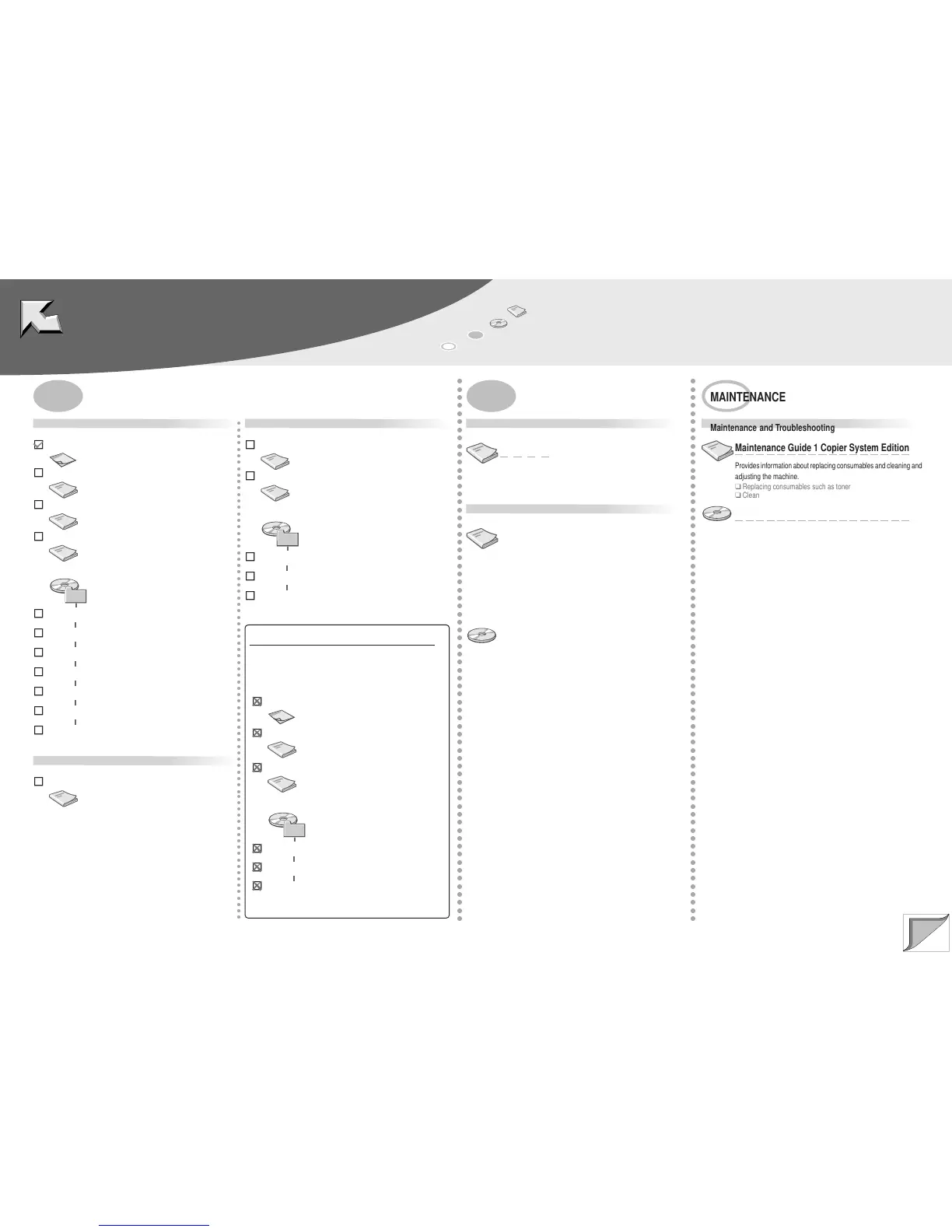
: Paper
: CD-ROM
: Manuals for Client
: Manuals for Administrator
MANUALS PROVIDED
Manuals that comes with the Scanner Unit
MANUALS FOR THIS MACHINE Copier System Edition (this sheet)
Maintenance Guide 1 Copier System Edition
Administrator Reference 1 Copier System Edition
Copy Reference <Basic Features>
MANUALS FOR THIS MACHINE Copier System Edition
Maintenance Guide 2 Copier System Edition
Administrator Reference 2 Copier System Edition
Addendum for Printer Client Reference
Copy Reference <Advanced Features>
Facsimile Reference <Advanced Features>
Scanner Reference
Manuals that comes with the Facsimile Unit
Facsimile Reference <Basic Features>
Manuals that comes with the Printer
Setup Guide
Printer Client Reference 1
Printer Client Reference 2
PostScript 3 Supplement
UNIX Supplement
PREPARING THE MACHINE
Printer and Option Installation
Setup Guide
Provides information about setting up the printer and its options.
❑
Guide to the Printer
❑
Installation and Connection
Network Configuration
Administrator Reference 1 Copier System
Edition
Provides basic information about setting up and using the machine
in a network environment, and multi-function operation.
❑
Guide to the machine
❑
Preparation for using this machine
❑
Setup Guide for each printing environment
❑
Configuring the machine for the network
❑
Multi-function operation
Administrator Reference 2 Copier System
Edition
Provides information about setting up the machine as a print server,
making settings with the control panel and using the Document
Server.
❑
Setting up as a print server under Windows NT/Windows 2000/
NetWare (printer function)
❑
Using the control panel
❑
System settings
❑
User Tools
❑
Monitoring the machine and changing the settings
○○○○○○○○○○○○○○○○○○○○○○○○○○○○○○○○○○○○○○○○○○○○○○○○○○○○○○○○○○○○○○○○○○○○○○○○○○○○○○
○○○○○○○○○○○○○○○○○○○○○○○○○○○○○○○○○○○○○○○○○○○○○○○○○○○○○○○○○○○○○○○○○○○○
○○○○○○○○○○○○○○○○○○○○○○○○○○○○○○○○○○○○○○○○○○○○○○○○○○○○○○○○○○○○○○○○○○○○
MAINTENANCE
Maintenance and Troubleshooting
Maintenance Guide 1 Copier System Edition
Provides information about replacing consumables and cleaning and
adjusting the machine.
❑
Replacing consumables such as toner
❑
Cleaning and adjusting the machine
Maintenance Guide 2 Copier System Edition
Provides information about paper and dealing with error messages.
❑
Paper and other media
❑
Troubleshooting
Unnecessary Manuals
If the Scanner Unit is installed, the following manuals are
unnecessary. See “Copier System Edition” in each manual
that comes with the Scanner Unit.
MANUALS FOR THIS PRINTER
Maintenance Guide 1
Administrator Reference 1
Manuals for This Printer
Maintenance Guide 2
Administrator Reference 2
MANUALS FOR THIS MACHINE
Copier System Edition



 To Next Page