Operating Instructions Administrator Reference 2
56
C In the [NDS Context:] box, type the context of the print server.
Clicking [Browse], you can select a NDS tree and a NDS context among those listed in the
[Browse Context] dialog box.
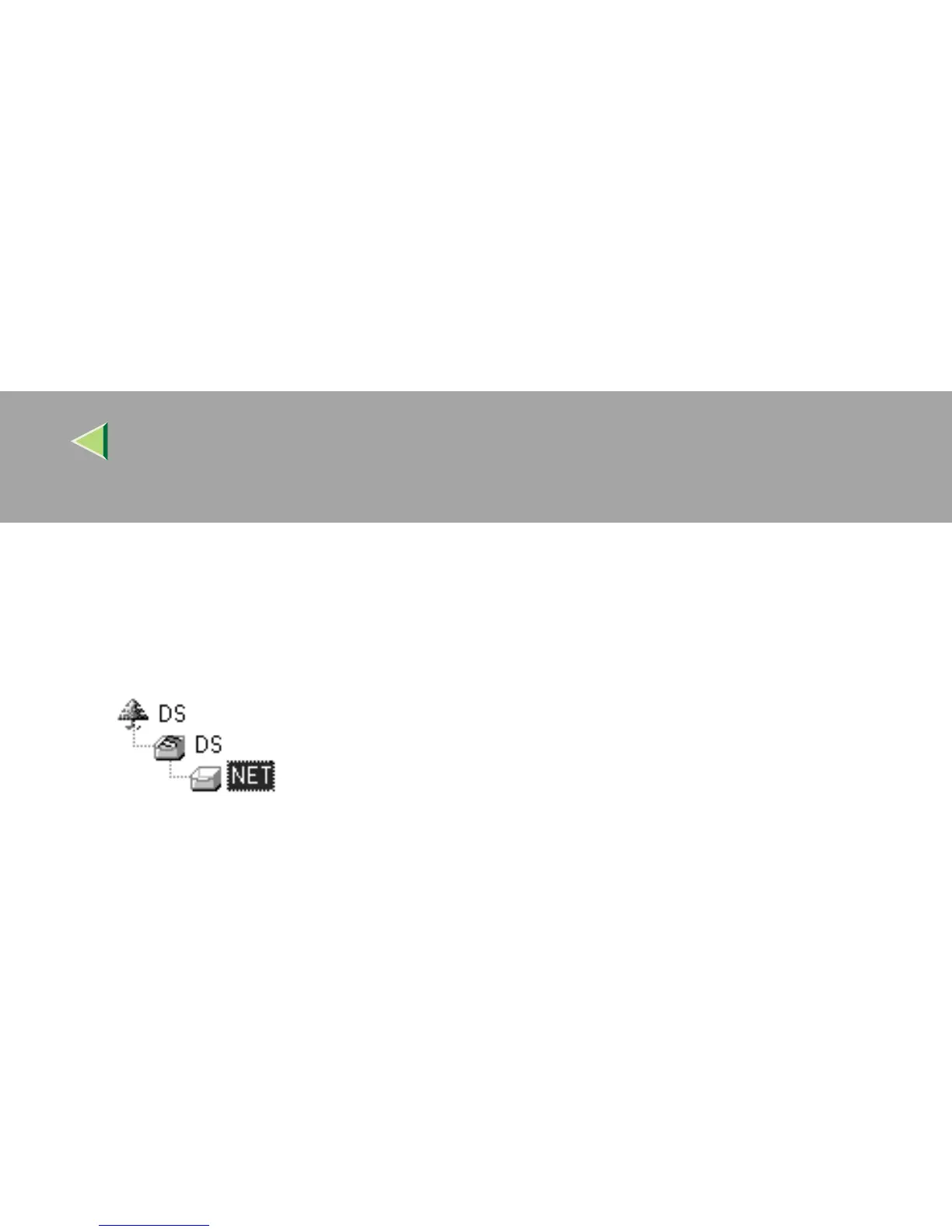
As a context, object names are typed from a lower object and divided by a period. For example,
if you want to create a print server into NET under DS, type "NET.DS".
D In the [Print Server Operation Mode] group, click [As Print Server].
E Click [OK] to close the property sheet.
F After a confirmation dialog box appears, click [OK].
E
EE
E
Exit SmartNetMonitor for Admin.
After this step, go to step
L
on p.53 “Setting Up as a Print Server”.



 To Next Page