Operating Instructions Administrator Reference 2
68
❖
❖❖
❖ With the Document Server
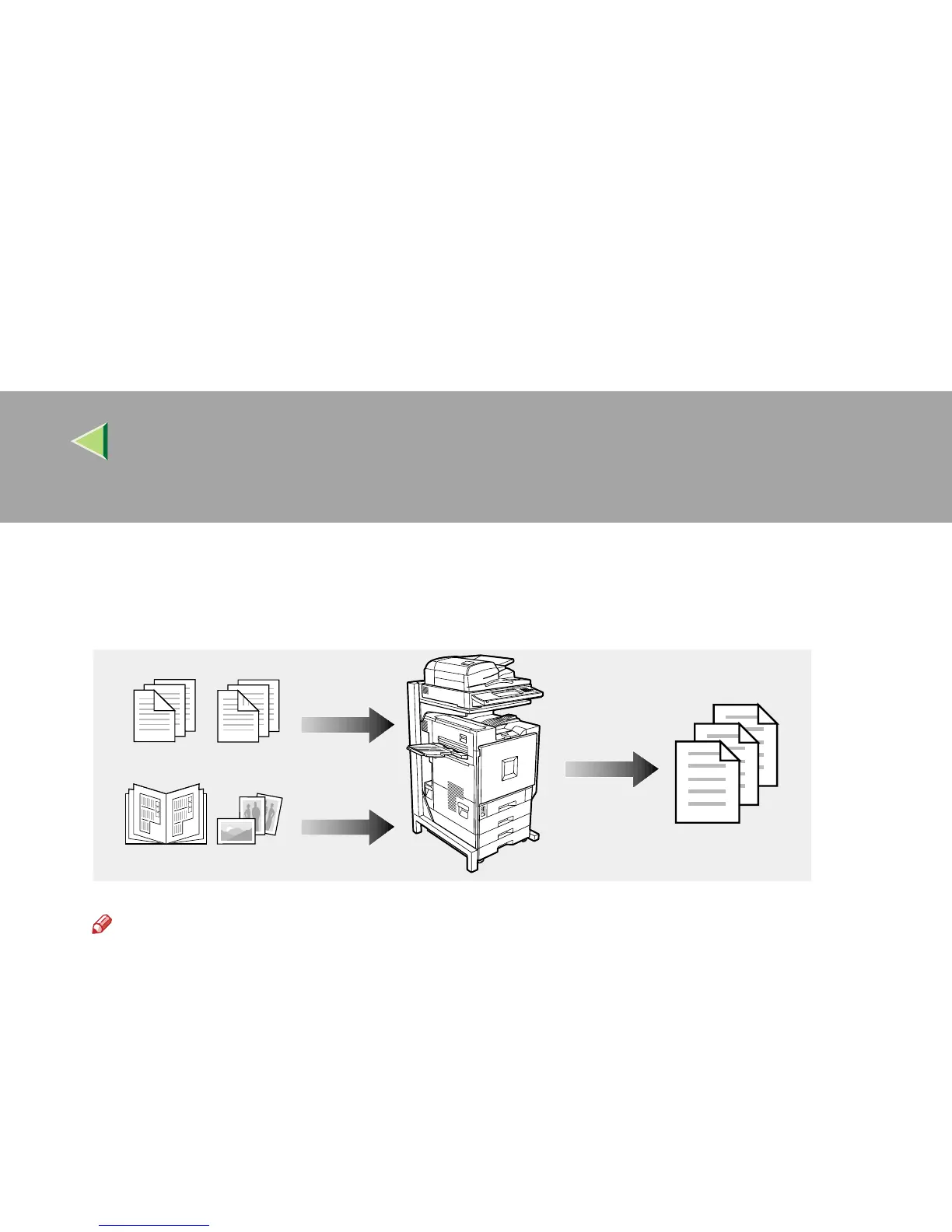
Set the print order to print documents together.
When scanning, you can mix documents fed from the ADF with documents placed on the Exposure
Glass.
Note
❒ You can check the print result by printing a sample set before making a large print run by press-
ing the {
{{
{Sample Copy}
}}
} key. If you are not satisfied with the print result of some pages of the set,
you can scan that part again.
ZFFH090E



 To Next Page