Operating Instructions Administrator Reference 2
91
❒ If you cannot determine the contents of a
desired document by its file name, you can
print just the first page of the document for
checking purposes. To do this, select the
document to be checked, and then Press
[
Print 1st Page
].
❒ To cancel document selection, press the
highlighted line for the selected document.
C
CC
C
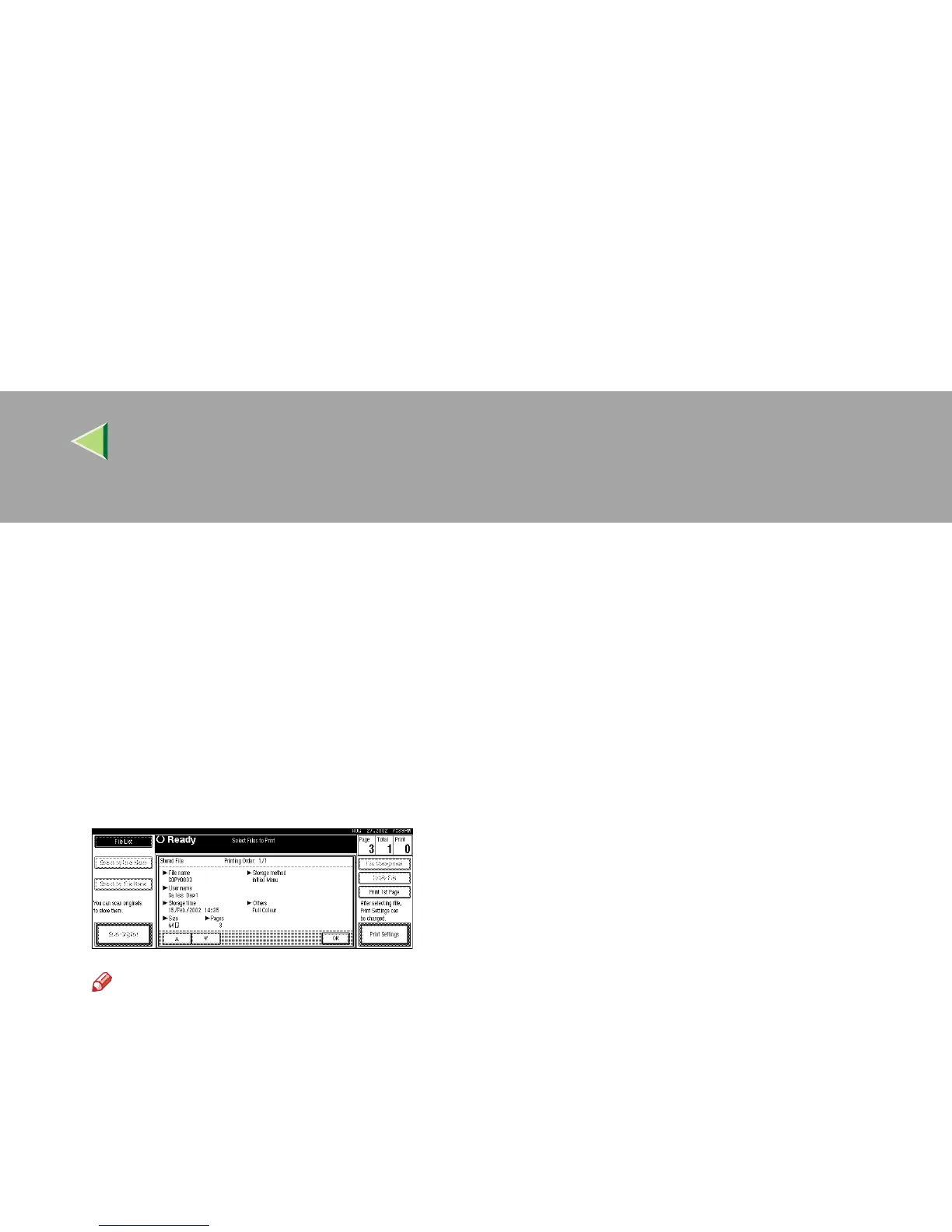
Press [Detail].
The detailed information about the document
is displayed.
Note
❒ If you have selected several documents,
use [U
UU
U] or [T
TT
T] to view the details of each
document.
❒ Press [
OK
]. The "Select Files to Print" dis-
play appears.



 To Next Page