Operating Instructions Administrator Reference 2
116
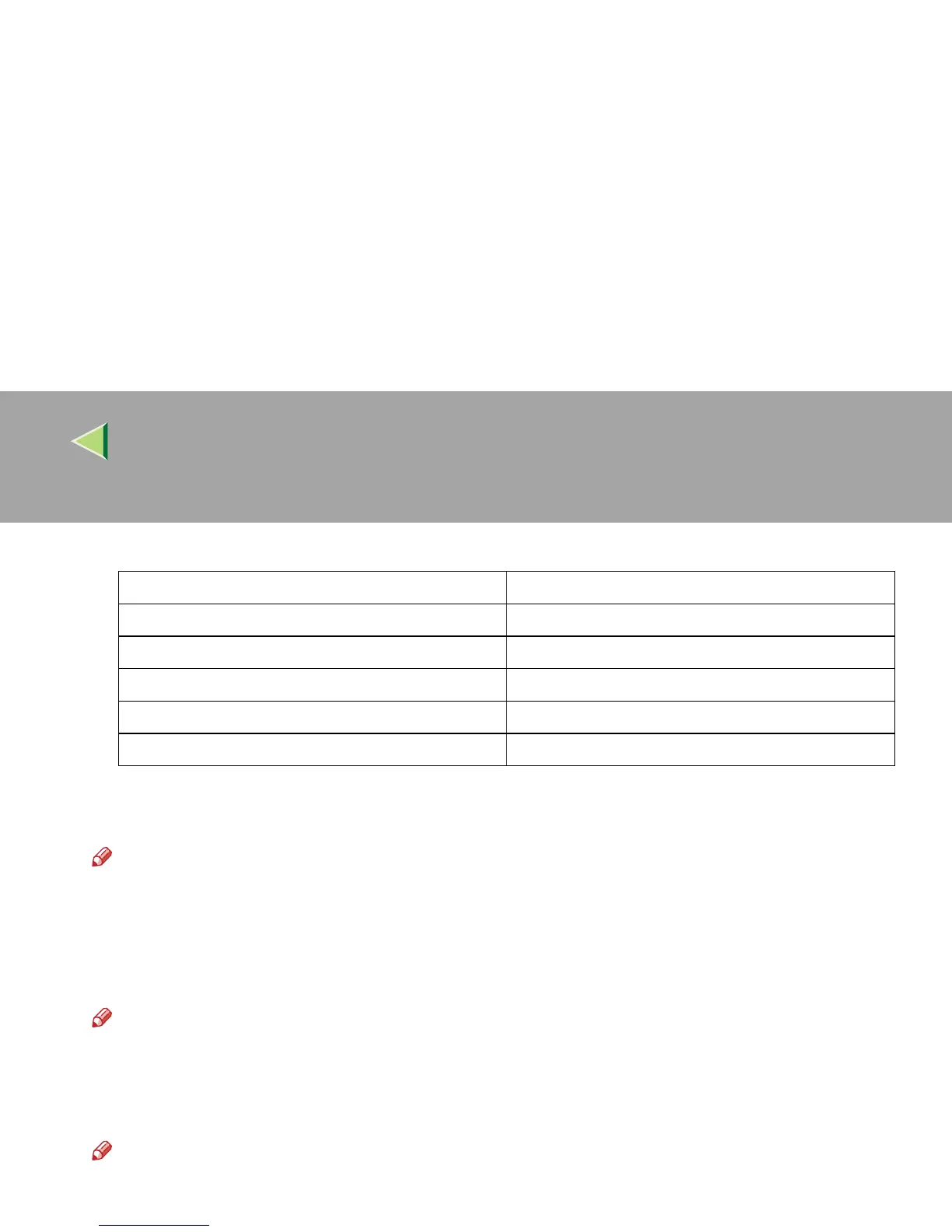
❒ If you set access control as 192.168.15.16, clients addresses might be assigned as follows:
❖
❖❖
❖ Network Boot
Select how to set an IP address from a client.
Note
❒ Default: NONE
❒ For details about settings, consult your network administrator.
❖
❖❖
❖ Effective Protocol
Select the protocol, to use in the network.
Note
❒ Default: TCP/IP:Effective, NetWare:Effective, NetBEUI:Effective, AppleTalk: Effective
❖
❖❖
❖ NW Frame Type
Select the frame type when you use NetWare.
Note
❒ Default: Auto select
Address for access mask Client Address
000.000.000.000 xxx.xxx.xxx.xxx
255.000.000.000 192.xxx.xxx.xxx
255.255.000.000 192.168.xxx.xxx
255.255.255.000 192.168.15.xxx
255.255.255.255 192.168.15.16



 To Next Page