Operating Instructions Administrator Reference 2
158
F
FF
F
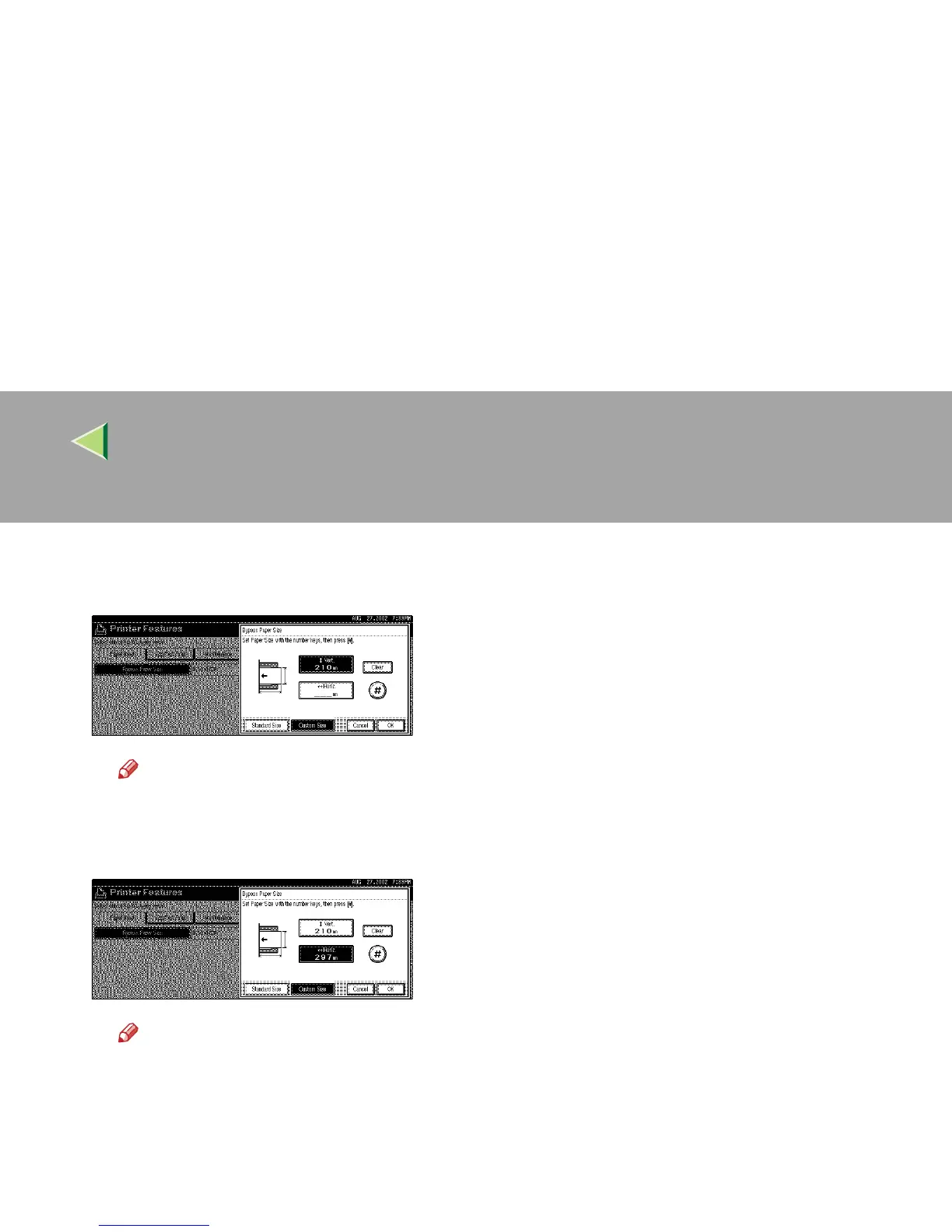
Enter the paper size.
A Enter the vertical size of the paper in [Vert.] with number key, and then press [#].
Note
❒ When [
Horiz.
] is highlighted, press [
Vert.
] to highlight [
Vert.
] and then you can enter the value.
❒ If you want to clear the displayed value, press [
Clear
].
B Enter the horizontal size of the paper in [Horiz.] with number key, and then press [#].
Note
❒ When [Vert.] is highlighted, press [Horiz.] to highlight [Horiz.] and then you can enter the value.



 To Next Page