Operating Instructions Administrator Reference 2
200
TCP/IP address
Use the ifconfig command to configure TCP/IP for the printer (IP address, subnet mask, broadcast ad-
dress, default gateway address).
❖
❖❖
❖ Reference
msh> ifconfig
❖
❖❖
❖ Configuration
msh> ifconfig naf0 parameter address
The following is an example for configuring an IP address of 192.168.15.16.
msh> ifconfig naf0 192.168.15.16
The following is an example for configuring a subnet mask of 255.255.255.0.
msh> ifconfig naf0 netmask 255.255.255.0
Note
❒ This affects the configuration of the Network Interface Board of the IP address that is used.
❒ To type an address using hexadecimal, prefix it by "0x".
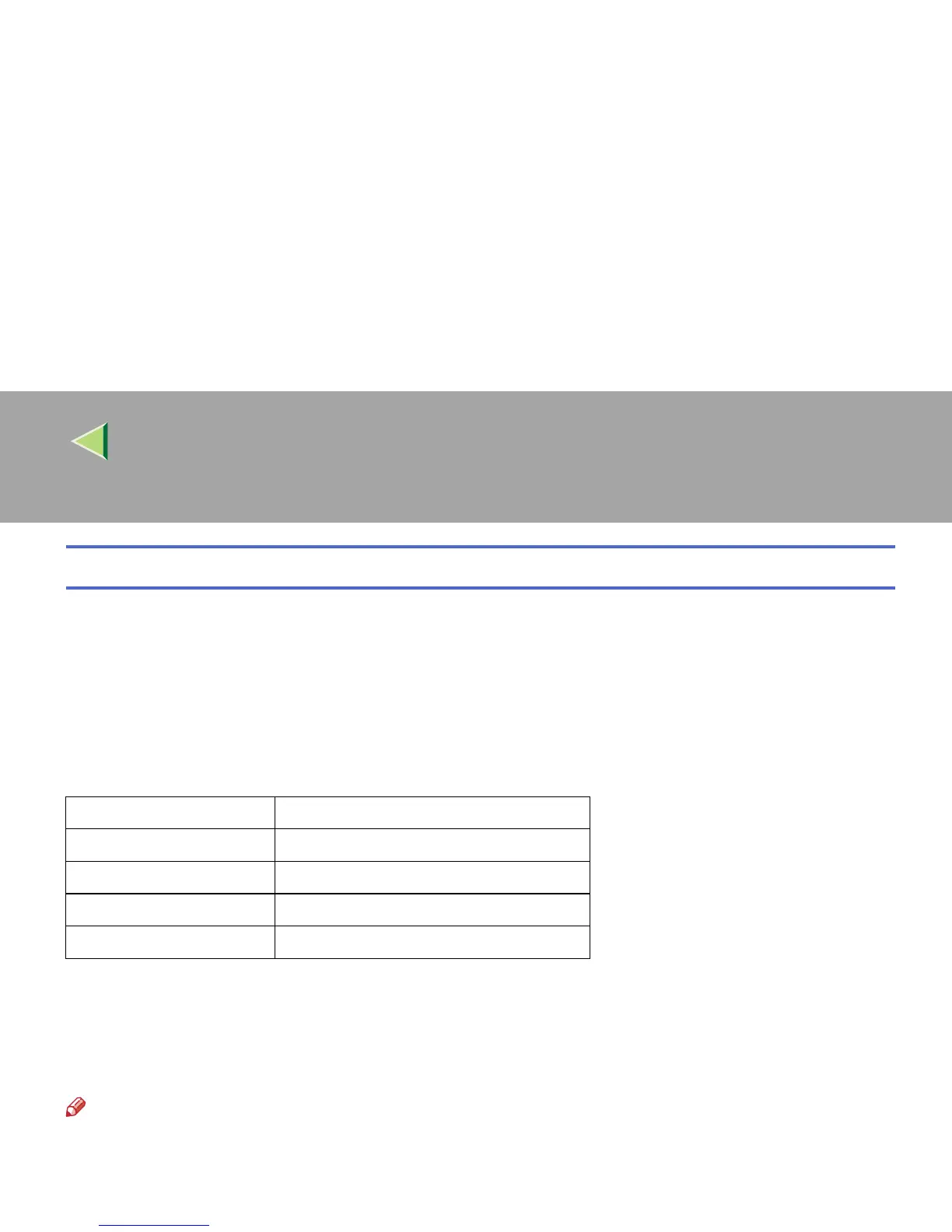
Parameter Meaning
(no parameter) IP address
netmask subnet mask
gateway default gateway address
broadcast broadcast address



 To Next Page