Adjusting the Color Registration
41
2
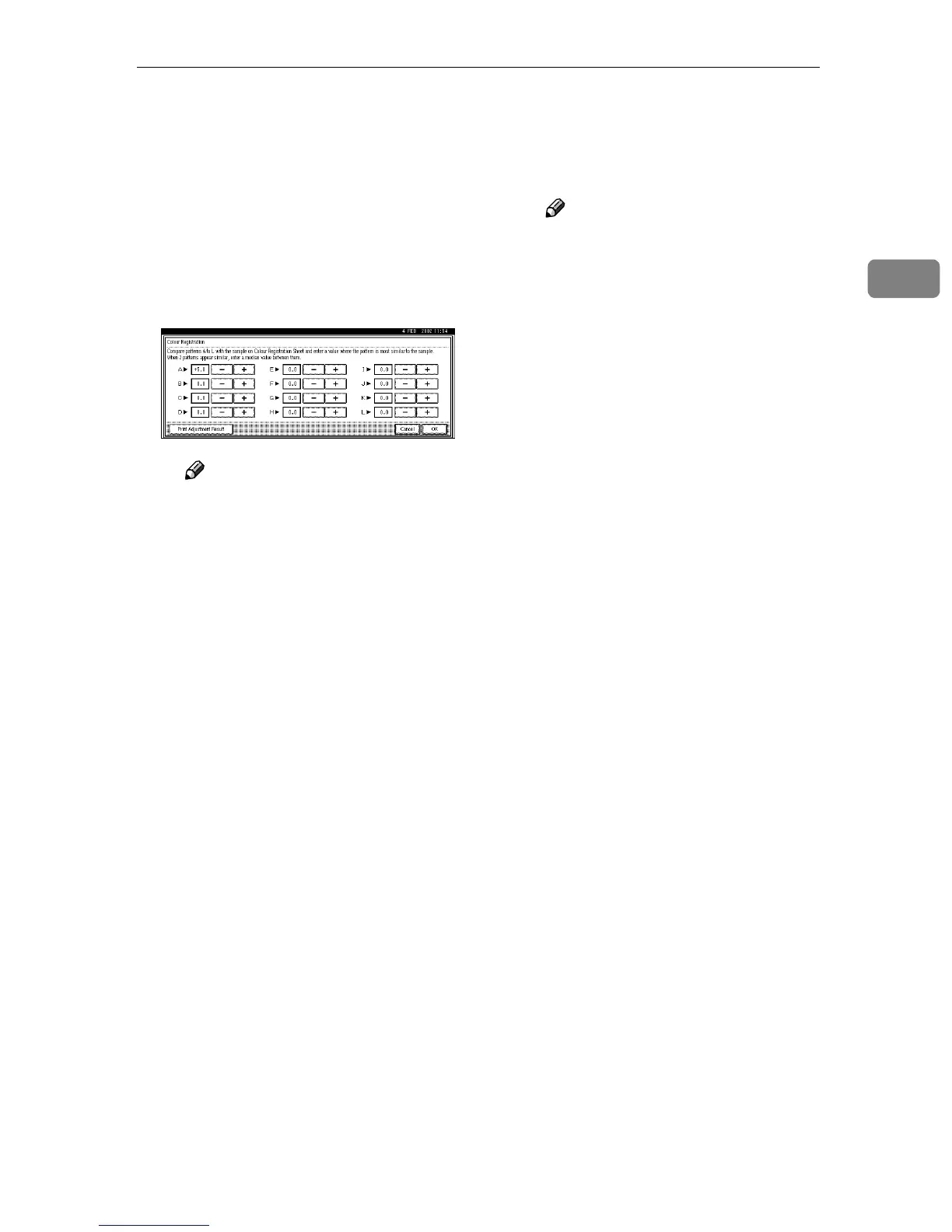
A Compare squares -7 to +7 in
box A of the printed pattern
with the white square in the
printed Color Registration
Sheet. Use [+] or [-] to enter the
value (-7 to +7) of the square in
box A of the printed pattern
that comes closest to matching
the printed Color Registration
Sheet.
Note
❒ Pressing [+] or [-] increases or
decreases the value by 0.5
step.
If the two whitest squares are
equally white, enter their inter-
mediate value. For example, if
the "+1" and "+2" squares are the
whitest, enter "+1.5".
The color registration adjust-
ment range for each color is -7 to
+7.
There is an area on the Color
Registration Sheet where you
can write down the values for
boxes A through L.
B Repeat step A
AA
A to make the set-
tings for boxes B to L.
C After making all the settings,
press [Print Adjustment Result].
The adjusted sheet is printed.
D Make sure that square "0" is the
whitest within boxes A
through L on the printed Color
Registration Sheet.
Note
❒ If a square other than "0" is
the whitest, repeat the proce-
dure from step
F
.
G
GG
G
After making all the settings,
press the {
{{
{User Tools/Counter}
}}
} key.
The initial display is shown.



 To Next Page