Basic Copying
24
1
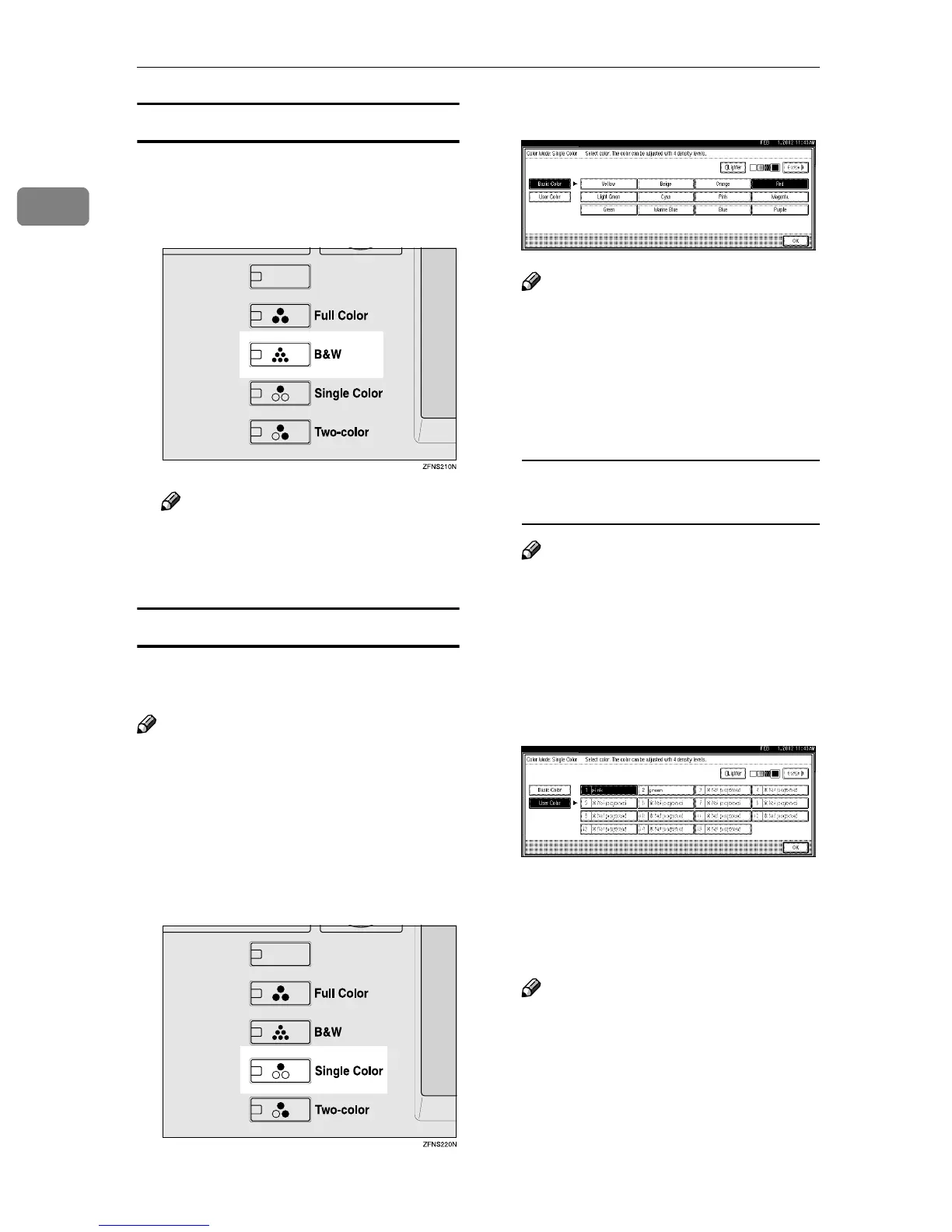
Black & White Mode
This mode makes copies in black and
white color.
A
AA
A
Press the {
{{
{Black & White}
}}
} key.
Note
❒ If you do not wish to set any
other functions, press the
{
{{
{Start}
}}
} key to start copying.
Single Color Mode
This mode makes copies in a single
color.
Note
❒
Even the same single color, yellow,
magenta, cyan will be copied using
one color toner, however, beige, or-
ange, red, light green, pink, green,
marine blue, blue, and purple will
be copied using a two color toner.
A
AA
A
Press the {
{{
{Single Color}
}}
} key.
B
BB
B
Select a color.
Note
❒ Each color can be adjusted in
four levels of density.
❒ Make sure that [Basic Color] is
highlighted when selecting
from 12 colors, which are not in
the user colors.
Selecting a single color from user
colors
Note
❒ When copying with the regis-
tered colors, the copies will
come out lighter than the sam-
ple color.
A Press [User Color].
B Select a color from the user col-
ors.
C
CC
C
Adjust the density by pressing
[Lighter] or [Darker].
D
DD
D
Press [OK].
Note
❒ If you do not wish to set any
other functions, press the
{
{{
{Start}
}}
} key to start copying.



 To Next Page