Basic Copying
30
1
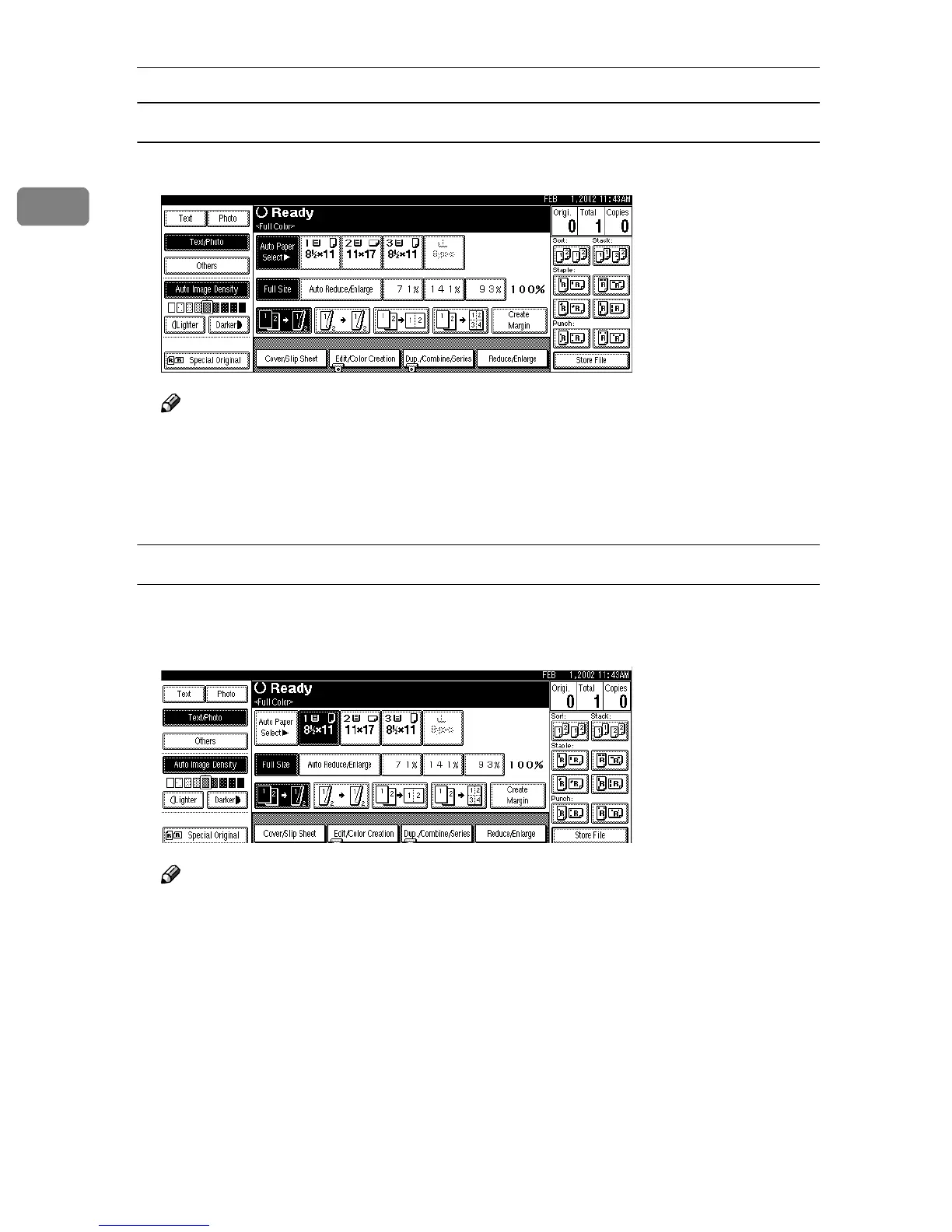
Auto Paper Select
A
AA
A
Make sure that [Auto Paper Select] is selected.
Note
❒ Press [Auto Paper Select], if not selected.
❒ If you do not wish to set any other functions, press the {
{{
{Start}
}}
} key to start
copying.
❒ The tray with a key mark will not be automatically selected.
Manual Paper Select
A
AA
A
Select the paper tray, Bypass Tray or paper bank.
The selected paper tray will be highlighted.
Note
❒ If “Yes” has been selected in “Original Type Display” of the User Tools,
press [Auto Paper Select]. ⇒ “Paper Display”, Advanced Features manual
❒ If you do not wish to set any other functions, press the {
{{
{Start}
}}
} key to start
copying.



 To Next Page