Basic Copying
52
1
Note
❒ You cannot change stapling positions during copying.
❒ When the original image is rotated, the stapling direction turns by 90°.
❒ In “Top 2” displayed on the Copy Initialization screen, you can select either
“Top 2” or “Bottom”.
❒ When using Staple with “1 Sided 2 Pages→ Combine 1 Side”, “1 Sided 4 Pag-
es→ Combine 2 Sided” in Combine mode or Double Copies, select K original
for L copies and L original for K copies.
❒ When using “Top Slant”, “Left 2” or “Top 2” with “1 Sided → 1 Sided”, “1
Sided → 2 Sided”, “2 Sided → 1 Sided”, or “2 Sided → 2 Sided” in Combine
mode or Double Copies, select K original for L copies and L originals for
K copies.
❒ When using “Top Slant”, “Left 2” or “Top 2” with Combine, Double Copies
or Auto Reduce/Enlarge modes, the “Blank part will appear. Check orienta-
tion.” message may be displayed depending on the orientation of papers and
originals. In this case, change the paper orientation.
❒ The maximum original image size that can be rotated is as follows:
❒ When selecting “Top Slant“, “Left 2“, or “Top2“, the following settings will
make a suitable image rotation:
• [Auto Reduce/Enlarge] or [Auto Paper Select]
• Setting [Auto Tray Switching] to [With image rotation] in the Copy Initialization
settings
A
AA
A
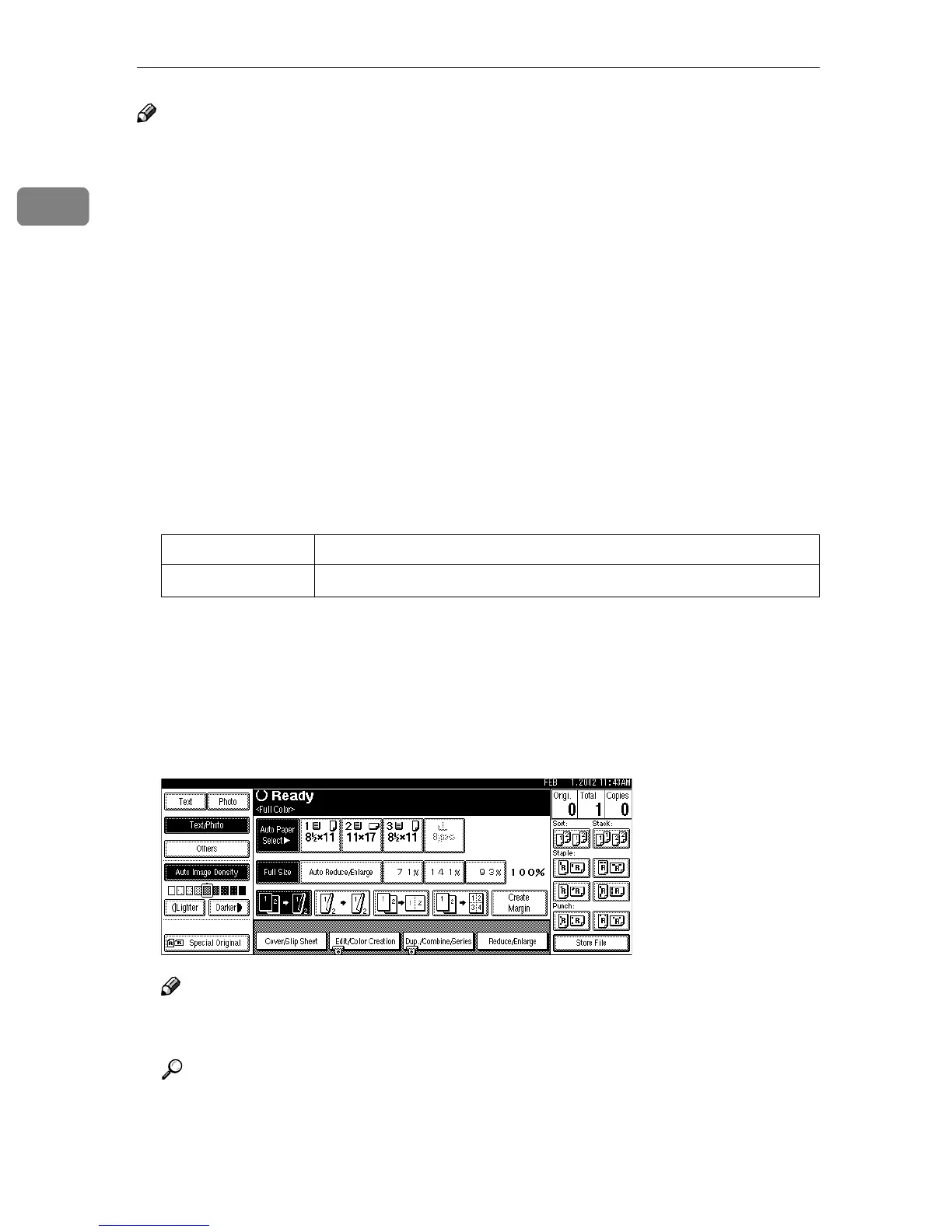
Select one of the stapling positions.
Note
❒ When you select the stapling position, the Sort mode is automatically se-
lected.
Reference
⇒ p.51 “Stapling position and original setting”
Metric version A4
Inch version
8
1
/
2
" × 11"



 To Next Page