Basic Copying
56
1
❖
❖❖
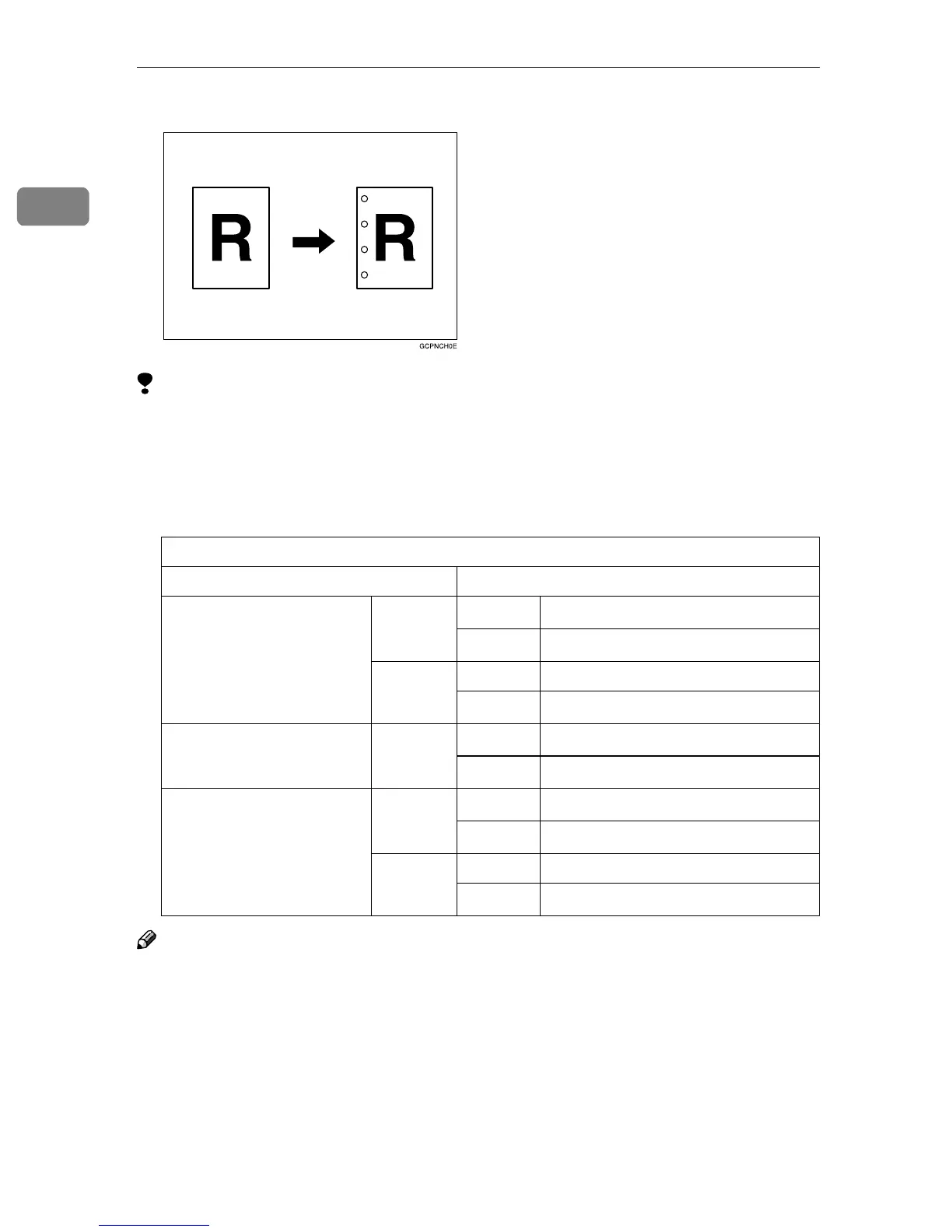
❖ 4 holes
Limitation
❒ You cannot use the Bypass Tray as the paper tray.
❒ Depending on the orientation of the original, Rotate Copy may not function
when Punch is selected. In this case, the “Blank part will appear. Check ori-
entation.” message may be displayed. Change the paper orientation.
❒ Punchable paper sizes are as follows:
Note
❒ Punching cannot occur when copying on thick paper as well as OHP trans-
parencies.
❒ When using Punch with Combine, Double Copies or Auto Reduce/Enlarge,
the message “Blank part will appear. Check orientation.” may appear because
of the orientation of the original and the copy paper. If this occurs, change the
orientation of the copy paper.
❒ The relationship between the direction in which you place the original and
the punch hole positions is as follows:
With the optional 2 Tray Finisher
Optional Punch Kit type
2 & 4 holes type 2 holes L
A3-A5, 11" × 17"-5
1
/
2
" × 11"
K
A4-A5, 8
1
/
2
" × 11"
4 holes L A3, B4, 11" × 17"
K
A4, B5, 8
1
/
2
" × 11"
4 holes type 4 holes L
A3-A5, 11" × 17"-5
1
/
2
" × 11"
K
A4-A5, 8
1
/
2
" × 11"
2 & 3 holes type 2 holes L
A3-A5, 11" × 17"-5
1
/
2
" × 11"
K
A4-A5, 8
1
/
2
" × 11""
3 holes L A3, B4, 11" × 17"
K
A4, B5, 8
1
/
2
" × 11"



 To Next Page