Basic Copying
58
1
A
AA
A
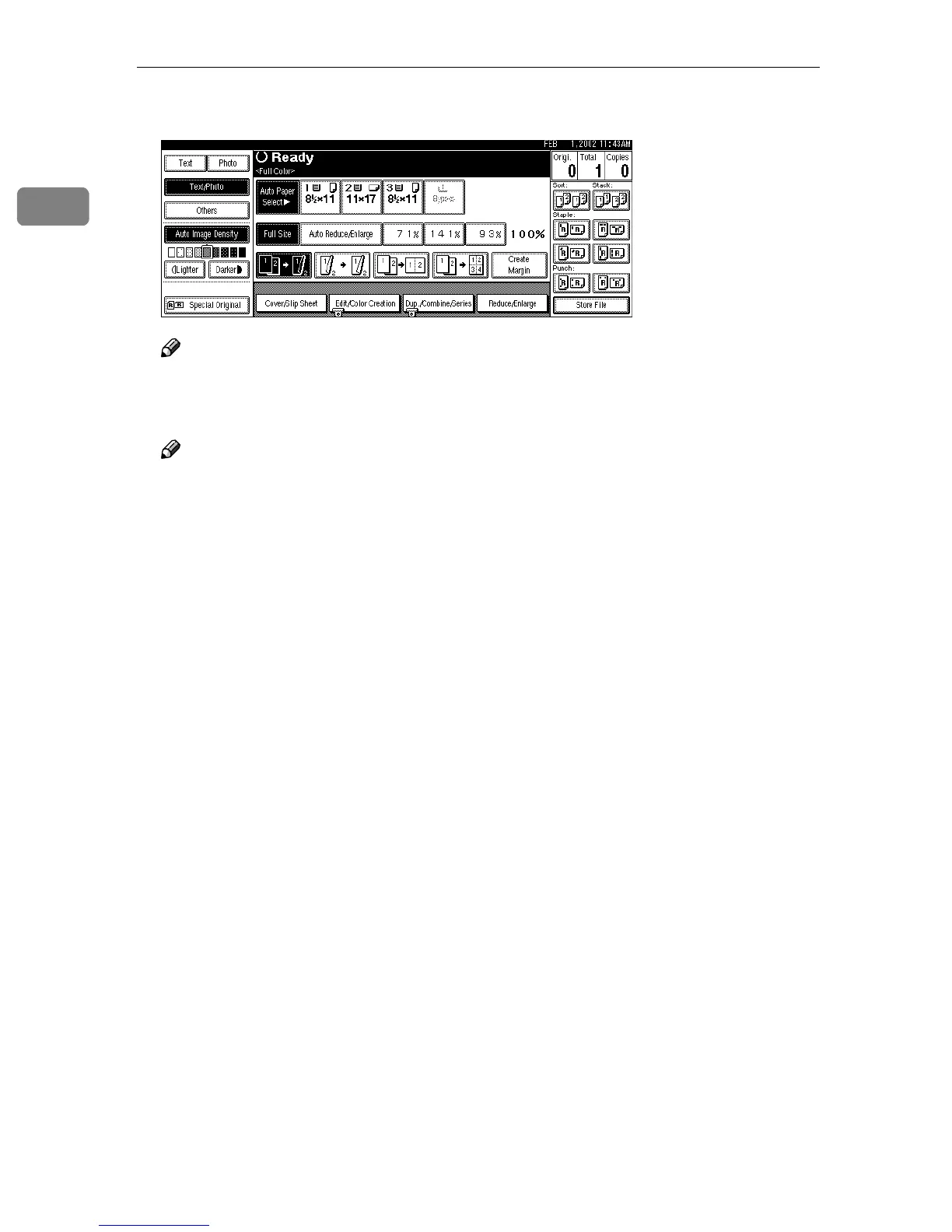
Select the Punch position.
Note
❒ Select a stapling position when stapling copies. ⇒ p.49 “Staple”.
B
BB
B
Enter the number of copy sets with the number keys.
Note
❒ To change the entered number, press the {
{{
{Clear/Stop}
}}
} key.
❒ If you wish to use the Sort function, press [Sort].
C
CC
C
Place your originals, and then press the {
{{
{Start}
}}
} key.



 To Next Page