Combine
69
1
❖
❖❖
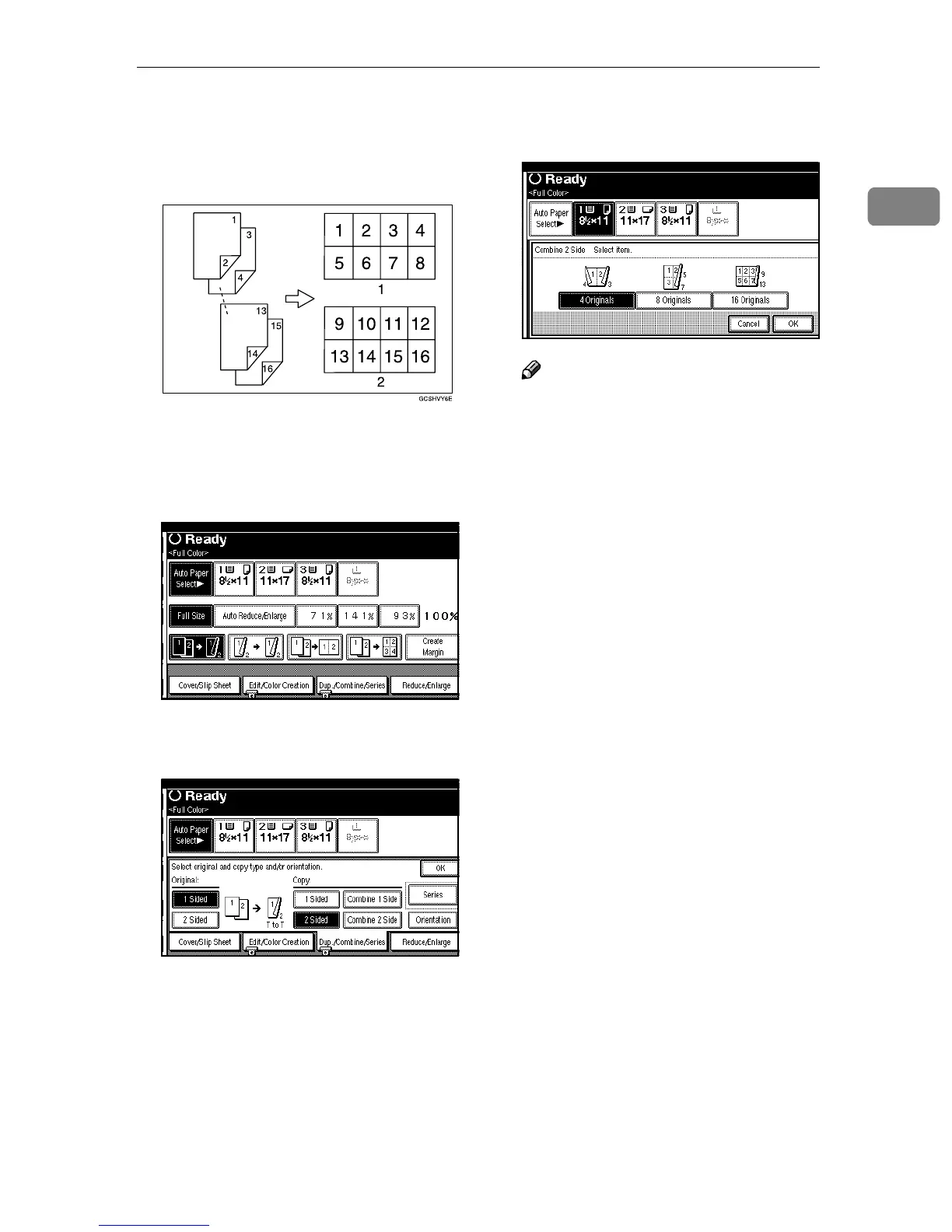
❖ 2 Sided 16 Pages →
→→
→ Combine 2 Side
Copies eight 2 sided originals to
one sheet with eight pages per
side.
1. Front
2. Back
A
AA
A
Press [Dup./Combine/Series].
B
BB
B
Select [1 Sided] or [2 Sided] for the
original.
C
CC
C
Press [Combine 2 Side] for the copy.
D
DD
D
Select the pages of the original to
be combined, and then press [OK].
Note
❒ To change the orientation, press
[Orientation]. ⇒ p.60 “Specifying
the Orientation of Bound Origi-
nals”
E
EE
E
Press [OK].
F
FF
F
Select the paper.
G
GG
G
Place your originals, and then
press the {
{{
{Start}
}}
} key.



 To Next Page