Operating Instructions Copy Reference <Advanced Features>
15
C
CC
C
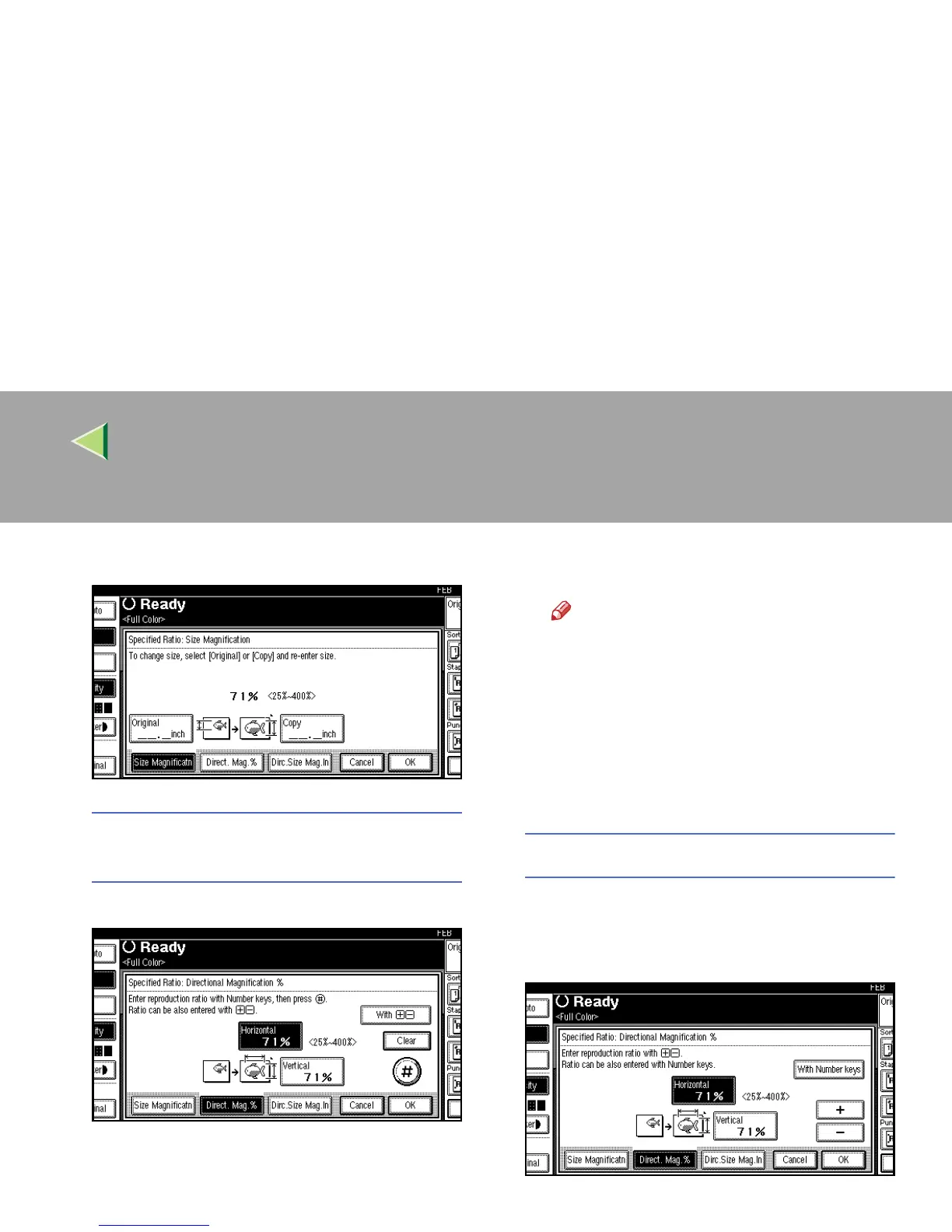
Press [
Direct. Mag.%
].
To enter the ratio with the number
keys
A Press [Horizontal].
B Enter the desired ratio with the number
keys, and then press [
#
].
Note
❒ To change the ratio entered, press
[Clear] or the {
{{
{Clear/Stop}
}}
} key, and then
enter the new ratio.
C Press [Vertical].
D Enter the desired ratio with the number
keys, and then press [
#
].
E Press [
OK
].
To specify a ratio with [n
nn
n] and [o
oo
o]
A Press [With n
nn
n o
oo
o].
B Press [
Horizontal
].
C Adjust the ratio using [n
nn
n] or [o
oo
o].



 To Next Page