Operating Instructions Copy Reference <Advanced Features>
18
A
AA
A
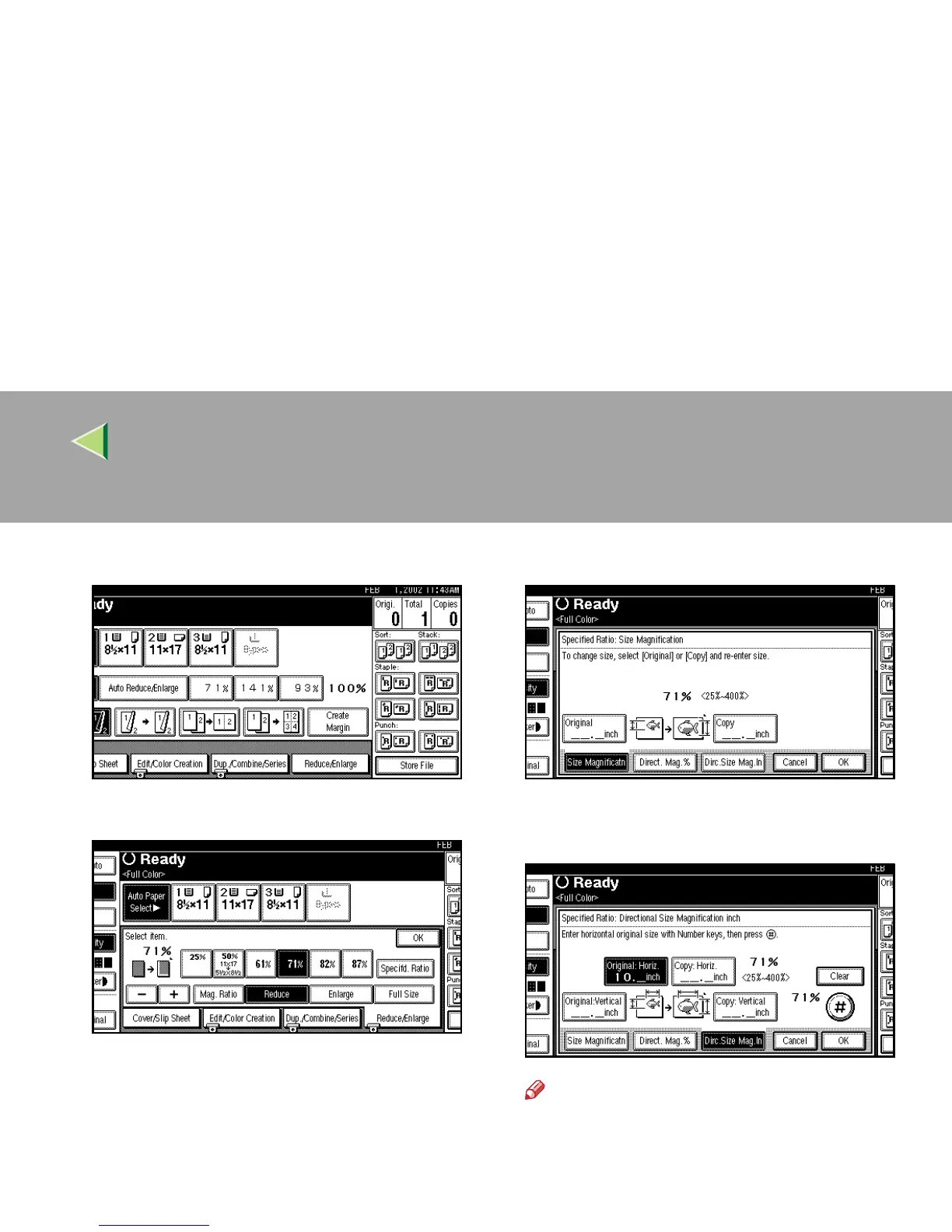
Press [
Reduce/Enlarge
].
B
BB
B
Press [Specifd Ratio].
C
CC
C
Press [
Dirc. Size Mag. In
].
D
DD
D
Enter the horizontal size of the original
with the number keys, and then press [#].
Note
❒ The horizontal size you can enter is from
1mm (0.1") to 9999mm (999.9").
❒ To change the length entered, press
[Clear] or the {
{{
{Clear/Stop}
}}
} key, and then en-
ter the new length.



 To Next Page