Operating Instructions Copy Reference <Advanced Features>
24
C
CC
C
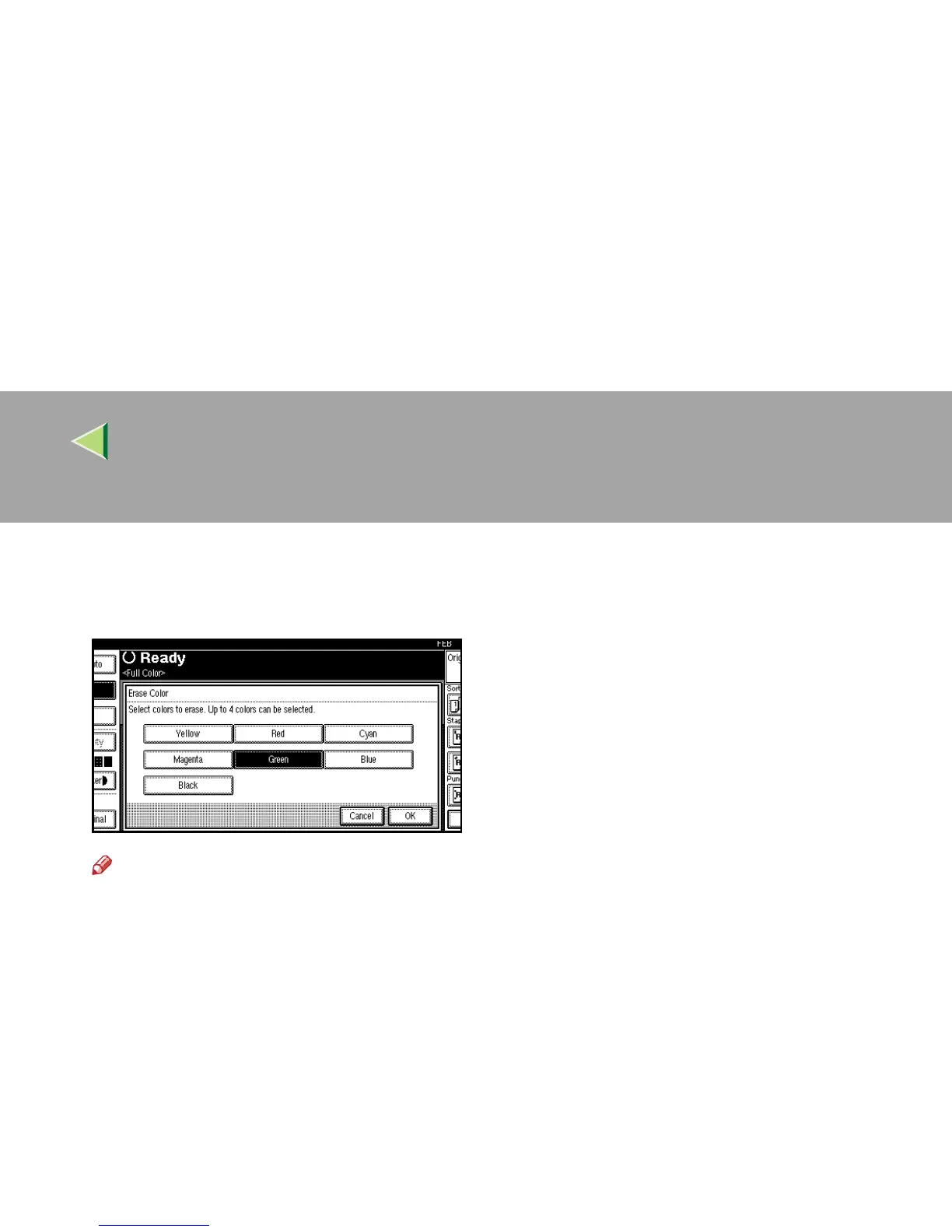
Select the color to be deleted.
The key of the selected color will be high-
lighted.
Note
❒ You can cancel the selection by pressing
the selected (highlighted) key.
❒ You can select up to 4 colors simulta-
neously.
D
DD
D
Select the colors you want to delete, and
then press [OK].
E
EE
E
Place your originals, and then press the
{
{{
{Start}
}}
} key.



 To Next Page