Operating Instructions Copy Reference <Advanced Features>
33
A
AA
A
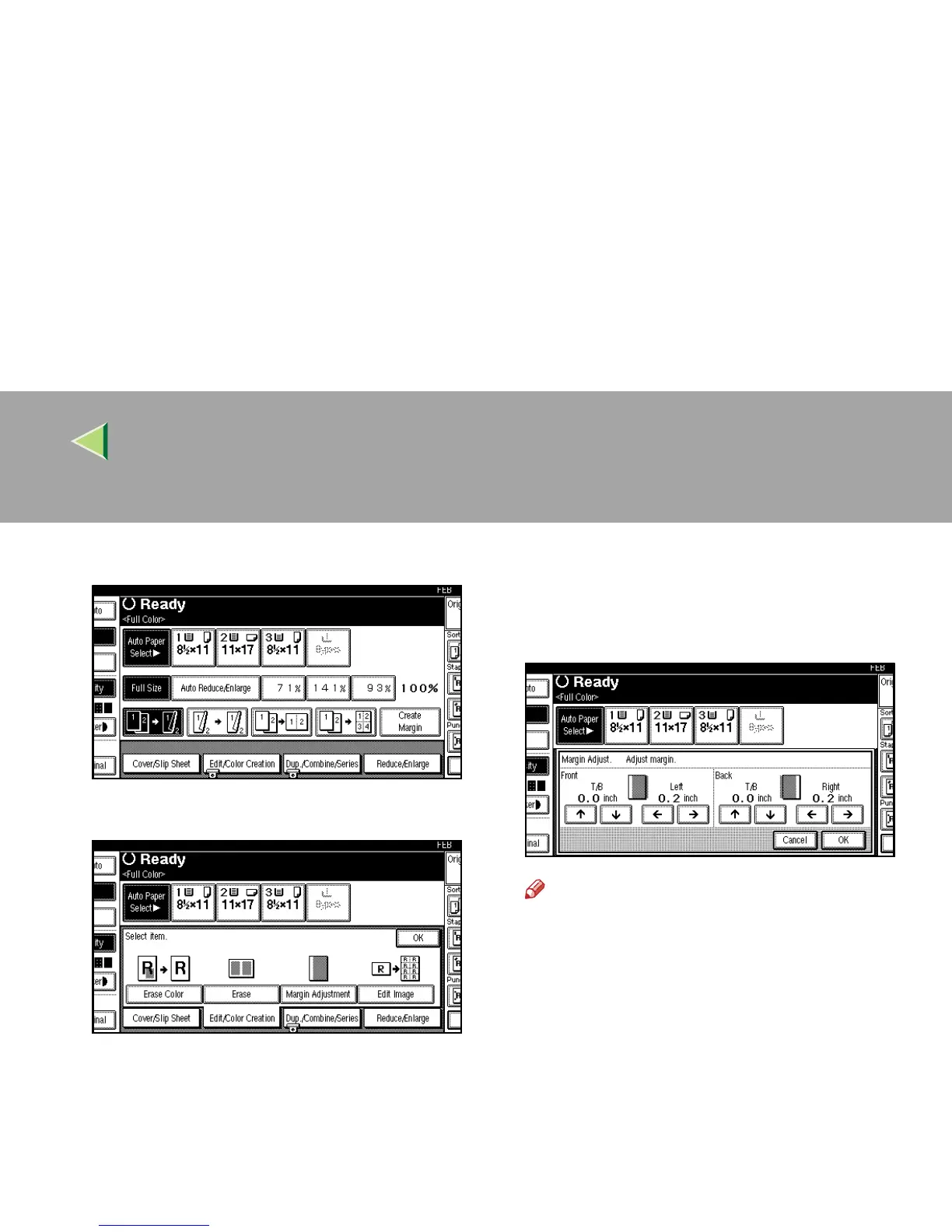
Press [
Edit/Color Creation
].
B
BB
B
Press [Margin Adjustment].
C
CC
C
Set a binding margin for a front page.
Press [←
←←
←] and [→
→→
→] when setting the left and
right margins, and [↑
↑↑
↑] and [↓
↓↓
↓] when setting
the top and bottom margins.
Note
❒ The binding margin width you can enter is
from 0 to 30mm (0" to 1.2").
❒ To change the width entered, press [←
←←
←],
[→
→→
→], [↑
↑↑
↑], [↓
↓↓
↓], and then enter the new width.



 To Next Page