Operating Instructions Copy Reference <Advanced Features>
122
❒ In “Black and White”, printing will be done in black; in “Single Color”, printing will be done in the
specified color; in “Two-color” (standard), printing will be done in the specified color of the black
area; and in “Two- color” (Red and Black), printing will be done in black.
❒ An image of approximately 1.5mm (0.06”) will not be displayed as the width of the separation
line, when specifying solid or broken lines.
❖
❖❖
❖ Separation Line in Combine
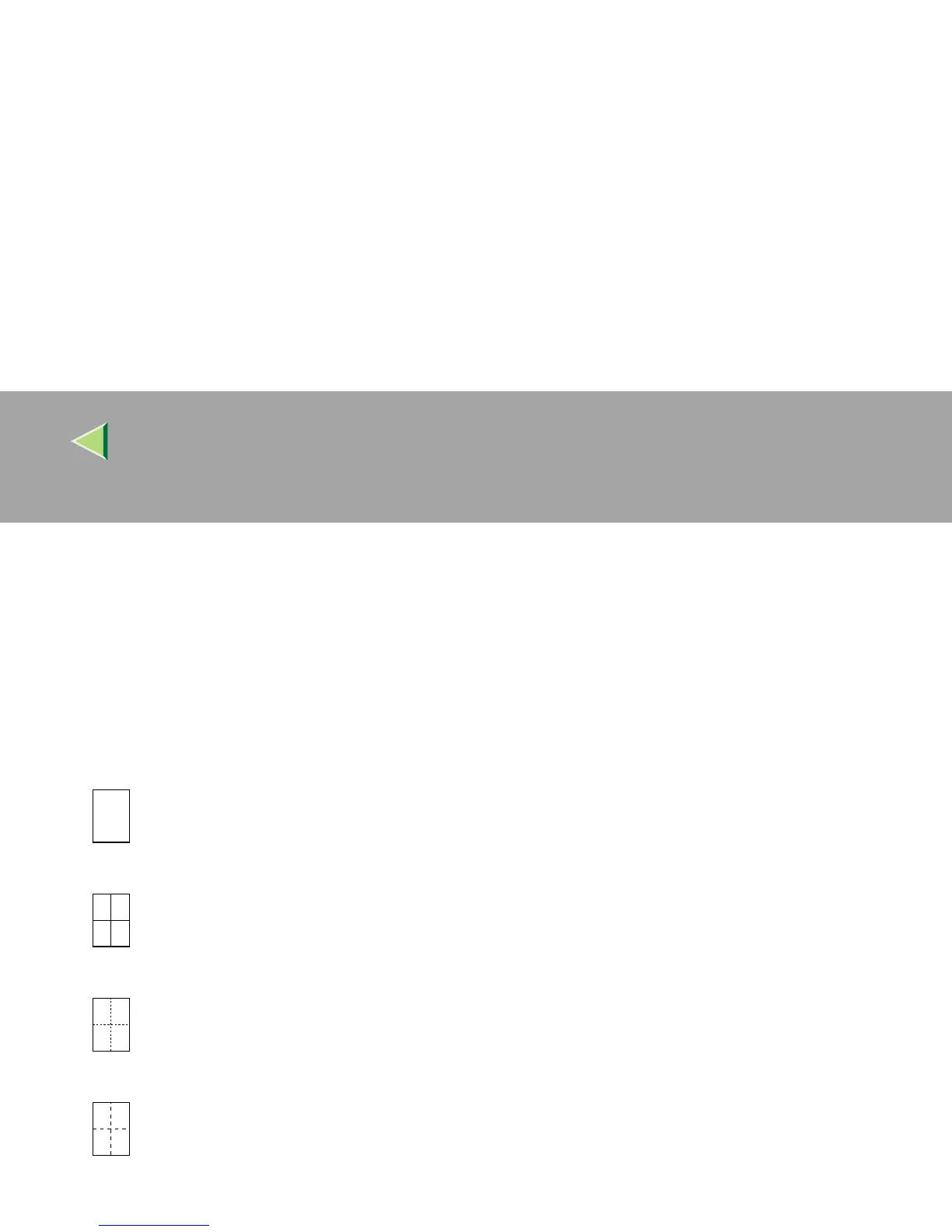
You can select a separation line in Combine mode from None, Solid, Broken A, Broken B or Crop
Marks. ⇒“Combine”, Basic Features manual
• None
• Solid
• Broken A
• Broken B



 To Next Page