Operating Instructions Scanner Reference
39
Setting Procedure
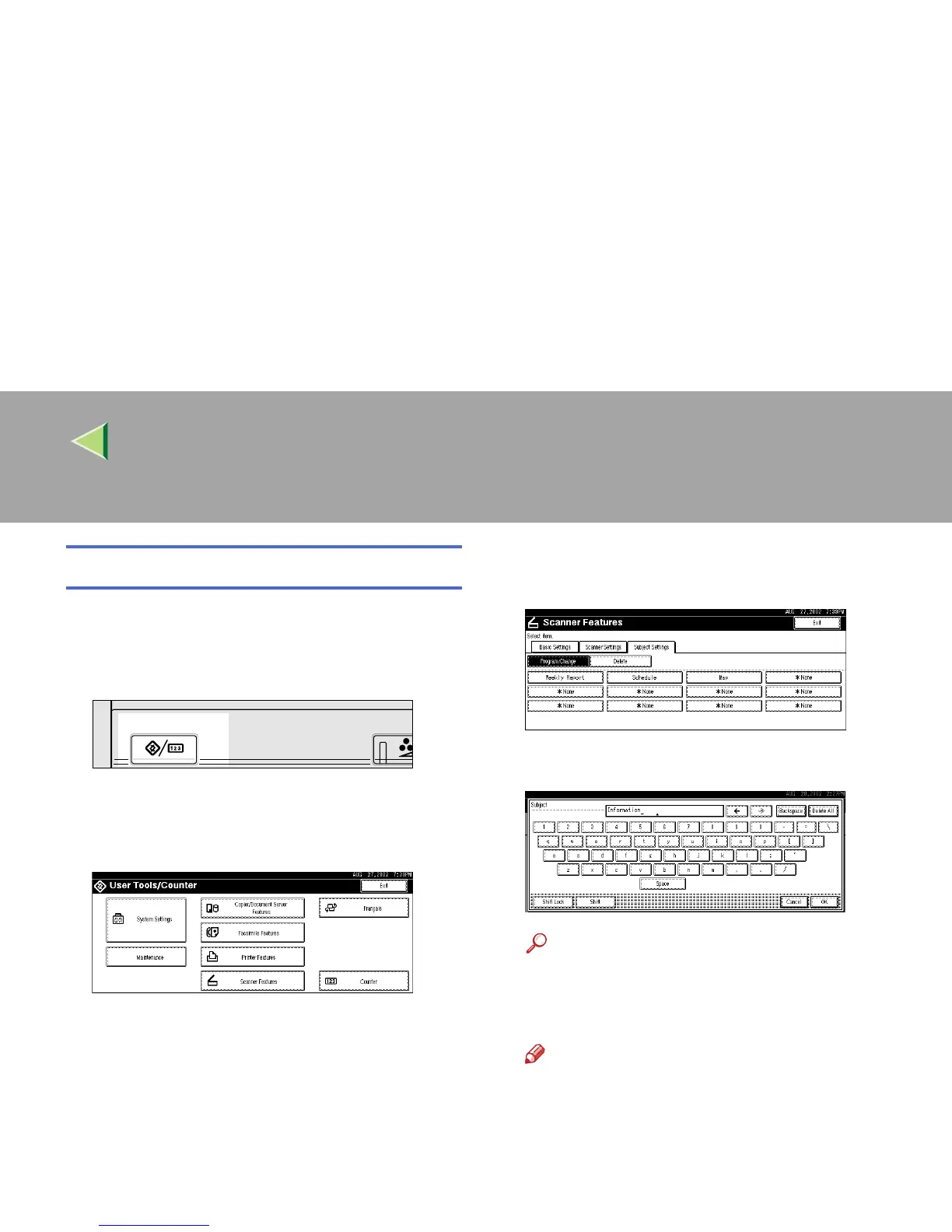
This section describes the steps for making sub-
ject settings.
A
AA
A
Press the {
{{
{User Tools/Counter}
}}
} key.
The User Tools/Counter screen appears.
B
BB
B
Press [Scanner Features].
The Scanner Features screen appears.
C
CC
C
Press the [Subject Settings] tab.
D
DD
D
Verify that [Program/Change] is selected,
and select the subject you want to program.
E
EE
E
Enter the subject string.
Reference
❒ For information about how to enter charac-
ters, see the Facsimile Reference <Basic
Features>.
Note
❒ If an item is selected for which a subject is
already programmed, the subject can be
edited.
F
FF
F
Press [OK].
Adjust/Prog
User Tools/Counter
ZEVS050E



 To Next Page