Operating Instructions Scanner Reference
80
C
CC
C
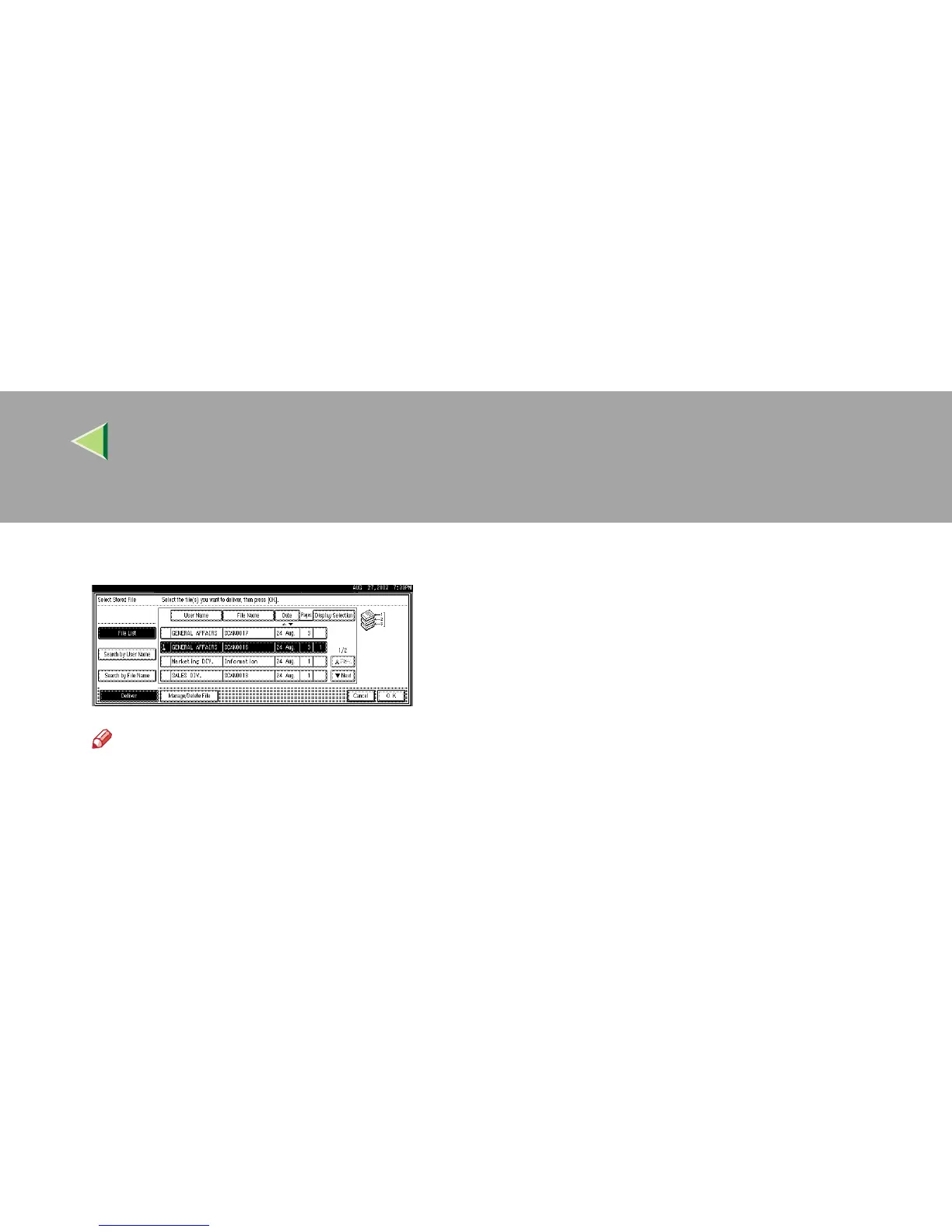
To select multiple files, repeat step
B
BB
B
.
Note
❒ You can select up to 30 files for one oper-
ation.
❒ If you select multiple files, the files will be
delivered in the order they were selected.
❒ If you press [Display Selection], the selected
files will only be shown in the order of de-
livery.
D
DD
D
Press [OK].
The screen for specifying a destination ap-
pears.
E
EE
E
Specify a destination.
F
FF
F
If required, select the sender (scan data de-
livery source) and a subject.
G
GG
G
Press the {
{{
{Start}
}}
} key.
The selected stored files are delivered.



 To Next Page