Scan Settings
37
2
A
AA
A
Selecting the type of image densi-
ty.
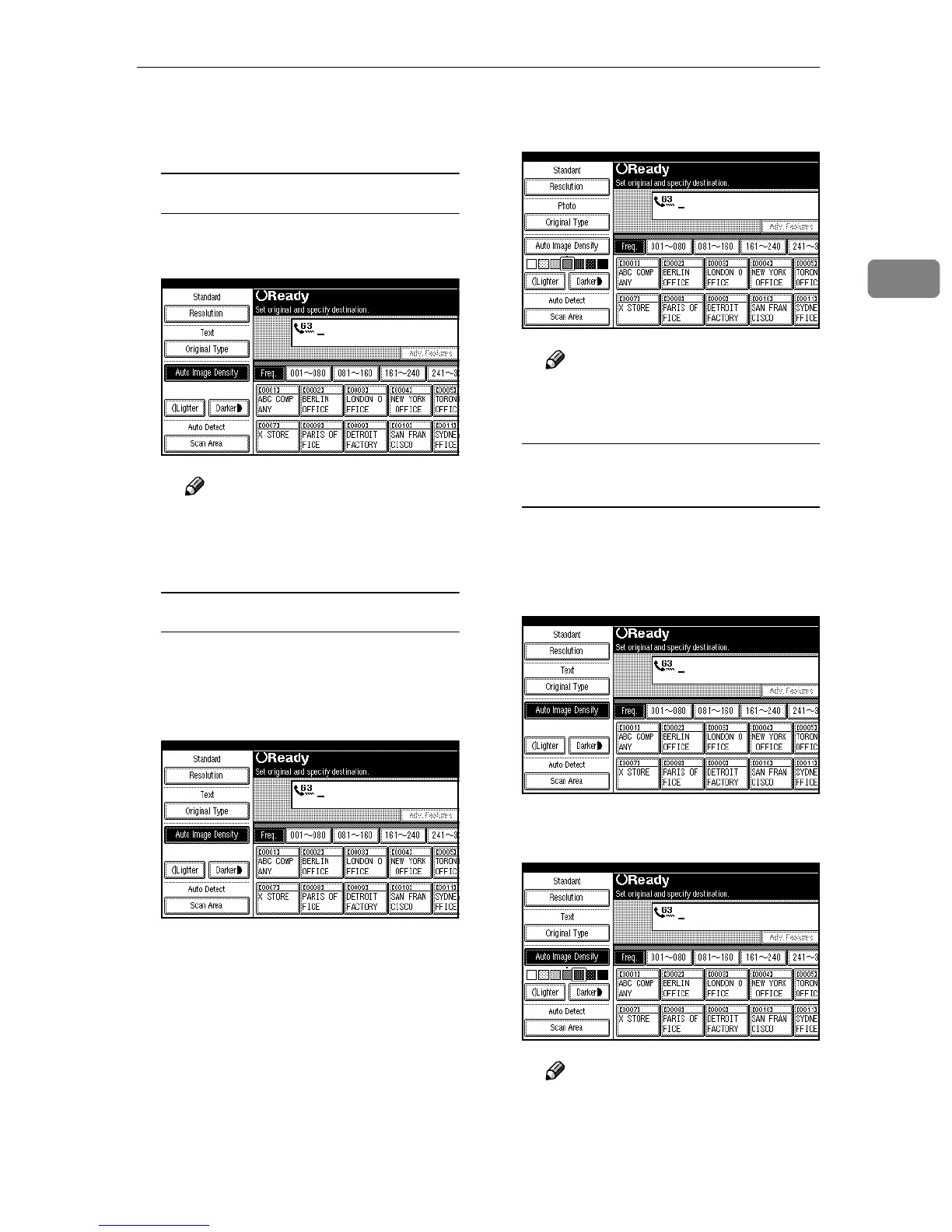
Auto Image Density
A
AA
A Make sure that [Auto Image Den-
sity] is selected.
Note
❒ If [Auto Image Density] is not
selected, press [Auto Image
Density].
Manual Image Density
A
AA
A Make sure that [Auto Image Den-
sity] is not selected. If it is se-
lected, press [Auto Image Density]
to turn it off.
B
BB
B Press [i
ii
iLighter] or [Darkerj
jj
j] to
change the density.
Note
❒ You can select one of seven
density levels.
Combined Auto and Manual
Image Density
A
AA
A Make sure that [Auto Image Den-
sity] is selected. If it is not se-
lected, press [Auto Image Density]
to turn it on.
B
BB
B Press [i
ii
iLighter] or [Darkerj
jj
j] to
change the density.
Note
❒ You can select one of seven
density levels.



 To Next Page