Operating Instructions Maintenance Guide 2 Copier System Edition
18
• means that the size is supported but the paper size should be set with the control panel as a custom
size.
•
*
means that the supported size is approximately 3.5 - 12 inch in width, and approximately 5.8 -
18 inch in length. The supported size may differ depending on the printer language you use. Set the
custom size setting with the control panel.
• means that the size is not supported.
❖
❖❖
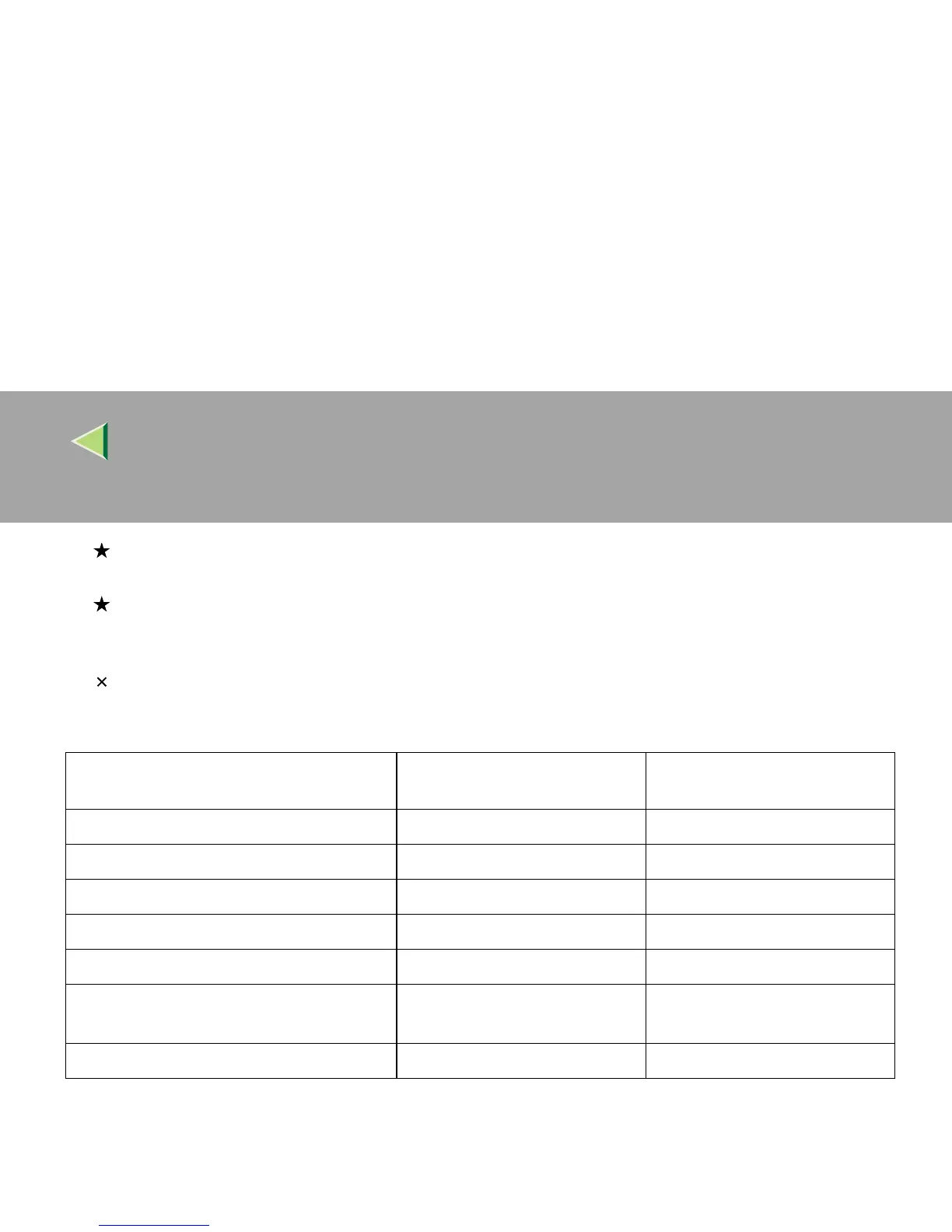
❖ Paper weight and the maximum number of sheets
*1
Confirm that the top of the stack is not higher than the limit mark inside the tray.
Supported paper weight
Maximum number of sheets
(plain paper)
*1
Tray 1
60 - 105 g/m
2
(16 - 28 lb) 500 (80 g/m
2
, 20 lb)
Tray 2
60 - 105 g/m
2
(16 - 28 lb) 500 (80 g/m
2
, 20 lb)
Bypass Tray
52 - 162 g/m
2
(14 - 42 lb) 100 (80 g/m
2
, 20 lb)
PAPER FEED UNIT Type 3800C (500 × 1)
60 - 105 g/m
2
(16 - 28 lb) 500 (80 g/m
2
, 20 lb)
PAPER FEED UNIT Type 3800C (500 × 2)
60 - 105 g/m
2
(16 - 28 lb) 1000 (80 g/m
2
, 20 lb)
Paper Bank PS470
(2000-sheet Large Capacity Tray)
60 - 105 g/m
2
(16 - 28 lb) 2000 (80 g/m
2
, 20 lb)
SR770 (2 Tray Finisher)
60 - 105 g/m
2
(16 - 28 lb) 2000 (80 g/m
2
, 20 lb)



 To Next Page