Initial Settings and Adjustments
47
3
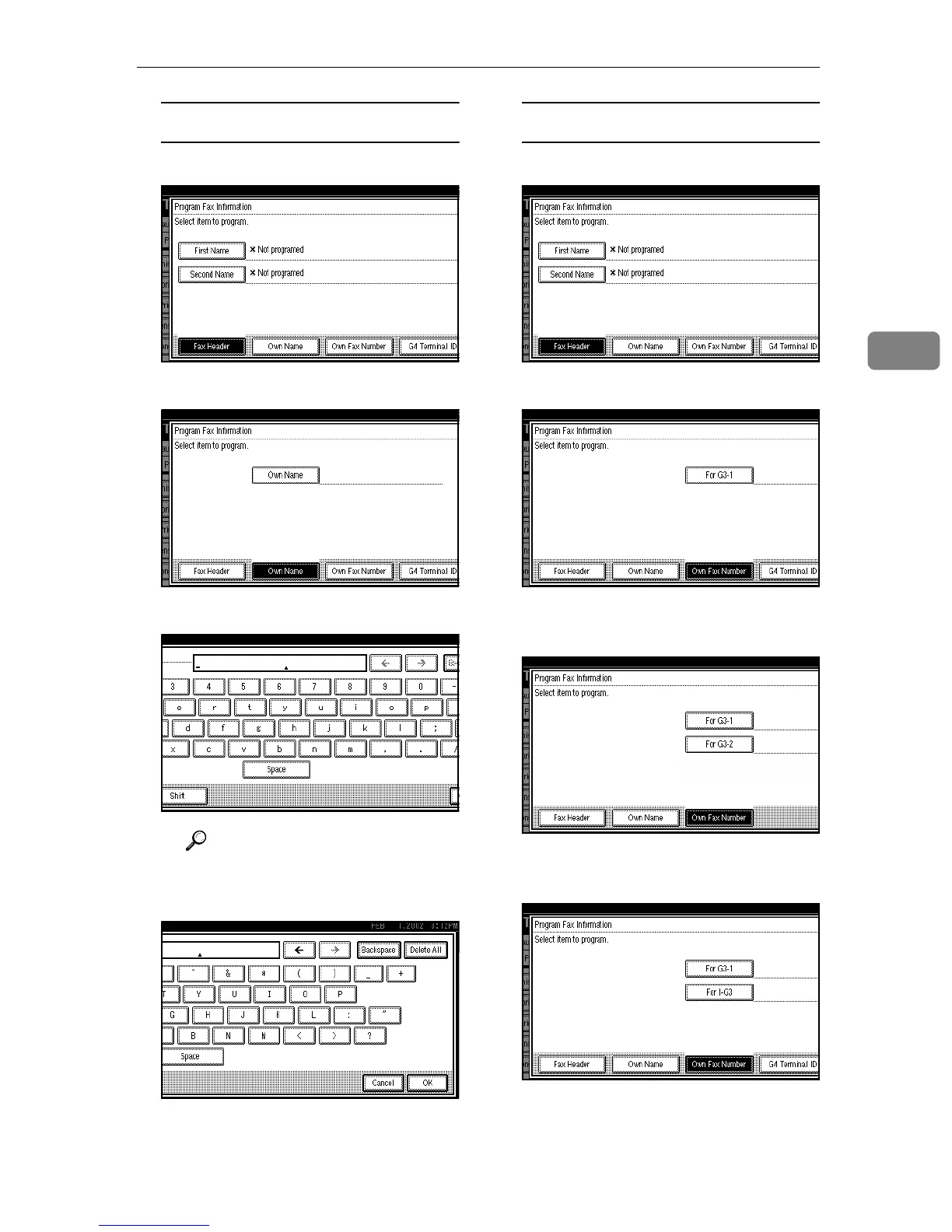
Programming an Own Name
A
AA
A Press [Own Name].
B
BB
B Press [Own Name].
C
CC
C Enter an Own Name.
Reference
⇒ p.71 “Entering Text”
D
DD
D Press [OK].
Programming an Own Fax Number
A
AA
A Press [Own Fax Number].
B
BB
B Select line type to Program.
When an optional Extra G3 In-
terface Unit is installed.
When an optional ISDN Unit is
installed.



 To Next Page