Groups
67
3
B
BB
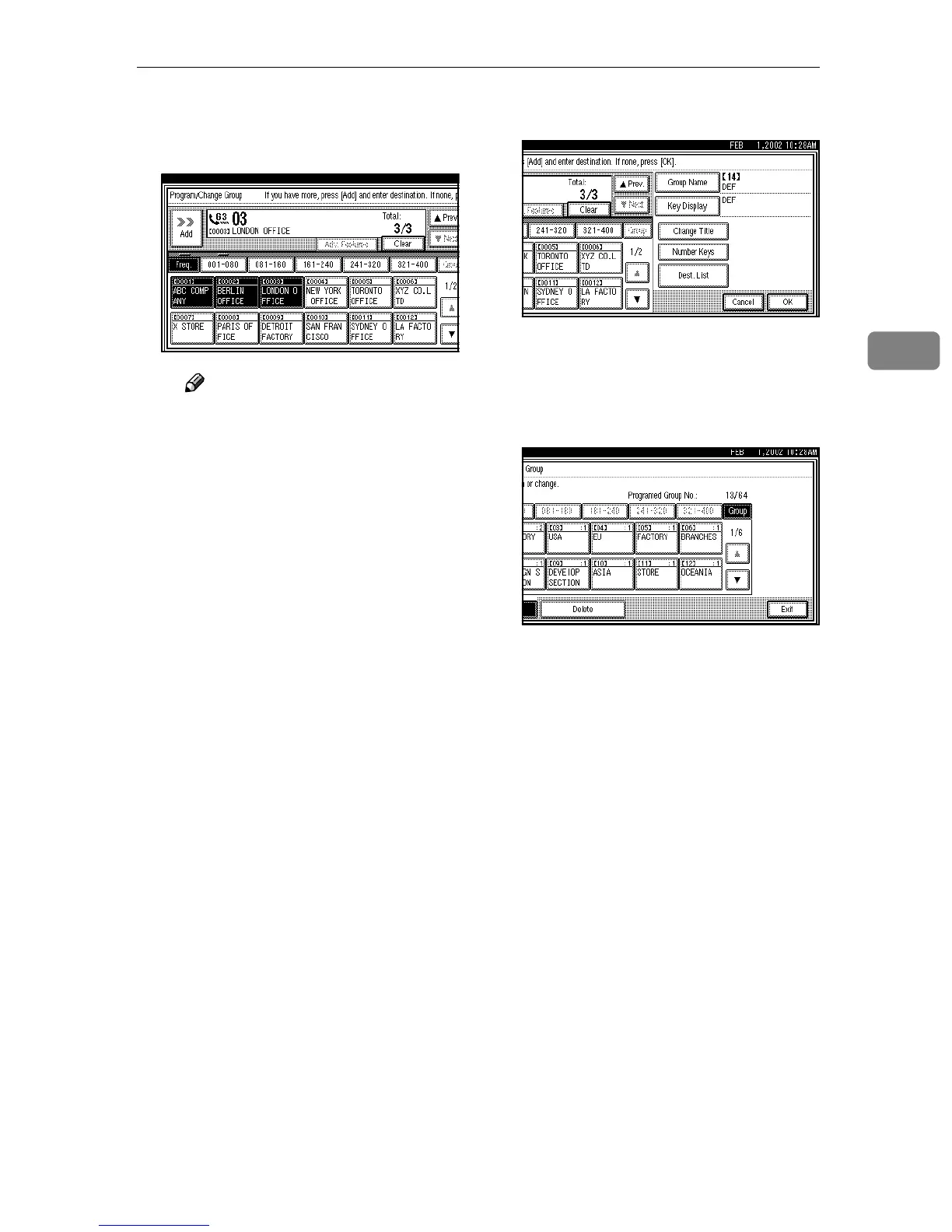
B Add the destination using the
number keys or a Quick Dial
key.
Note
❒ To add another destination,
press [Dest.List] and proceed
from step A .
❒ You also can cancel program-
ming by pressing the Quick
Dial key of the destination to
be added.
❒ When you add the destina-
tion using the number keys,
press [Adv. Features] to pro-
gram SUB, SID, SEP, PWD,
sub-address or UUI. ⇒
Chapter 4, “Advanced Fea-
tures” in the Advanced Fea-
tures manual
❒ You can select a line type for
each destination when the
optional ISDN Unit or the
optional Extra G3 Interface
Unit is installed. Press [Select
line] to select a line type. ⇒
Chapter 4, “Changing the
Line Type” in the Advanced
Features manual
E
EE
E
Press [OK].
If you press [Cancel], the group is
not changed. The display appears
as in step
C
.
F
FF
F
Press [Exit] twice.
The machine will return to standby
mode.



 To Next Page