Groups
69
3
Note
❒ If you want to delete another
destination, press [U
UU
U Prev.] or [T
TT
T
Next] to display it.
The programmed group is shown
on the display.
F
FF
F
Press [OK].
Note
❒ If you press [Cancel], the desti-
nation is not display appears as
in step
C
.
G
GG
G
Press [Exit] twice.
The machine will return to standby
mode.
Deleting Groups
A
AA
A
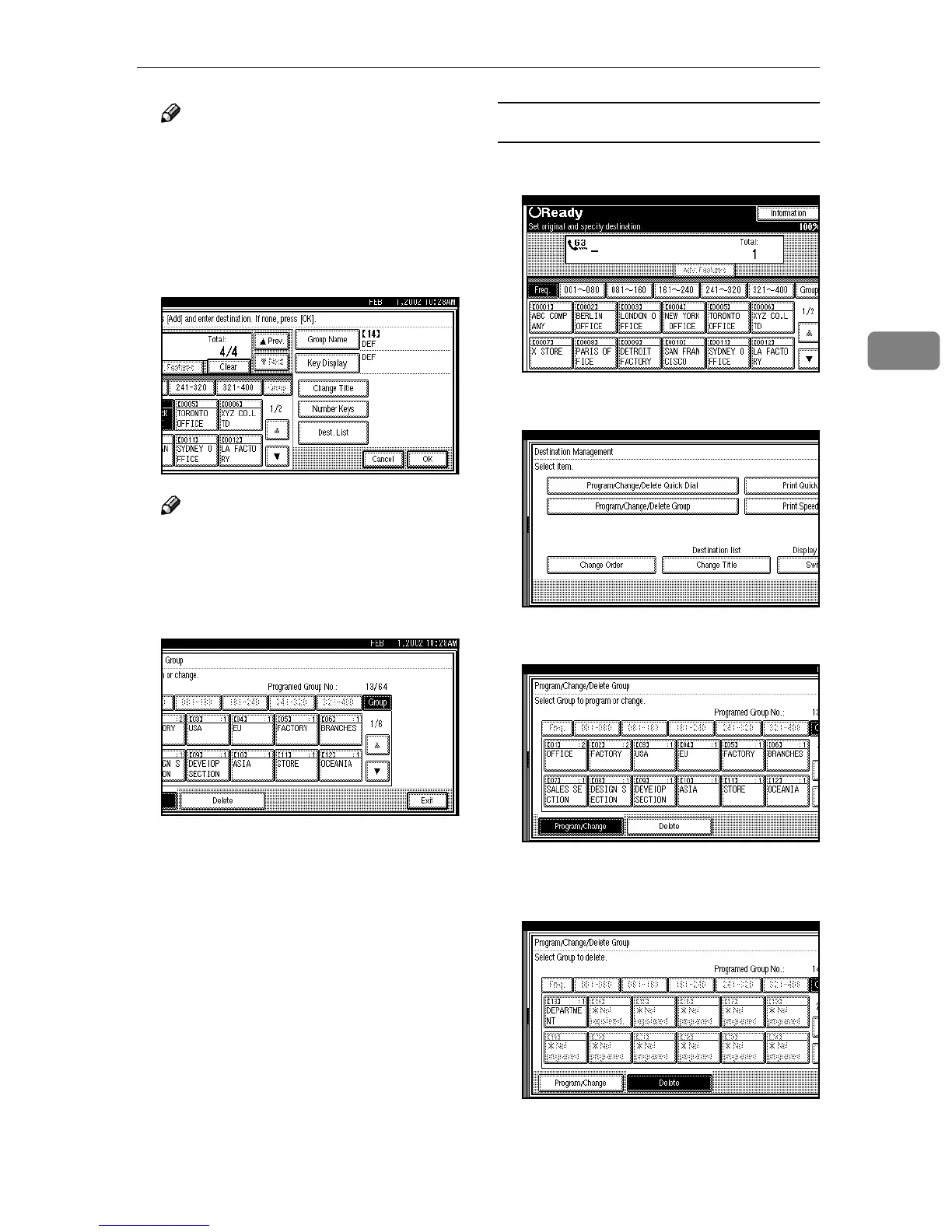
Press [Dest. Management].
B
BB
B
Press [Program/Change/Delete Group].
C
CC
C
Press [Delete].
D
DD
D
Select the key for the group you
want to delete.



 To Next Page