Operating InstructionsFacsimile Reference (option) <Advanced Features>
20
A
AA
A
Place your original, and then select any
scan settings you require.
B
BB
B
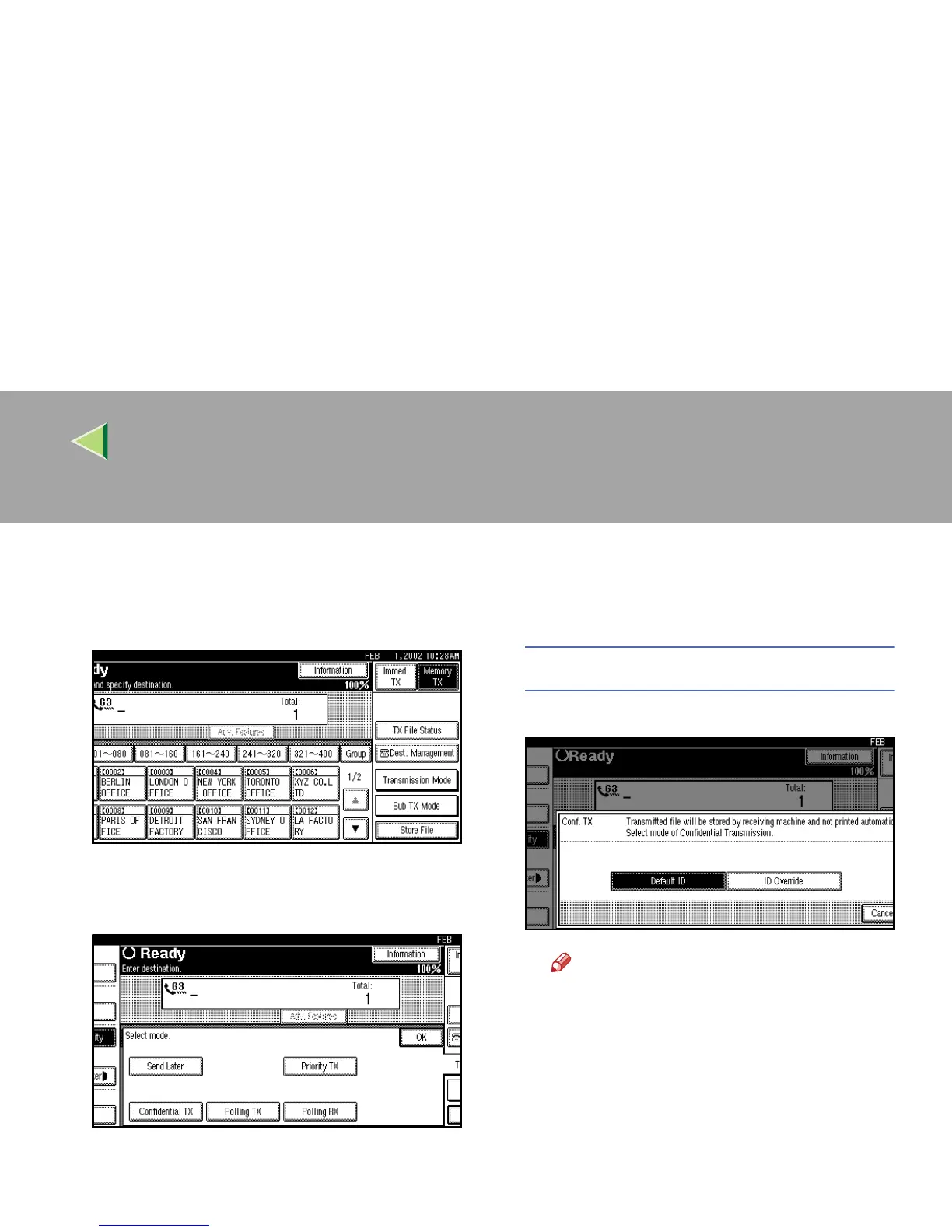
Press [Transmission Mode].
The Transmission Mode menu appears.
C
CC
C
Select [Confidential TX].
D
DD
D
Depending on the Confidential Transmis-
sion type, use one of the following proce-
dures:
Default ID
A
AA
A Check that [Default ID] is selected.
Note
❒ If [
Default ID
] is not selected, press [
De-
fault ID
].
❒ To cancel Confidential TX, press [Can-
cel]. The display will return to the Trans-
mission Mode menu.
B
BB
B Press [OK].
The Transmission Mode menu is shown.
The [Confidential TX] key is highlighted,
and “Default ID” is shown above.



 To Next Page