Operating InstructionsFacsimile Reference (option) <Advanced Features>
47
Selecting [Print per File No.]
A
AA
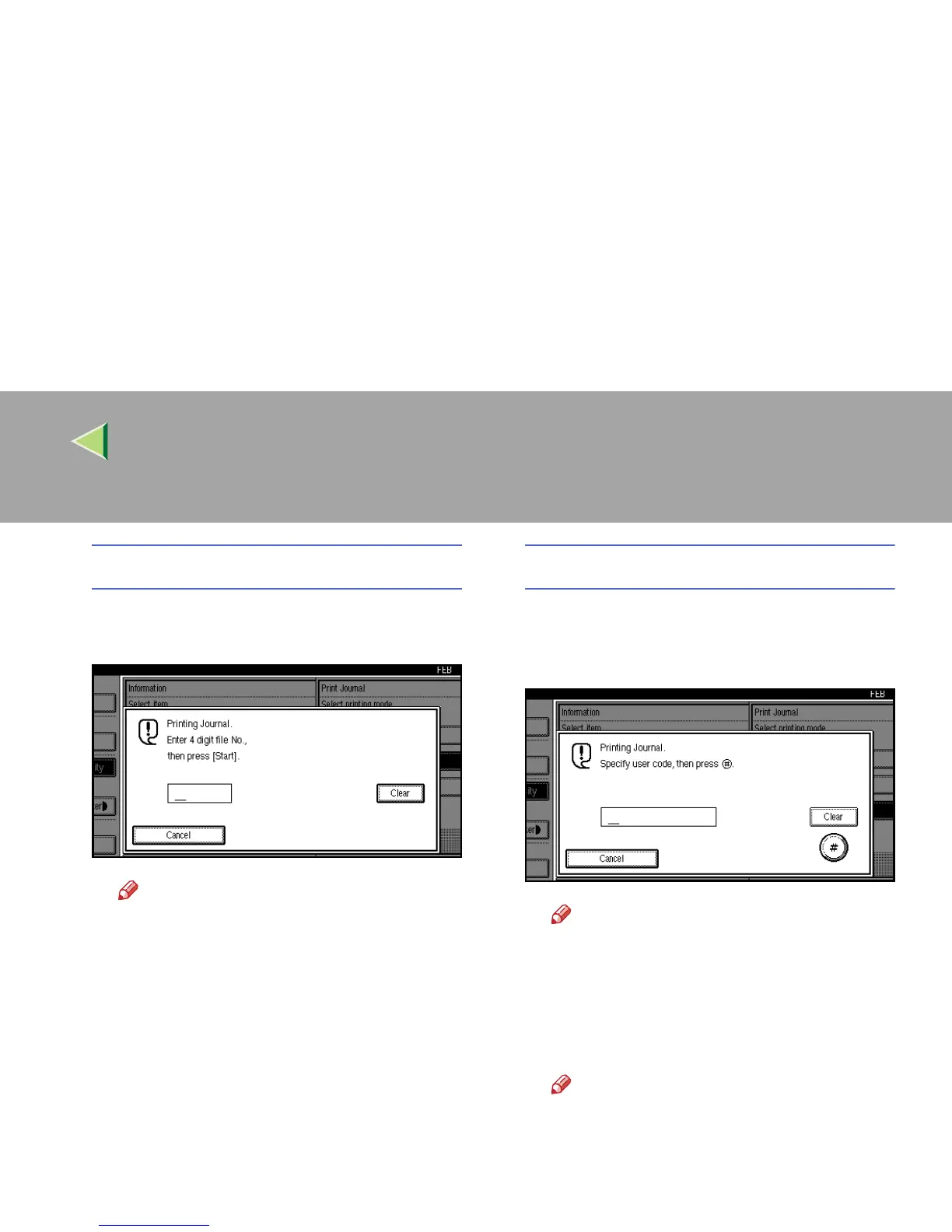
A Press [Print per File No.].
B
BB
B Enter a 4 digit file number.
Note
❒ If you make a mistake, press [
Clear
] or
the {
{{
{Clear/Stop}
}}
} key and try again.
Selecting [Print per User Code]
A
AA
A Press [Print per User Code].
B
BB
B Specify an 8 digit User Code with the
number keys.
Note
❒ If you make a mistake, press [Clear] or
the {
{{
{Clear/Stop}
}}
} key and try again.
C
CC
C Press [#
##
#].
D
DD
D Check the User Code shown on the dis-
play.
Note
❒ To cancel printing, press [Cancel]. The
display will return to step
C
.



 To Next Page