Operating Instructions Maintenance Guide 2 Copier System Edition
27
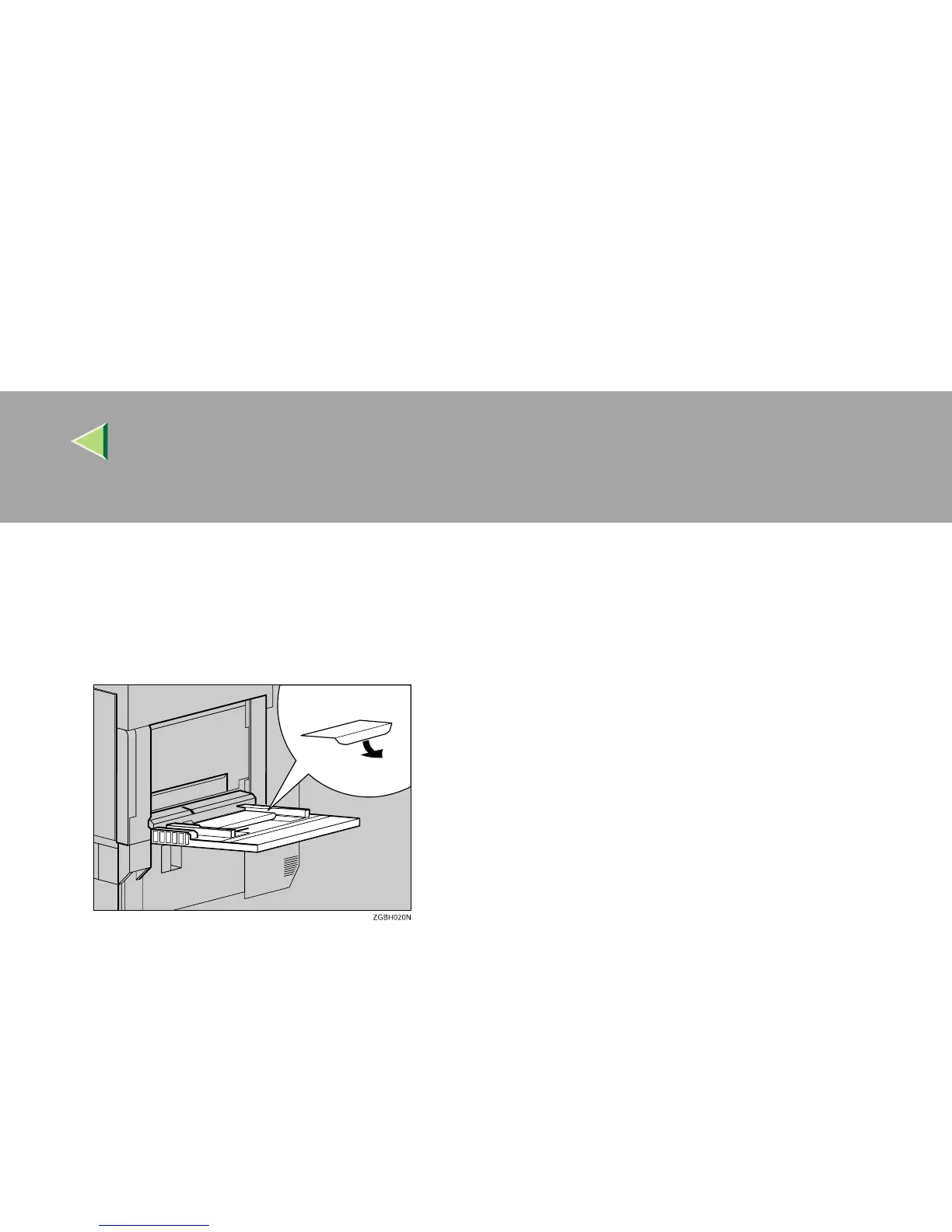
• You can load up to 10 envelopes (72 - 92 g/m
2
, 19 - 24 lb) in the Bypass Tray at the same time,
without forcibly pressing them. Confirm that the envelopes are not damp and that the top of the
stack is not higher than the limit mark on the side guide.
• Confirm that the print side is facing up when loading onto the Bypass Tray.
• When loading envelopes, be sure to unfold the flaps and position them opposite to the paper feed direction.
• Make the printer driver's setting for rotating the print image by 180 degrees. For details, see the
Help file for the printer driver.
• Confirm that there is no air in the envelopes before loading.
• To get better print quality, it is recommended that you set the right, left, top, and bottom print
margin to at least 15 mm (0.6").
• Do not print on both sides of envelopes.
• Load only one size and type of envelope at the same time.
• Before loading envelopes, flatten their leading edges (the side being fed into the printer) by run-
ning a pencil or ruler across them.
• Before loading envelopes, confirm that they are rectangular in shape.
• The supported size of envelopes is listed in "Paper and Other Media" in Maintenance Guide 2.



 To Next Page