Operating InstructionsFacsimile Reference (option) <Advanced Features>
56
B
BB
B
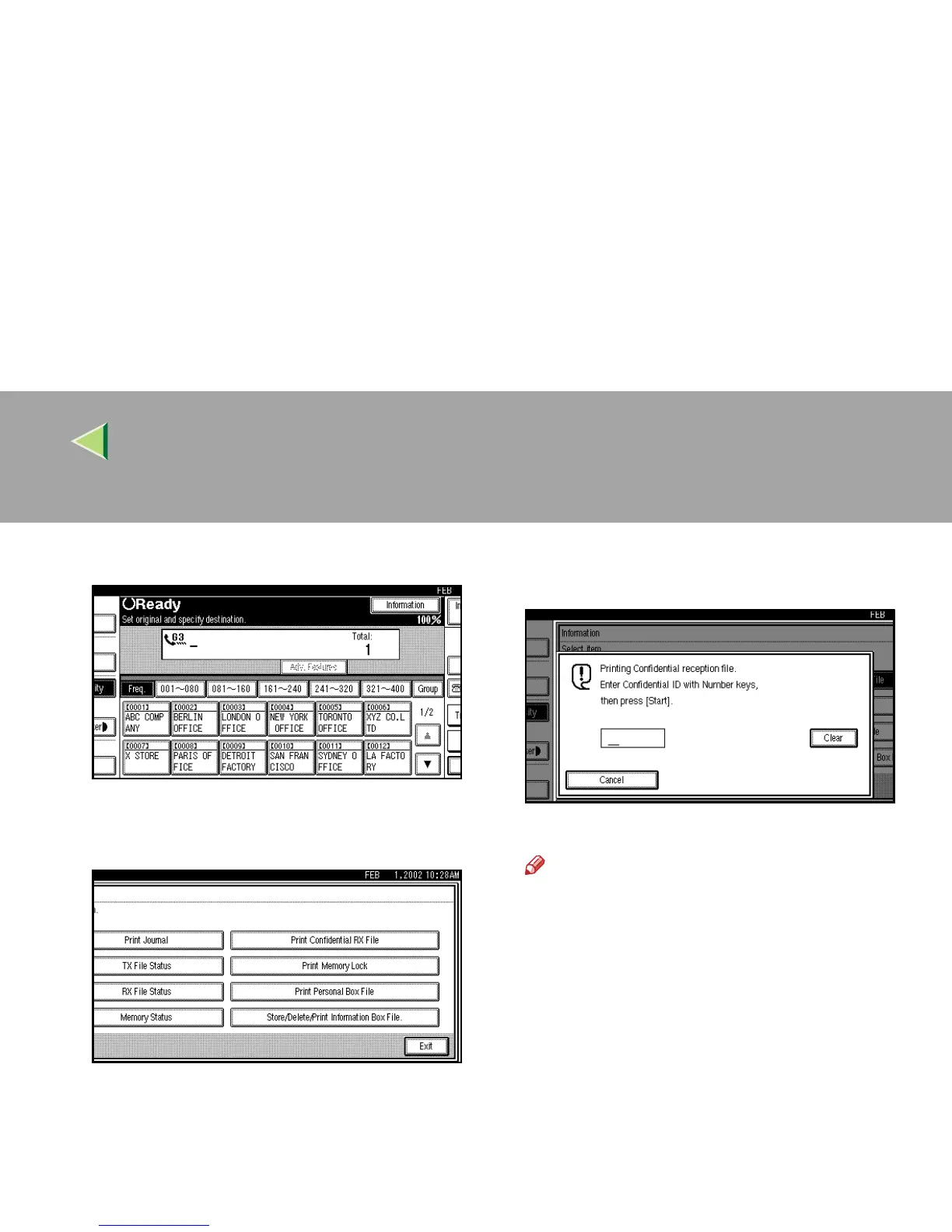
Press [Information].
The Information menu is shown.
C
CC
C
Select [Print Confidential RX File].
D
DD
D
Enter a 4 digit Confidential ID with num-
ber keys.
The Confidential ID is not shown on the display.
Note
❒ You must enter the Confidential ID pro-
grammed in this machine when the re-
ceived file has no Confidential ID.
❒ You must enter the Confidential ID pro-
grammed by the sender. Confirm the
sender's Confidential ID in advance.
❒ If no Confidential Messages have been re-
ceived, the message “
No reception
file.
” is shown. Press [
Exit
].
❒
If the Confidential IDs or Personal Confiden-
tial IDs do not match, the message “
No re-
ception file under specified
Confidential ID.
” is displayed. Press
[
Exit
]
to cancel the operation, and then
check the Confidential ID or Personal Confi-
dential ID with the other party and try again.



 To Next Page